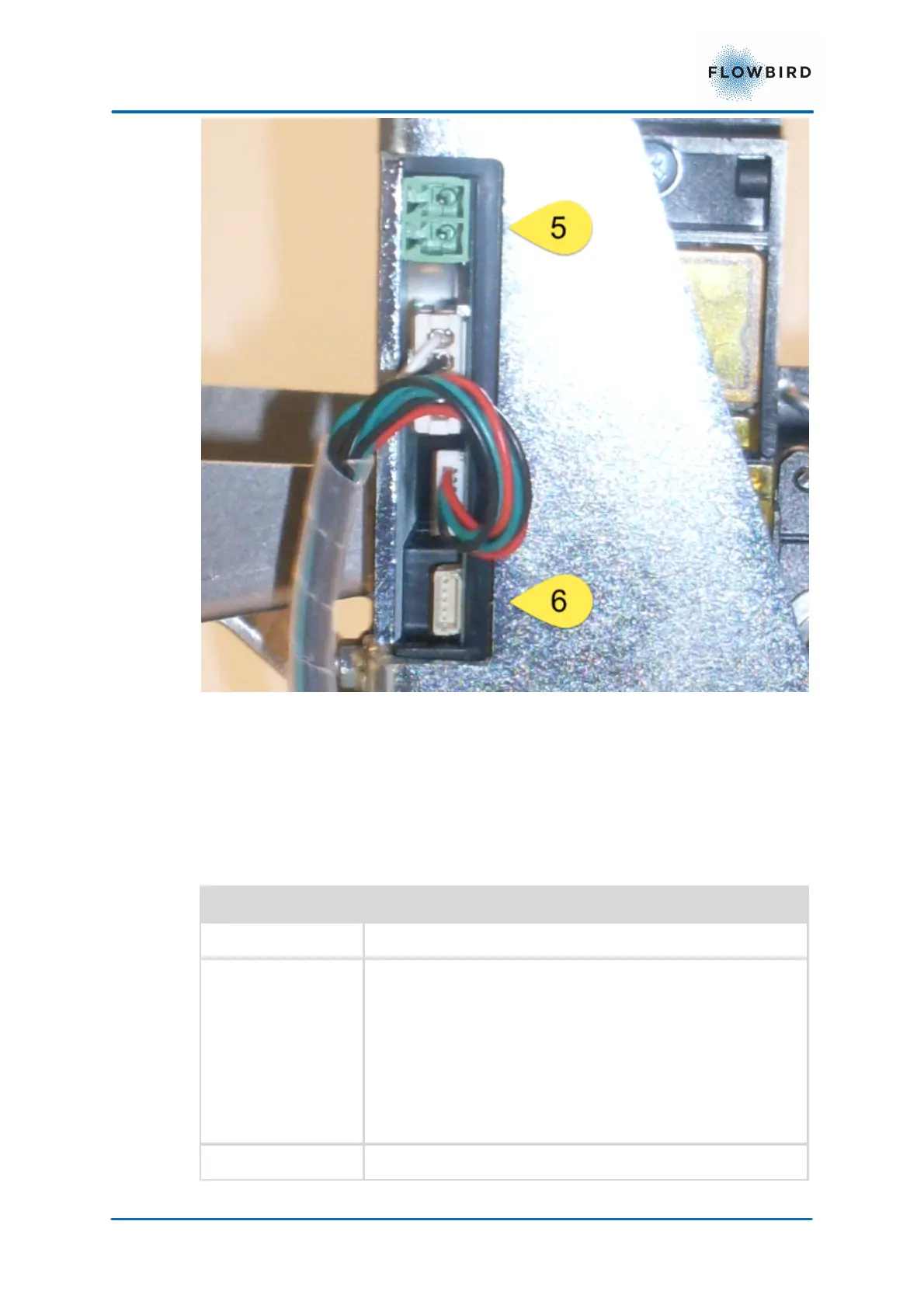
5. Power connector 12 V
6. RS 232 Data connector
4.5.1.1
Detects paper presence and black marks. Translucent sensor. If
the documents have pre-printed information, for instance a
logotype, each document usually also have a pre-printed black
mark for exact positioning of the printed elements and the
cutting. Because the combined paper out and black mark sensor
lights through the paper, it will detect a black mark irrespective of
which side of the paper that has the black mark. If the length of
the detected black area exceeds the set maximum black mark
length value by 5 mm this is interpreted as out of paper.



 To Next Page