Page 77CWT Compact S4 Touch Installation & Maintenance Manual for CWT 1.0-0Issue 3
Corrective maintenance
Install in reverse order. Keep the assembly pressed down while tightening the
screws.
8.5 Coin verifier replacement
Removal
1. Ensure that there is sufficient free length of the verifier cable. Loosen more of
the cable from the cable clamp if necessary.
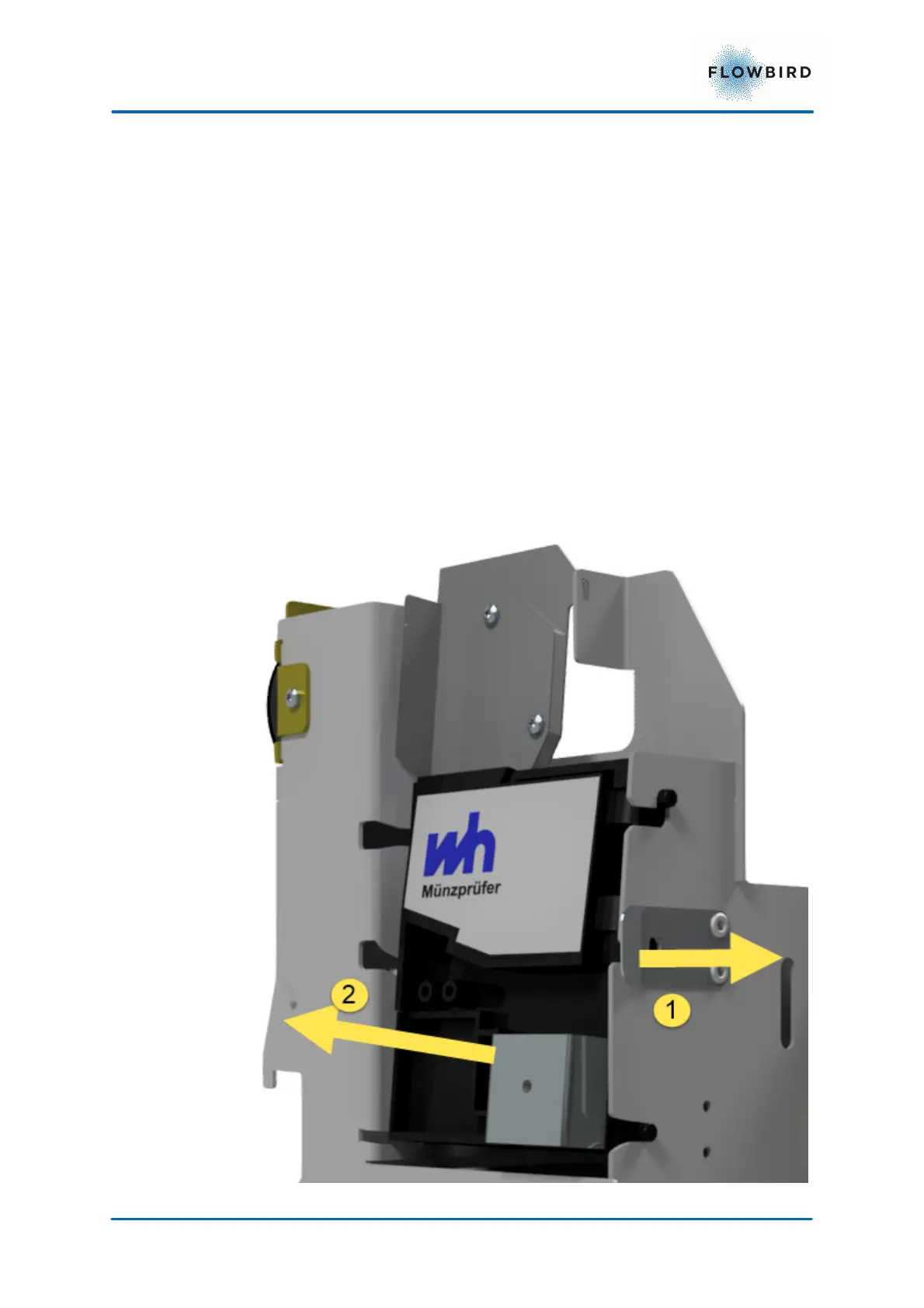
2. Keep the locking latch pulled out while you lower the coin verifier a bit and
remove it.
3. Disconnect the cable at the back of the verifier.
Figure 48, Removing the coin verifier Assembly



 To Next Page