Page 58CWT Compact S4 Touch Installation & Maintenance Manual for CWT 1.0-0Issue 3
Installation
5.2.4
Connecting to the mains power grid
Connect the incoming power cable to the terminal block (automatic residual
current device or fuse socket) in the pedestal (design may vary due to customer
requirements). See Installing the battery .
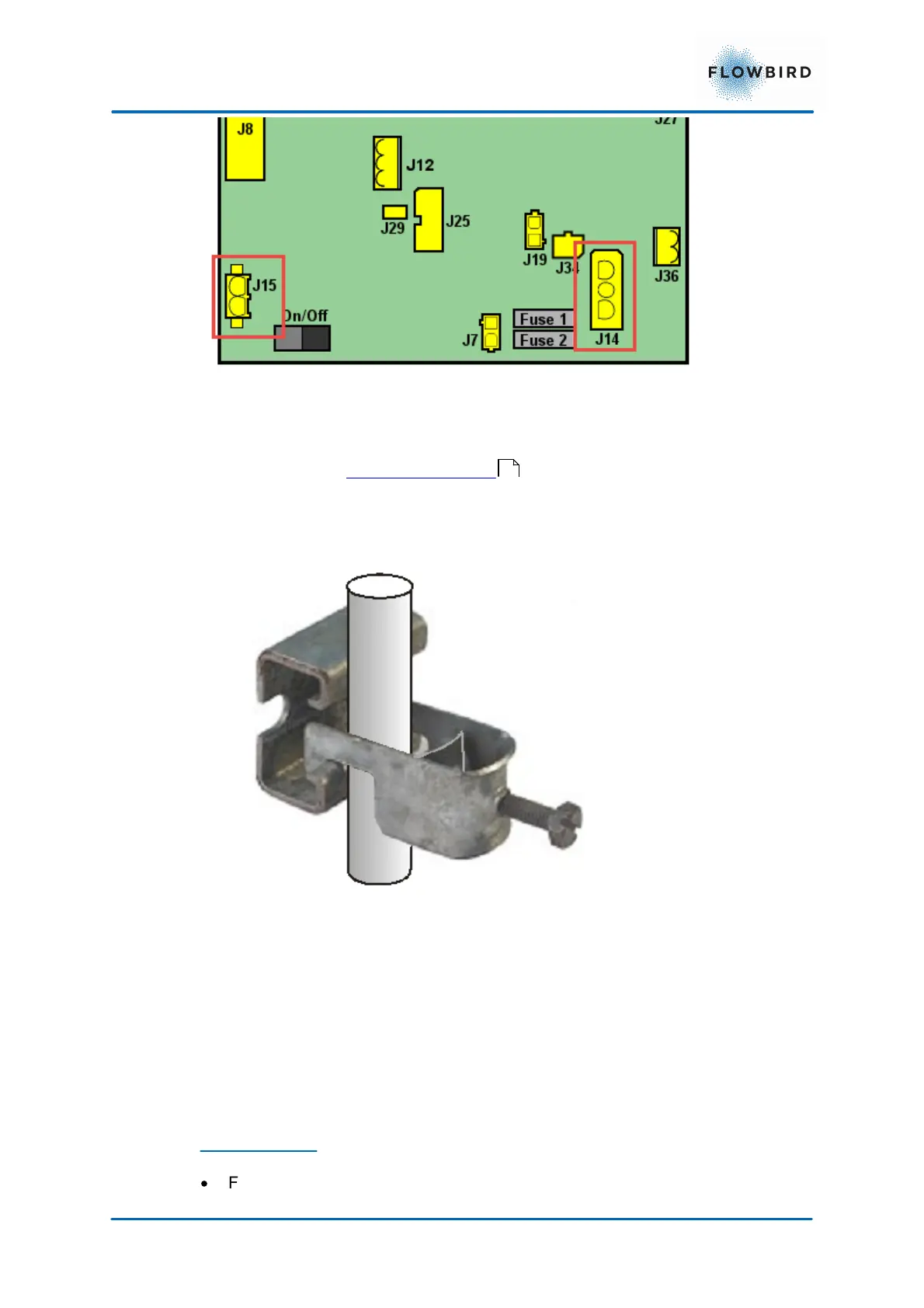
Secure the cable using the strain relieving clamp. See Figure below.
Figure 41, Power cable strain relieving clamp
5.2.5
Installing a modem
The end customer is entirely responsible for the set up and function of the modem
communication unless otherwise is agreed upon in writing with the Flowbird
representative.
Parts required
·
Flowbird modem 3G expansion board part number 0501-E0051
57



 To Next Page