Page 41CWT Compact S4 Touch Installation & Maintenance Manual for CWT 1.0-0Issue 3
Product description
4.7.5.2
Electronic locks
The CWT Compact terminals also have an optional electronic lock system with
online central administration and authorization via WebOffice. This solution
replaces the expensive and tedious handling and administration of keys because
all persons that need access to a CWT Compact use the same type and version
of door key that is more to be seen as a door opening tool.
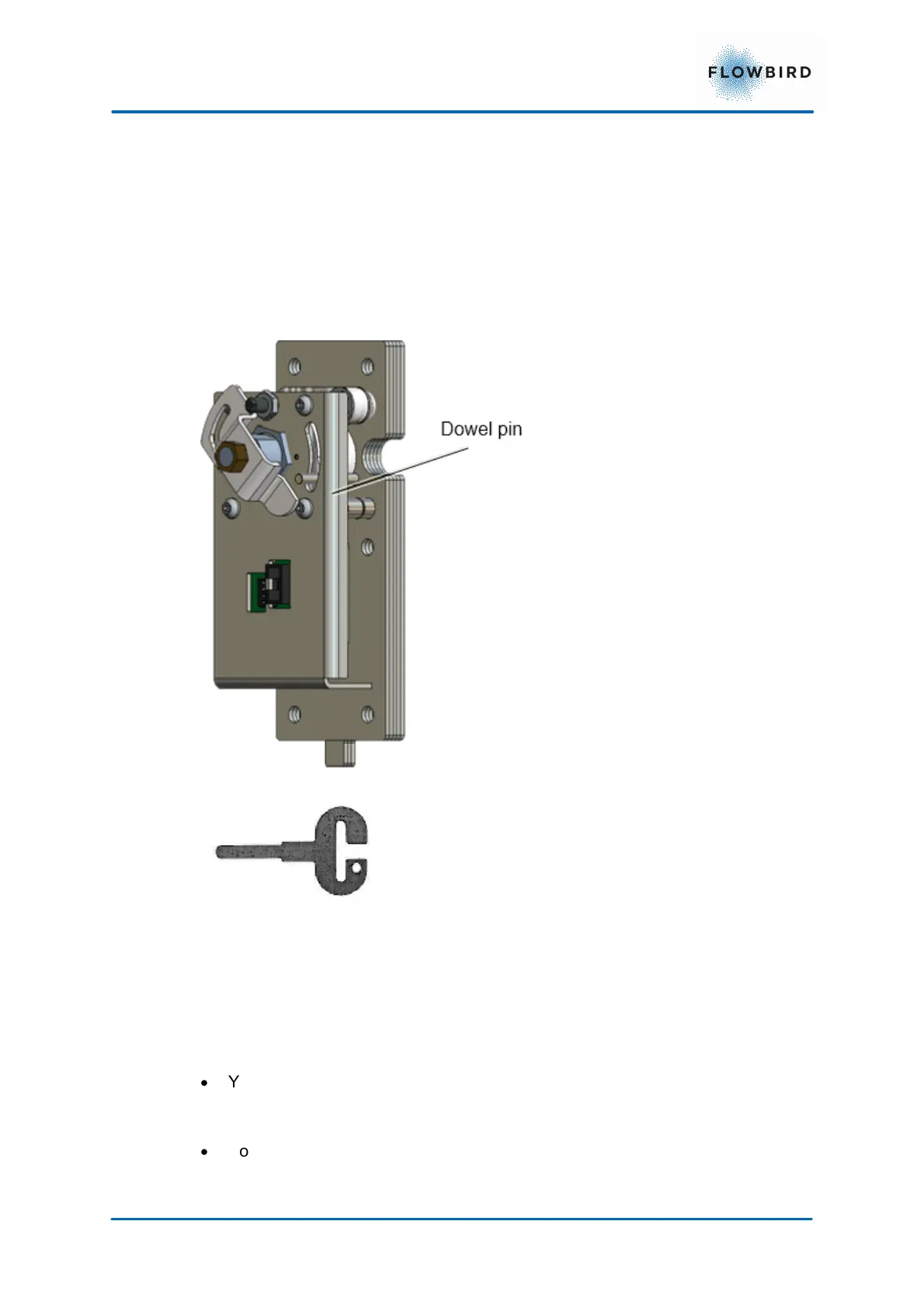
Figure 26, Electronic-locking mechanism.
Figure 27, Door key for
electronic locks
There is a round key hole at the right side of both the cabinet and the pedestal.
The inside of each hole is covered by a protective plate. To enable the insertion of
a key, this plate will automatically move out of way if these conditions are met:
·
You are registered as a user in WebOffice and have been given the proper
privileges for access times, opening frequencies, compartment (cabinet,
pedestal or both), etc.
·
You identify yourself by inserting an access card in the card reader and
entering an optional PIN code at the keyboard (CWTC S3A with keyboard and
CWTC Touch). In a CWTC S3A without keyboard and in terminals without a



 To Next Page