Page 70CWT Compact S4 Touch Installation & Maintenance Manual for CWT 1.0-0Issue 3
Preventive maintenance
7.2.2
Cleaning
Visible paper dust should be blown off regularly (at least once per year),
especially from the black mark and paper-out opto-sensors.
Caution:
Deposits accumulating on the row of heating points on the print head will
negatively affect the thermal head’s cooling which might damage or destroy the
print head.
The transportation rolls must be cleaned regularly. The frequency of cleaning
depends on factors such as paper quality, the type of pre-printing on the tickets,
and the degree of air pollution.
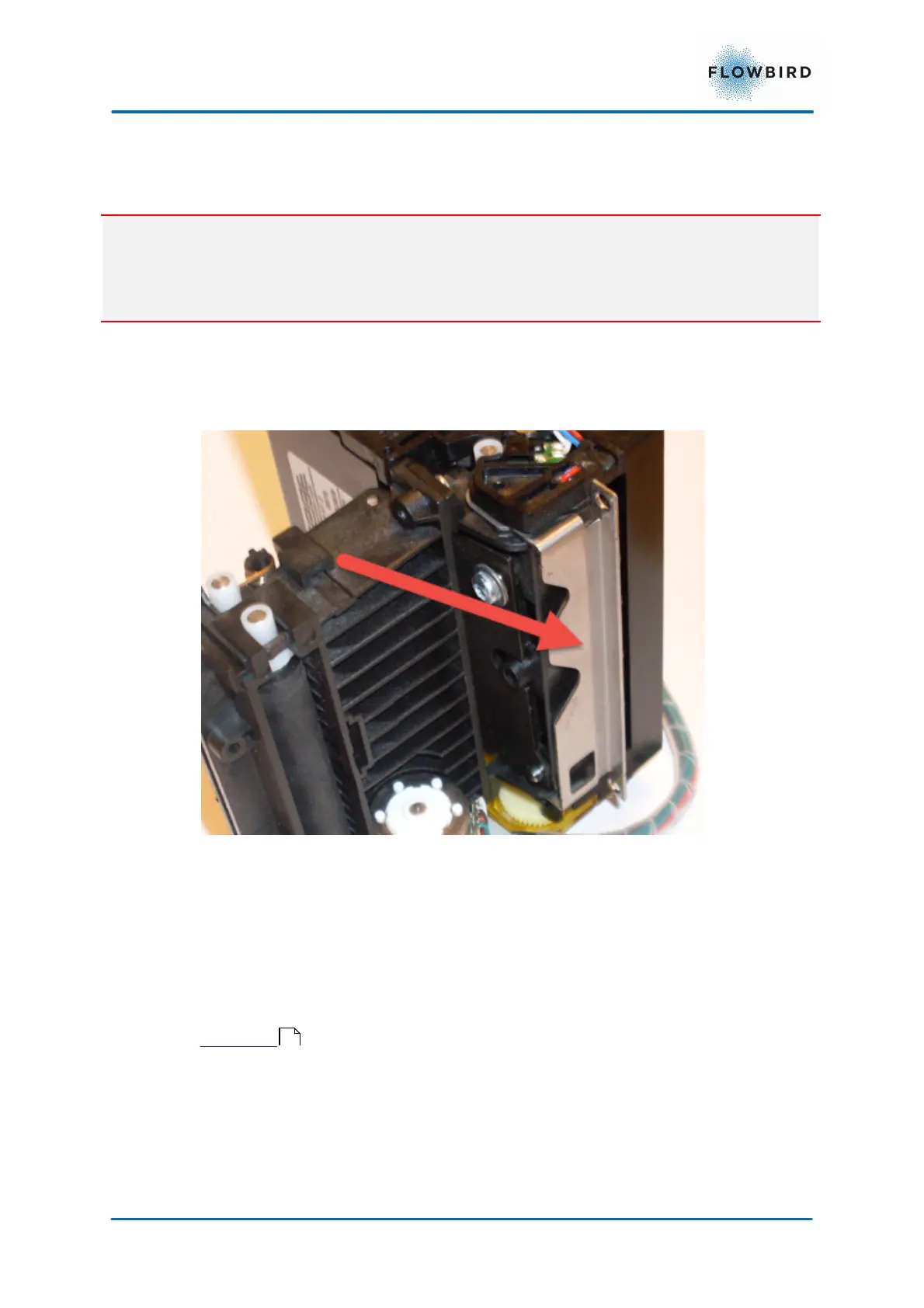
1. Pull the metal lever to release the Ticket Presenter
2. Moisten a lint free piece of cloth (non-woven textile is recommended) or a
piece of paper with platen cleaner solvent usually available on the market.
3. Wipe off the presenter feed rolls A and B
To clean the printer, disconnect and dismount the printer from the module and
from its casing. Open the printer using the leaver on the bottom of the printer. See
Print head for detailed figures
67



 To Next Page