- 20 -
the unit. Below the power switch is a USB port and the Laser Power key hole. To supply power to the
laser, the user must insert the Laser Safety Key into the key hole and turn the key to the on position.
Although the laser may now have power, it is not activated until the optics door is shut and the user
opens VisualSpreadsheet (the laser is software activated). For other FlowCAM models, the power is
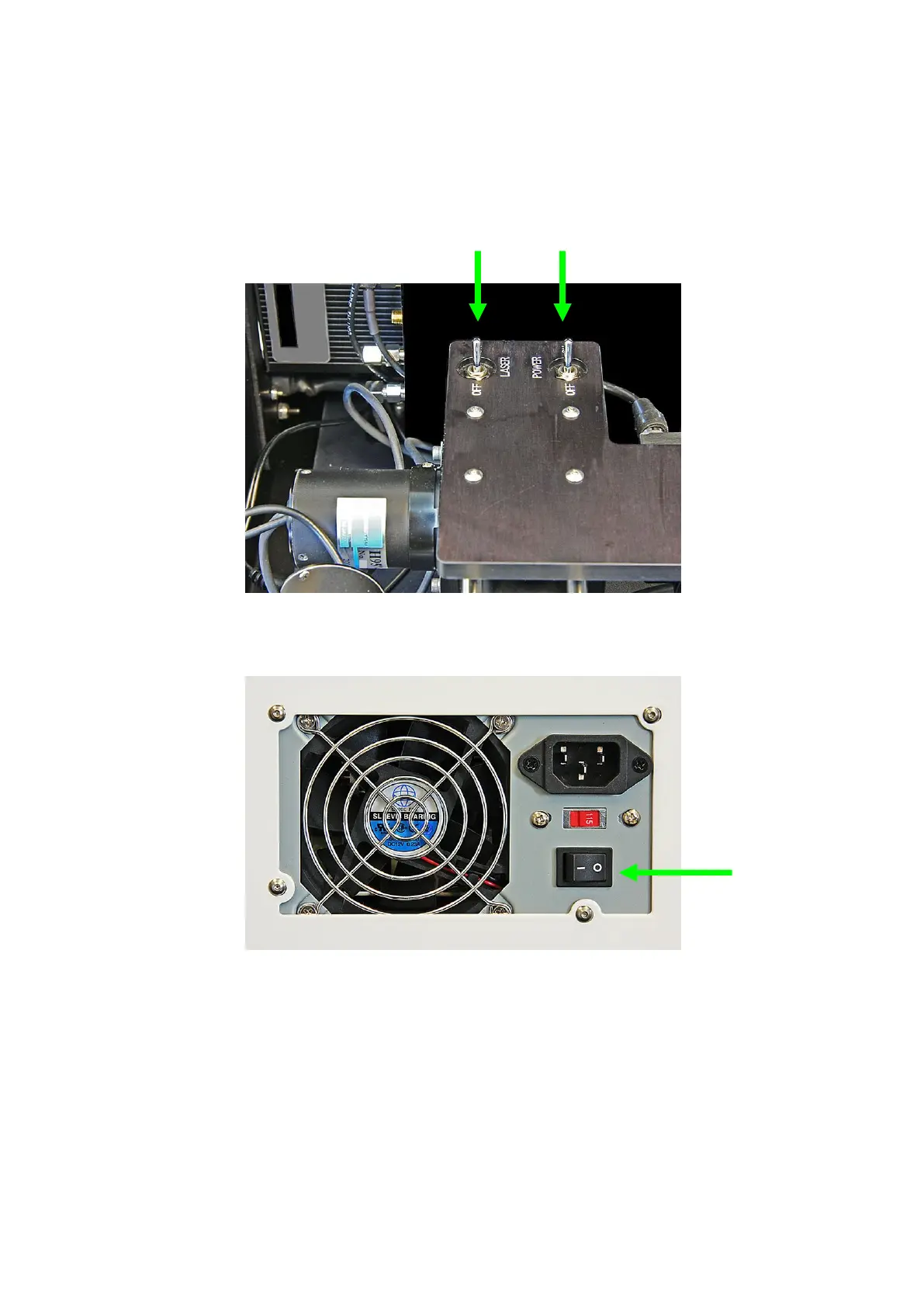
enabled to the laser via the “Laser” or “L” switch found on the switch plate.
Figure 3. The FlowCAM (portable and open benchtop) laser and power switches
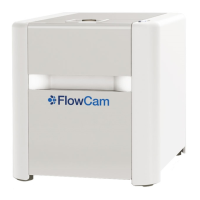
Figure 4. View of the back of the Benchtop FlowCAM


 To Next Page