CLOSED-CASE CALIBRATION
The front panel display is reconfigured during the procedures. The target level is
displayed in the modulation field, the RF frequency is displayed in the frequency field,
the adjustment value is displayed in the amplitude field, and the CAL annunciator is
lit. The display is consistent for the front panel and remote procedures.
All adjustments update a temporary copy of the adjustment value. The copy in the
calibration memory is updated only after the store command is given explicitly. After
the store command has been given, the internal calibration factor is calculated from the
displayed adjustment value and is stored in the calibration memory. Subsequent
amplitude programming commands use the new calibration factor.
NOTE
Set the rear panel CAL/COMP switch to the 1 (on) position before
initiating the calibration procedures.
Front Panel Level Calibration Procedure 3-12.
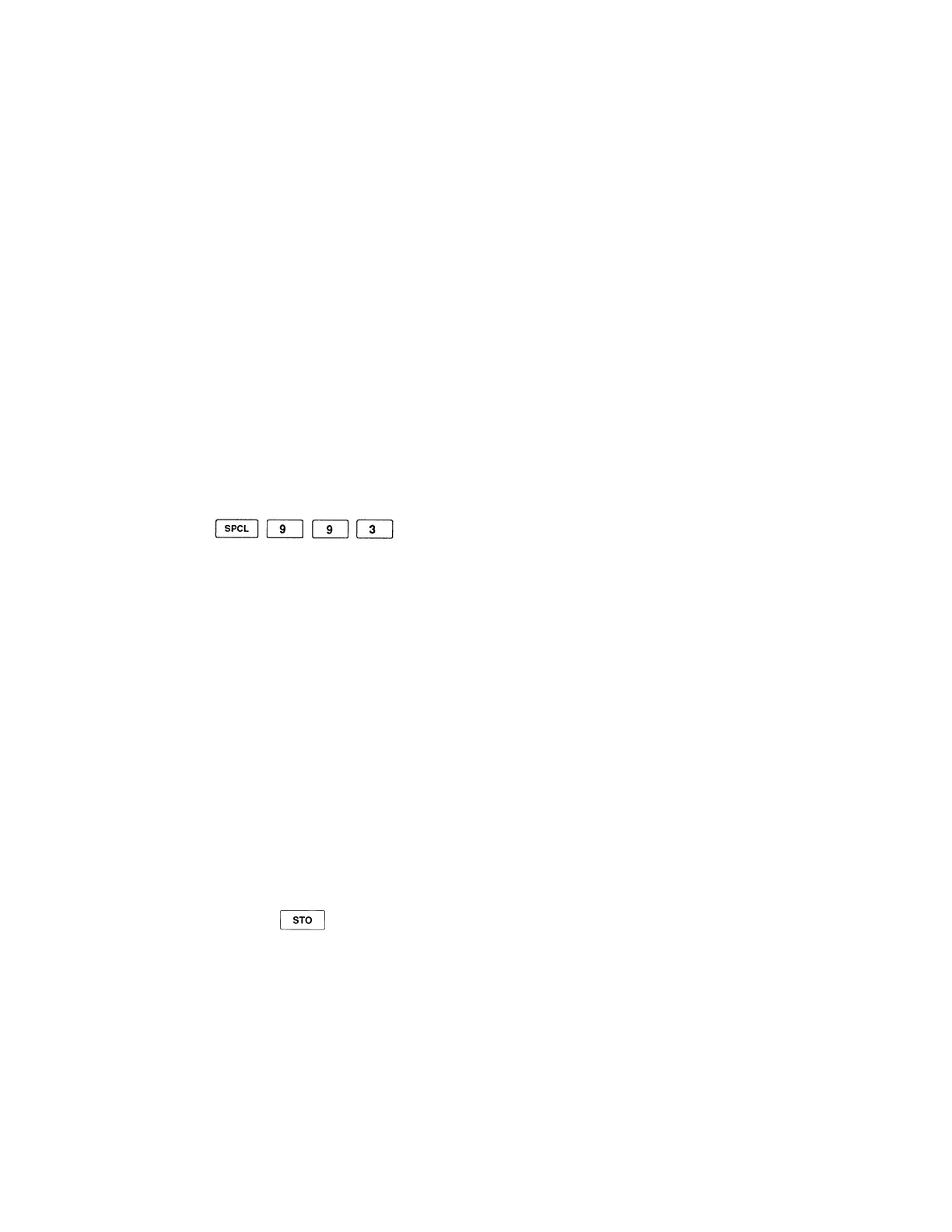
The front panel level calibration procedure is initiated by the following key sequence:
The display is reconfigured for the procedure. Several of the front panel controls are
disabled or operate differently than they normally do. Table 3-5. shows all of the active
controls and describes their function while performing the front panel level calibration
procedure.
Perform the following to execute the front panel level calibration procedure:
1. Set the rear panel CAL|COMP switch to the 1 (on) position.
2. Enter special function 993 to initiate the procedure.
3. Connect the signal generator's RF output to the power meter.
4. Set the appropriate power meter calibration factor (if required) and zero the power
meter.
5. Use the edit knob to change the adjustment value until the power meter reads +10
dBm.
6. Press the key twice to store the new data.
3-11



 To Next Page