18
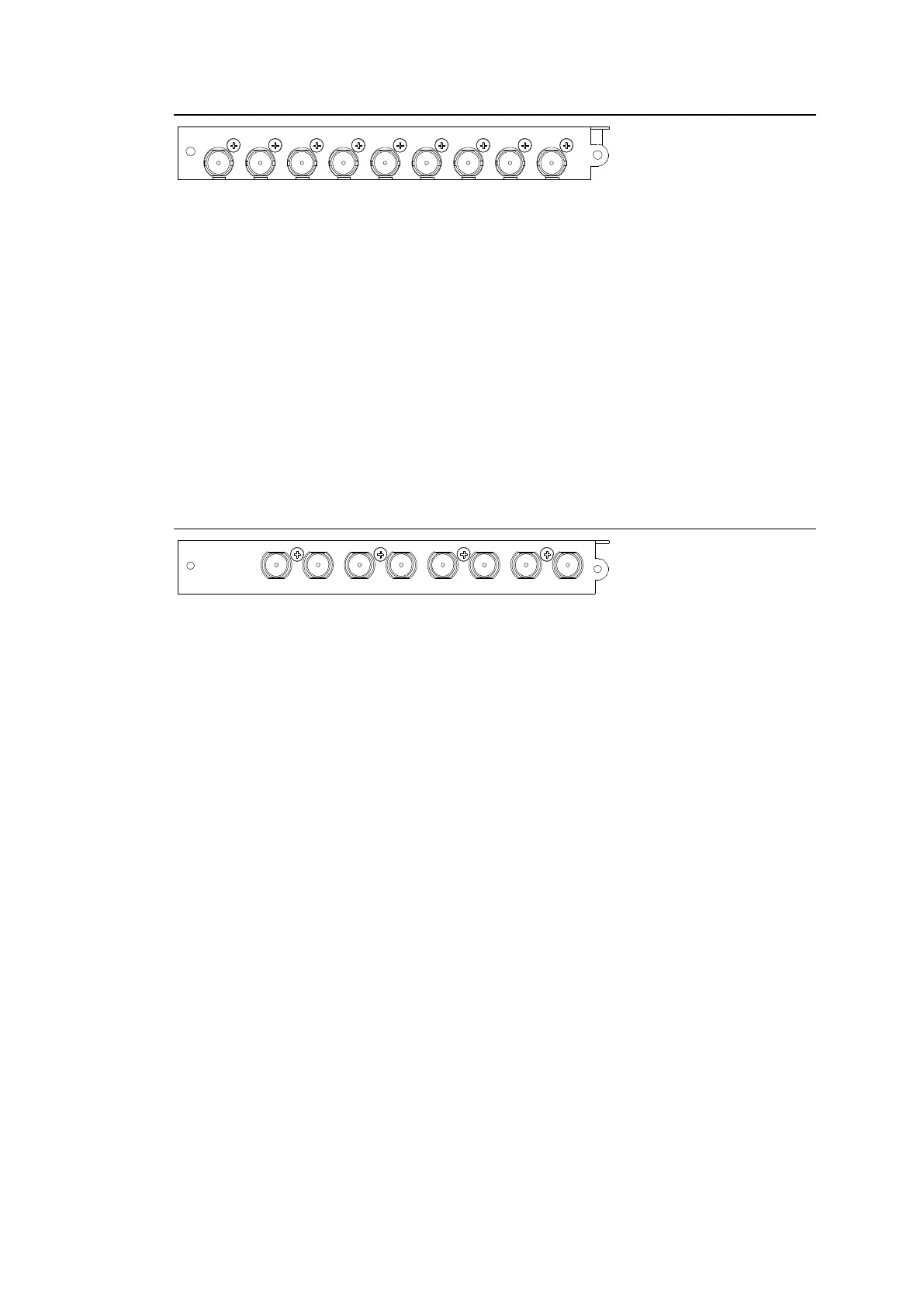
2-3-2. MFR-9SDO12G
BNC x 9 outputs (12G/3G/HD/SD-SDI and ASI)
Set up output signals in the Web-based Control Software as shown below.
Destination Name
Open the [Web-based Control: ROUTER SYSTEM SETTINGS - Destination Name page].
This page allows you to change destination names displayed on Remote Controllers or other
devices.
Destination Assignment
Open the [Web-based Control: ROUTER SYSTEM SETTINGS - Destination Assignment
page].
This page allows you to assign physical outputs to logical output channels.
2-3-3. MFR-8SDIEX
BNC x 8 inputs (3G/HD/SD-SDI and ASI)
Set up input signals in the Web-based Control Software as shown below.
Source Name
Open the [Web-based Control: ROUTER SYSTEM SETTINGS - Source Name page].
This page allows you to change source names displayed on Remote Controllers or other
devices.
Source Assignment
Open the [Web-based Control: ROUTER SYSTEM SETTINGS - Source Assignment page].
This page allows you to assign physical inputs to logical input channels.



 To Next Page