42
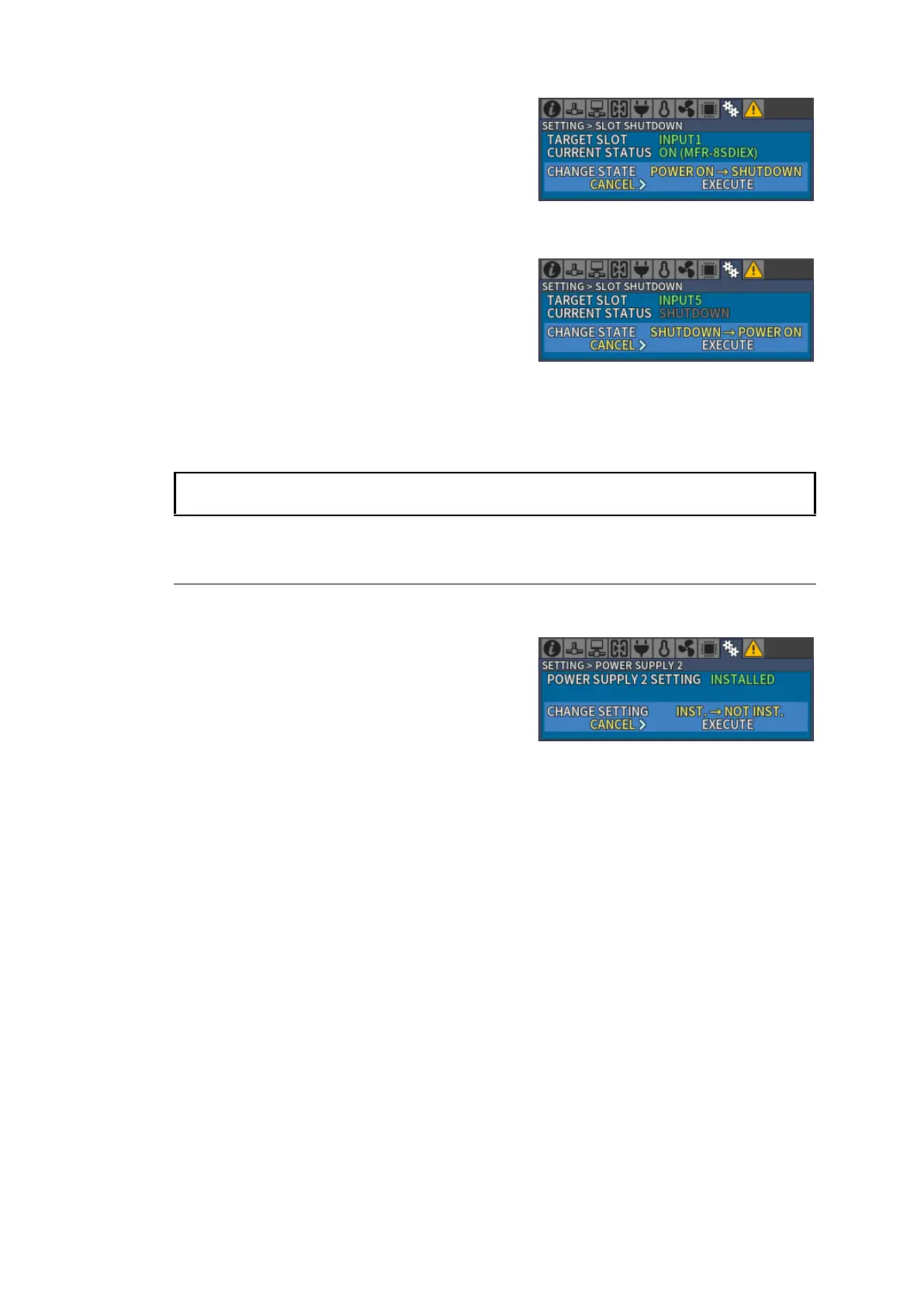
3. Turn and press CONTROL to select
EXECUTE in CHANGE STATE. A Now
Executing… message is displayed.
4. When SHUTDOWN is displayed, slot
shutdown is complete.
Example) Turning ON the INPUT5 slot.
1. Open [SETTING > SLOT SHUTDOWN] menu.
2. Turn and press CONTROL to select INPUT5
in TARGET SLOT.
Confirm that CURRENT STATUS is displayed
as SHUTDOWN.
3. Turn and press CONTROL to select
EXECUTE in CHANGE STATE.
A message Now Executing… is displayed.
4. When ON is displayed for CURRENT STATUS, turning on slot power is complete.
When NOT INSTALLED is displayed for CURRENT STATUS, the slot power is not able to
power ON/OFF.
4-2-3. Changing Power Supply 2 Installation Status
Open the [SETTING > POWER SUPPLY 2] menu to check and change Power Supply 2
installation status.
Whether or not Power Supply 2 is installed can be
checked by verifying whether the SETTING >
POWER SUPPLY 2 Menu is INSTALLED / NOT
INSTALLED
To change Power Supply 2 installation status, turn CONTROL, select EXECUTE in the
CHANGE SETTING Menu and press CONTROL.
A message “Now Executing…” appears. When the message disappears, the setting is
complete.



 To Next Page