49
Adding 8K Quad-Link Payload ID Information.
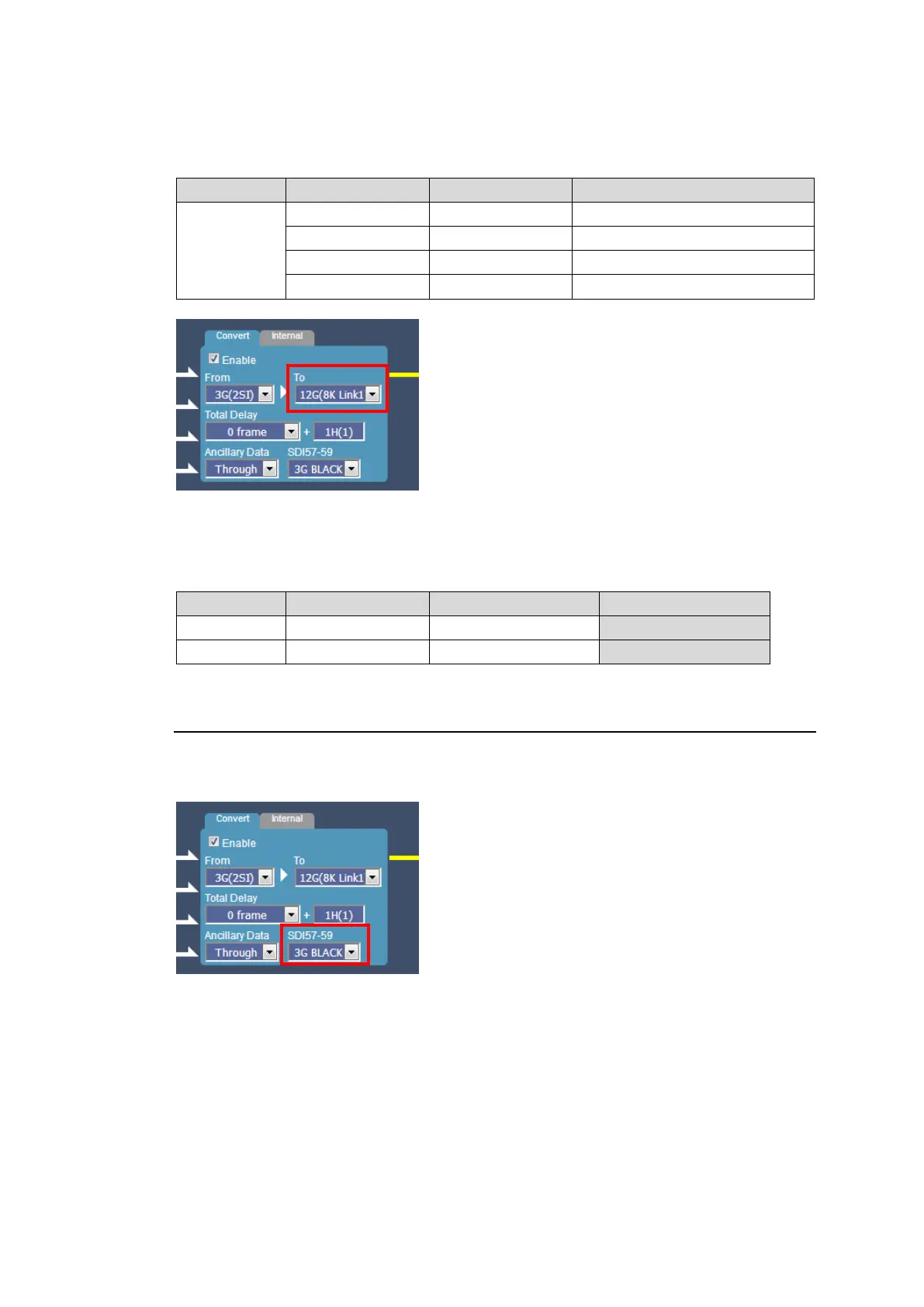
When converting 3G Quad-Link to 12G-SDI, Payload ID information for 8K Quad-Link (In
compliance with SMPTE 2082-1) is able to be added to 12G-SDI output. Set as shown below.
Payload ID Information to Be Added
3G
Quad-Link
(2SI or SQD)
When adding 8K Quad-Link Payload ID information to Gearbox 1, make sure to also add the
information to Gearbox 2 as shown below. Use different Link Numbers.
Ex.)
5-3-6. 3G-SDI BNC Output Settings
When converting 3G Quad-Link to 12G-SDI, 3G-SDI Black or 12G-SDI Link 1 are selectable
for remaining 3 SDI output signals.



 To Next Page