38
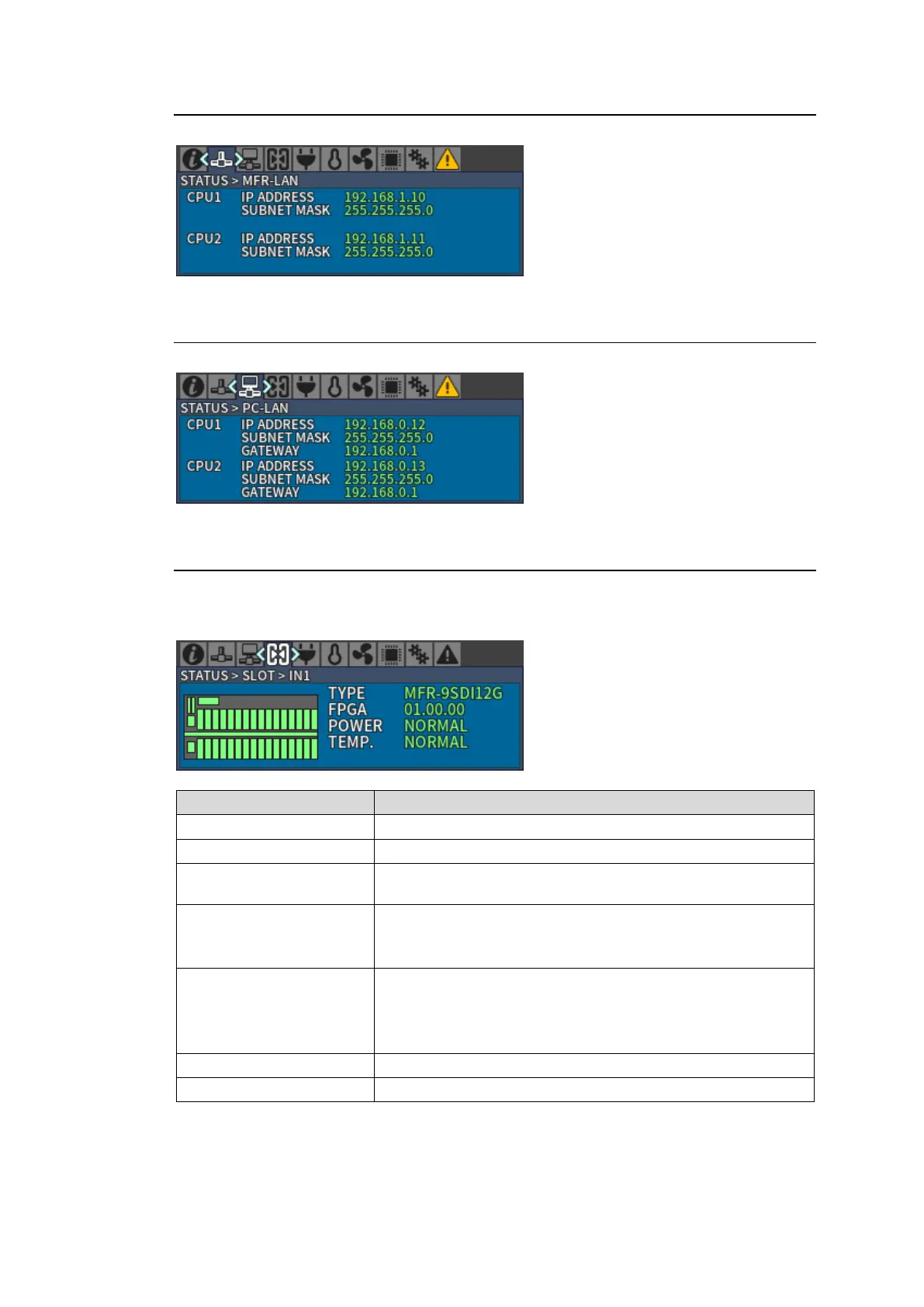
4-1-2. STATUS > MFR-LAN
Displays MFR-LAN CPU1 and CPU2 IP and Subnet mask addresses.
4-1-3. STATUS > PC-LAN
Displays PC-LAN CPU1 and CPU2 IP, Subnet mask and Gateway addresses.
4-1-4. STATUS > SLOT
Move into [STATUS > SLOT] menu where a slot can be selected by pressing CONTROL.
Select a slot by turning CONTROL and push CONTROL to decide a slot to display the installed
card information.
Firmware version
(When MFR-2SDIGB or MFR-2SDOGB is installed)
Power supply status
NORMAL: Normal.
ERROR: Power supply error has occurred.
Temperature status
NORMAL: Normal
WARNING: Warning
ERROR: Abnormal
The slot is inactive (shutdown)
No card is installed into the slot



 To Next Page