21
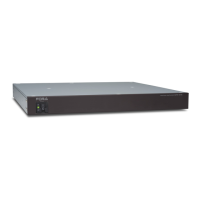
2-4. MFR-GPI
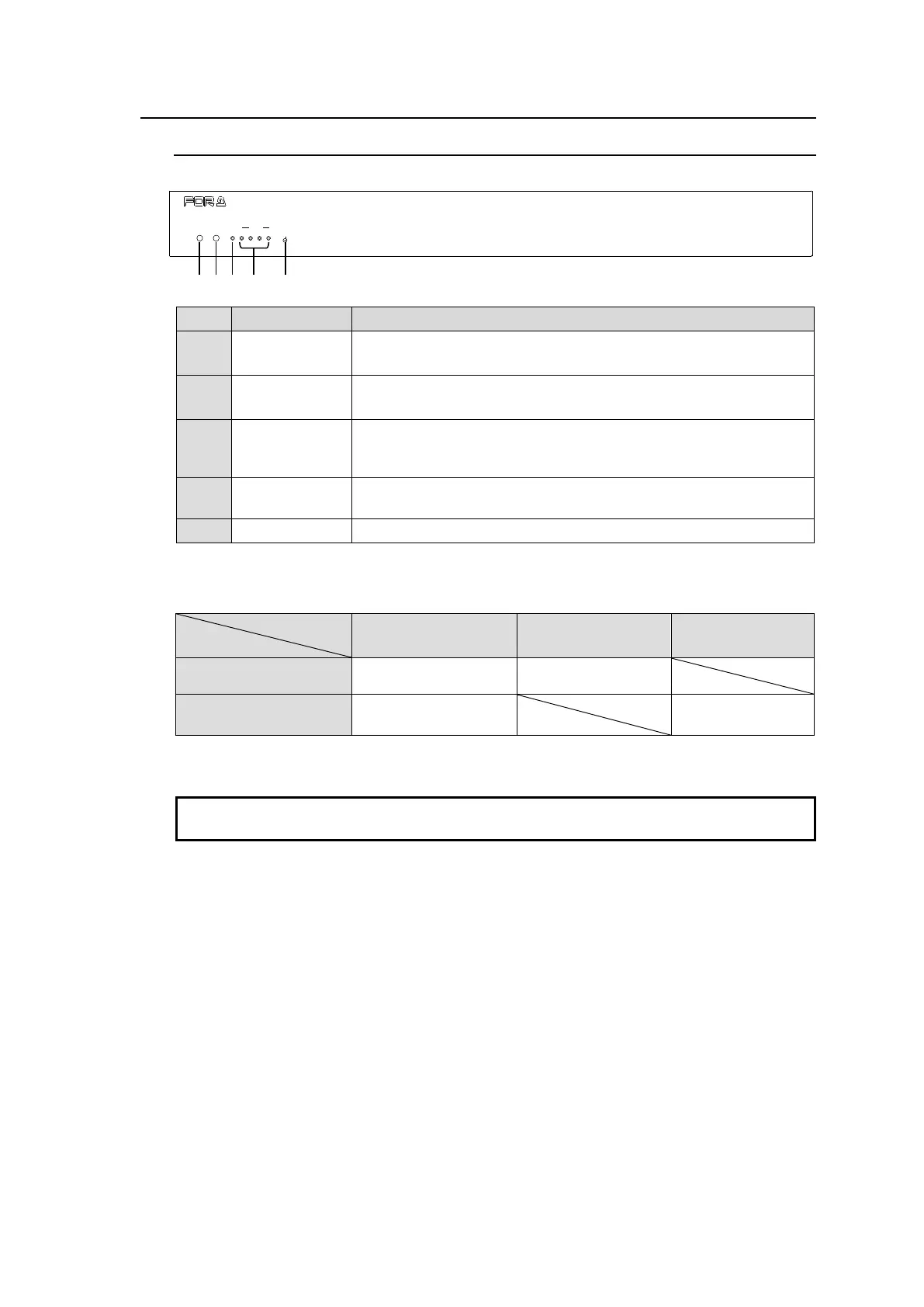
2-4-1. Front Panel
Displays the power status.
► See the table below for details on indications.
Displays the flash memory writing status of backup settings.
► See the table below for details on indications.
When the GPI function is assigned using Web-based Control, the
LED lights green. The LED remains unlit when there is no
assignment.
When a serial port is assigned using Web-based Control, the LED
lights green. The LED remains unlit when there is no assignment.
Used to re-initialize the GPI unit.
Color indications on the MFR-GPI front panel
* POWER LED lights red if the unit is turned on but is unconnected to a network.
After finishing settings, do not power OFF the unit while BUSY LED is lit orange, since the
system is writing to Flash memory. (approx. 2 minutes max.)
POWER BUSY GPI 1 2 3 4
SERIAL
RESET
MFR-GPI
GPI UNIT


 To Next Page