19
2-3-4. MFR-8SDOEX
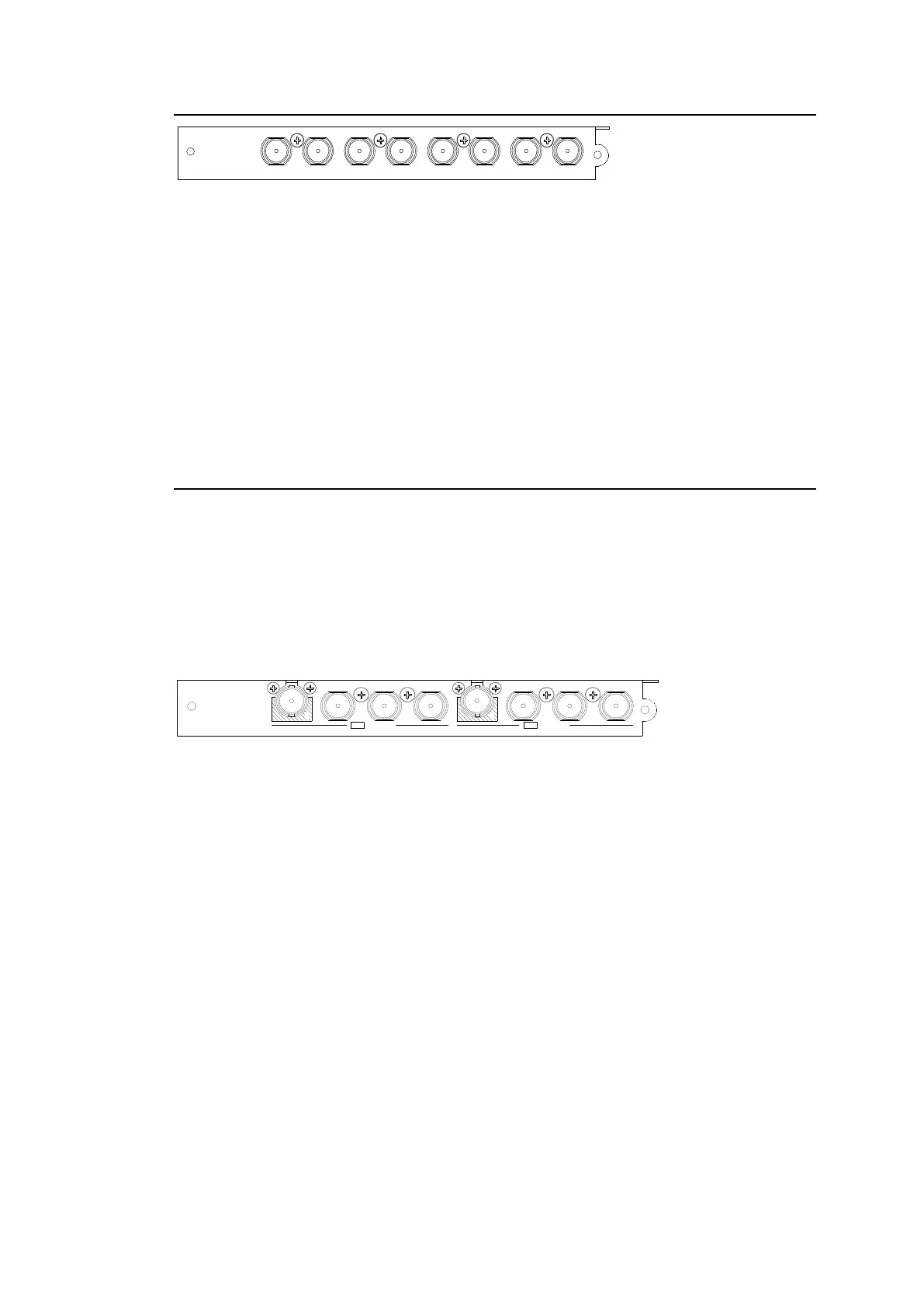
BNC x 8 outputs (3G/HD/SD-SDI and ASI)
Destination Name
Open the [Web-based Control: ROUTER SYSTEM SETTINGS - Destination Name page].
This page allows you to change destination names displayed on Remote Controllers or other
devices.
Destination Assignment
Open the [Web-based Control: ROUTER SYSTEM SETTINGS - Destination Assignment
page].
This page allows you to assign physical outputs to logical output channels.
2-3-5. MFR-2SDIGB
The MFR-2SDIGB is a 12G/3G-SDI input card. Its Gearbox function enables conversion
between 12G-SDI and Quad Link 3G-SDI signals and conversion between 2SI and SQD
signals.
The following listed SDI signals can be input.
12G-SDI: Max. 2 inputs (If installed into Input 1-8: BNC 1D, 2D
If installed into Input 9-16: BNC 1A, 2A)
3G-SDI: Max. 8 inputs
1
A
1
B
1
C
1
D
2
A
2
B
2
C
2
D
12G / 3G-SDI12G / 3G-SDI
BNC x 8 inputs (12G/3G-SDI)
Set up input signals in the Web-based Control Software as shown below.
Gearbox settings
Open the [Web-based Control: (Main Unit Settings)-Gearbox Settings page].
This page allows you to specify input/ output signals to Gearbox, reference signal and delay.
Source Name
Open the [Web-based Control: (Router System Settings)-Source Name page.].
This page allows you to change displayed source names on Remote Controllers or other
devices.
Source Assignment
Open the [Web-based Control: (Router System Settings)-Source Assignment page].
This page allows you to assign physical inputs to logical input channels.



 To Next Page