37
4-1. STATUS
Displays various status.
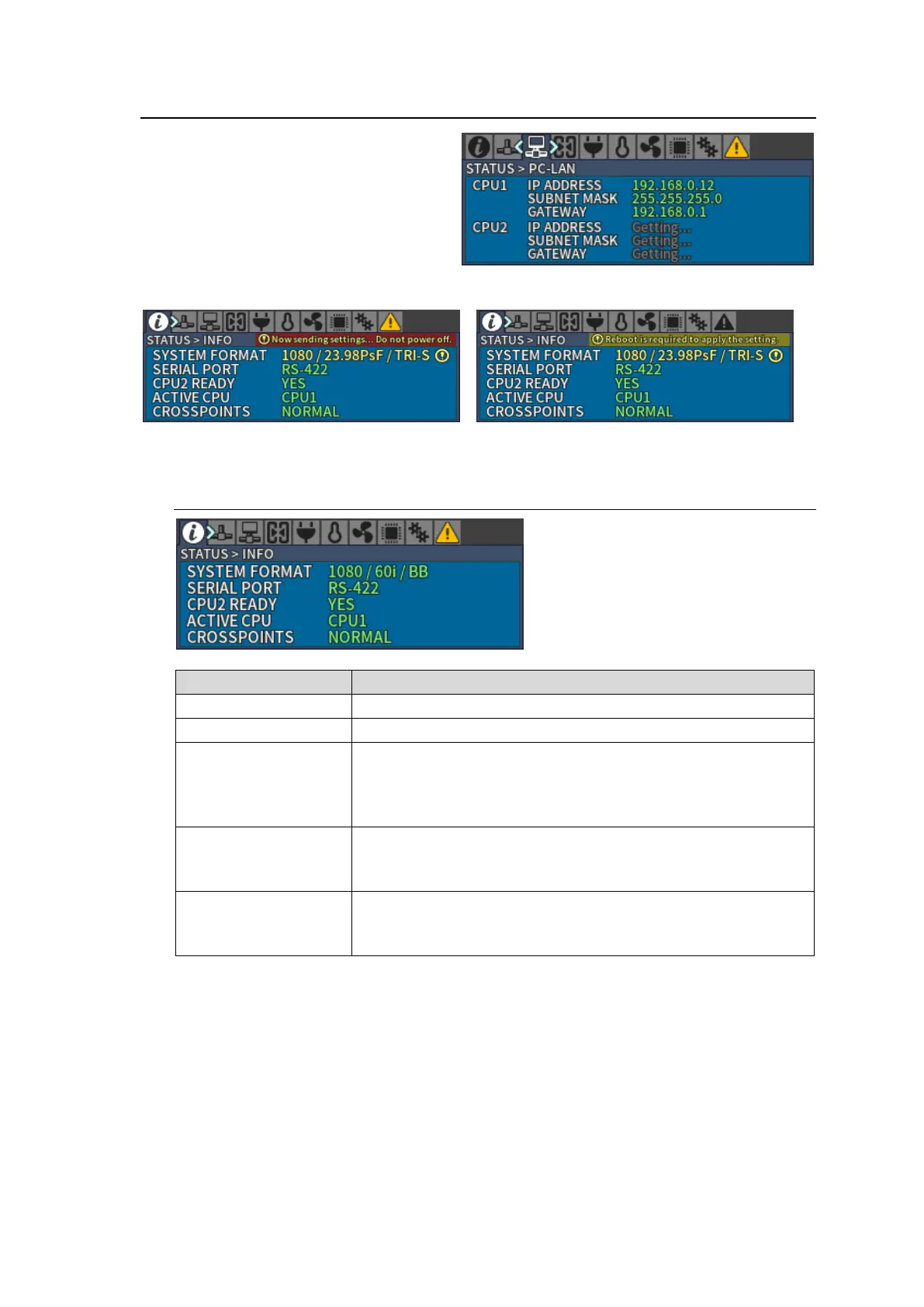
“Getting...” is displayed for items acquiring
data.
When settings are changed in each menu, the following messages are displayed. (Example below
is [STATUS > INFO] menu.)
Now sending settings… Do not power off. Reboot is required to apply setting.
4-1-1. STATUS > INFO
Resolution / Frame rate / Reference
SERIAL port setting on rear panel - RS-232C or RS-422.
CPU2 condition
YES: Normally operating
NO: Abnormal operation
NOT INSTALLED: CPU2 not installed
Displays an active CPU.
CPU1: CPU1 is active.
CPU2: CPU2 is active.
Displays any crosspoints errors.
NORMAL: Normally operating
ERROR: Crosspoint error(s) has occurred.



 To Next Page