MANTIS User's Guide | Chapter 6: Initial Setup
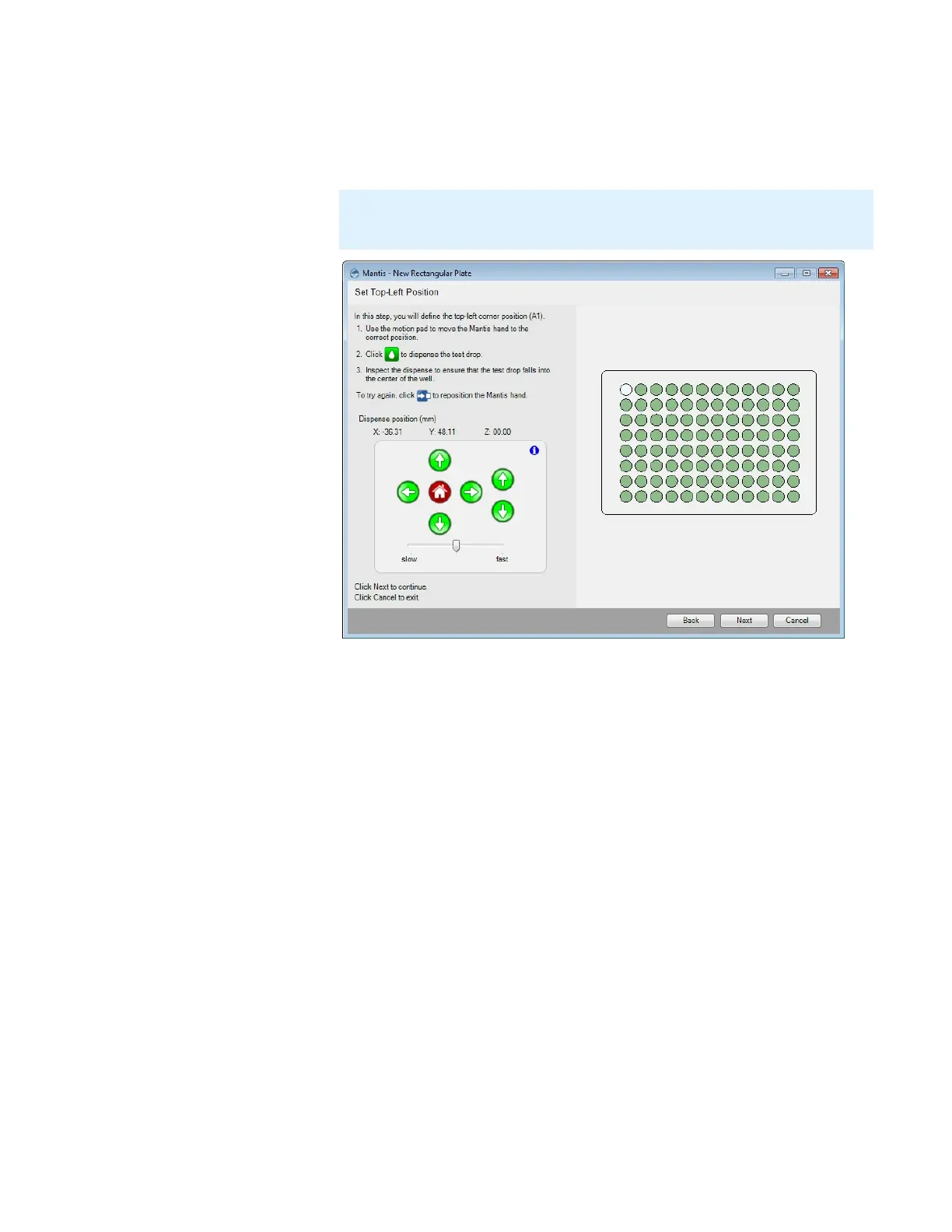
7. Set the top-left well position by clicking the arrows, or use keyboard keys to
control the MANTIS hand to aim the nozzle tip at the top-left well. Then click the
Dispense button to dispense the test drop. If you are satisfied with the position,
click Next.
8. Set the bottom-left well position by clicking the arrows or use keyboard keys to
control the MANTIS hand to aim the nozzle tip at the bottom-left well. Then click
the Dispense button to dispense the test drop. If you are satisfied with the
position, click Next.
9. Set the top-right well position by clicking the arrows or use the keyboard keys to
control the MANTIS hand to aim the nozzle tip at the top-right well. Then click the
Dispense button to dispense the test drop. If you are satisfied with the position,
click Next.
10. Set the bottom-right well position by clicking the arrows or use the keyboard keys
to control the MANTIS hand to aim the nozzle tip at the bottom-right well. Then
click the Dispense button to dispense the test drop. If you are satisfied with the
position, click Next.
Note: For best results leave approximately 2 mm clearance between the top of
the plate and the chip nozzle.
Top-Left Position Settings



 To Next Page