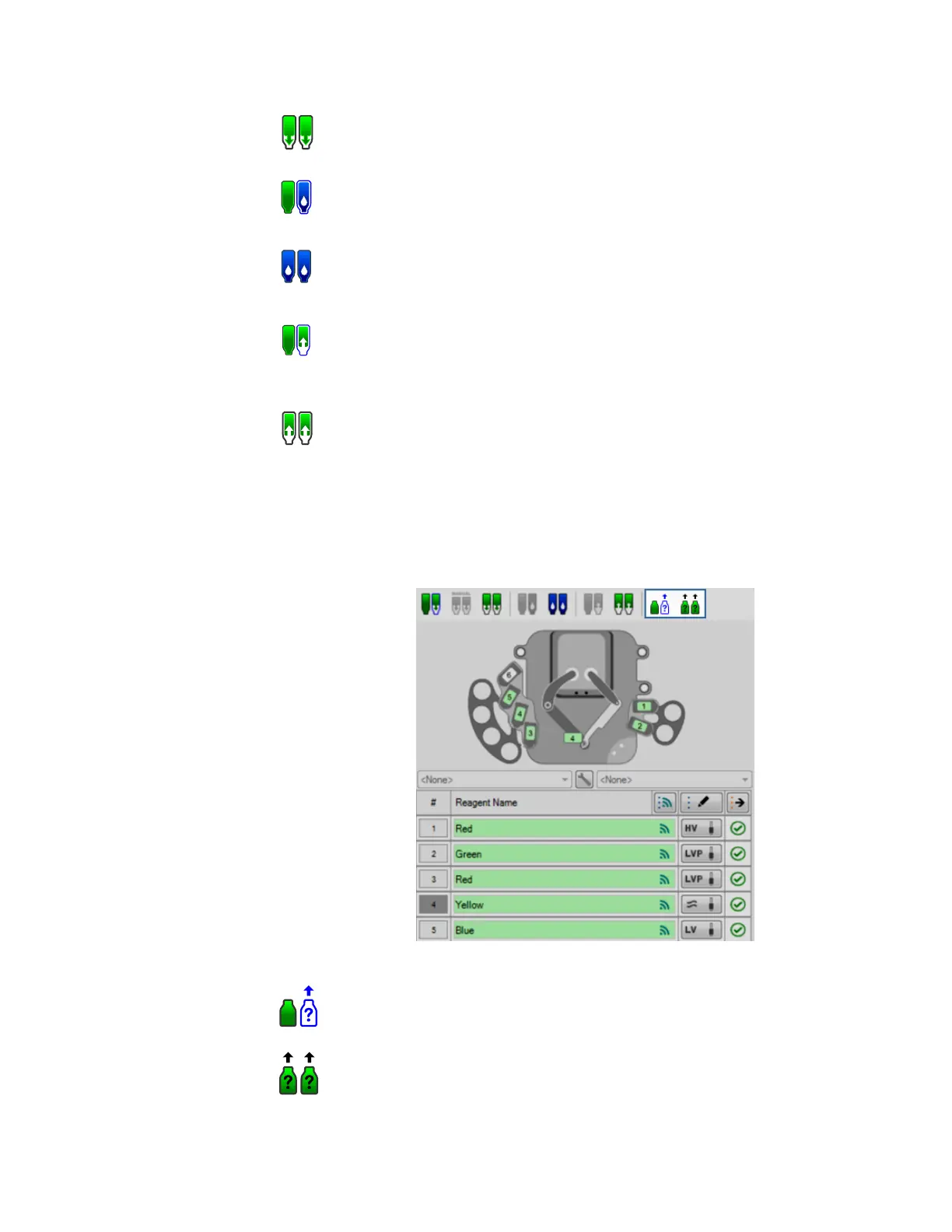
Besides the above buttons, MANTIS also provides you with the two check bottle leak
buttons, which only appear when Continuous Flow is active.
MANTIS User's Guide | Chapter 7: Software Overview
Prime All
Inputs
Clicking the Prime All button will prime every chip that has a reagent
listed in the Reagent Input Field.
Wash Input
Clicking the Wash Input button will wash the chip currently stationed
at the MANTIS hand.
Wash All
Inputs
Clicking the Wash All Inputs button will wash every chip that has a
reagent listed in the Reagent Input Field.
Recover
Input
Clicking the Recover Input button runs the reagent recovery process
on the chip currently stationed at the MANTIS hand. Recovering a
reagent will return most of the liquid in the chip and tubing to the source
container.
Recover All
Inputs
Clicking the Recover All Inputs button runs the reagent recovery
process on every chip that has a reagent listed in the Reagent Input
Field. Recovering a reagent will return most of the liquid in the chip and
tubing to the source container.
Bottle Leak Buttons
Check Bottle
Leak on
MANTIS Arm
Clicking the Check Bottle Leak on MANTIS Arm button enables
you to check any possible leaking pressure for a particular bottle
on the MANTIS arm.
Check All
Bottle Leak
Clicking the Check All Bottle Leak button enables you to check
any possible leaking pressure for all bottle(s) on the MANTIS arm.



 To Next Page