MANTIS User's Guide | Chapter 9: Dispensing With the MANTIS
Importing the experiment design data from a Well Name Based .CSV file
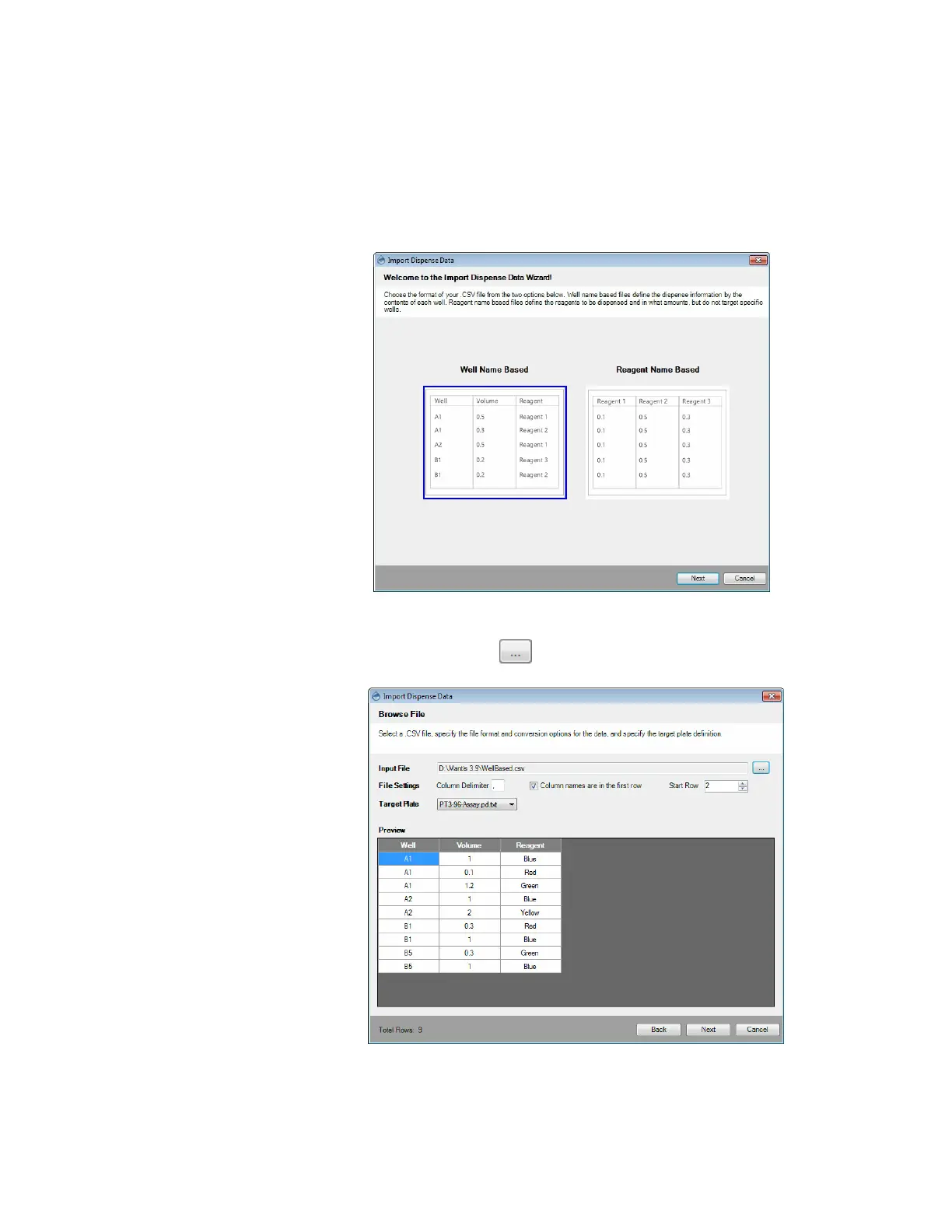
To import the dispense data from a Well Name Based file:
1. Go to the File menu, and select Import Dispense Data on the Import Dispense
Data menu.
2. Select Well Name Based and click Next.
3. Click the Browse button next to the Input File box and locate the file you
want to import.
Selecting the Well Name Based file
Modifying the File Settings



 To Next Page