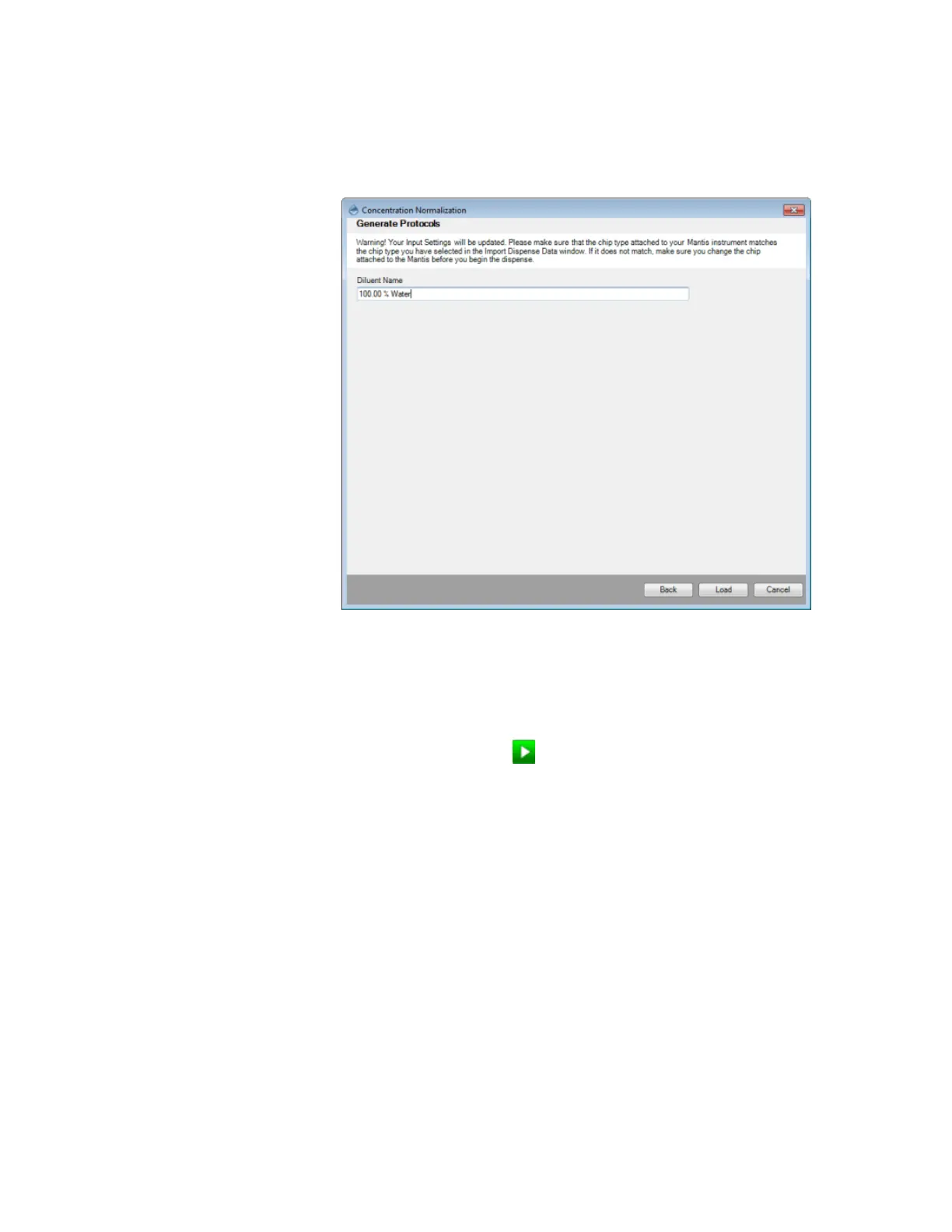
7. Click Next to proceed.
8. Type the Diluent name in the Diluent Name box and click the Load button to load the
data into a Dispense List.
9. OPTIONAL: Go to the File menu, and select Concentration Normalization if you are not
satisfied with the way your current experiment was imported. The software will
remember the choices you have made during the import process and allow you to
modify them as necessary. This option is applicable only if you have not restarted the
MANTIS software.
10. Click the Run Dispense button .
OR
Press F5.
Type the Diluent Name
MANTIS User's Guide | Chapter 9: Dispensing With the MANTIS



 To Next Page