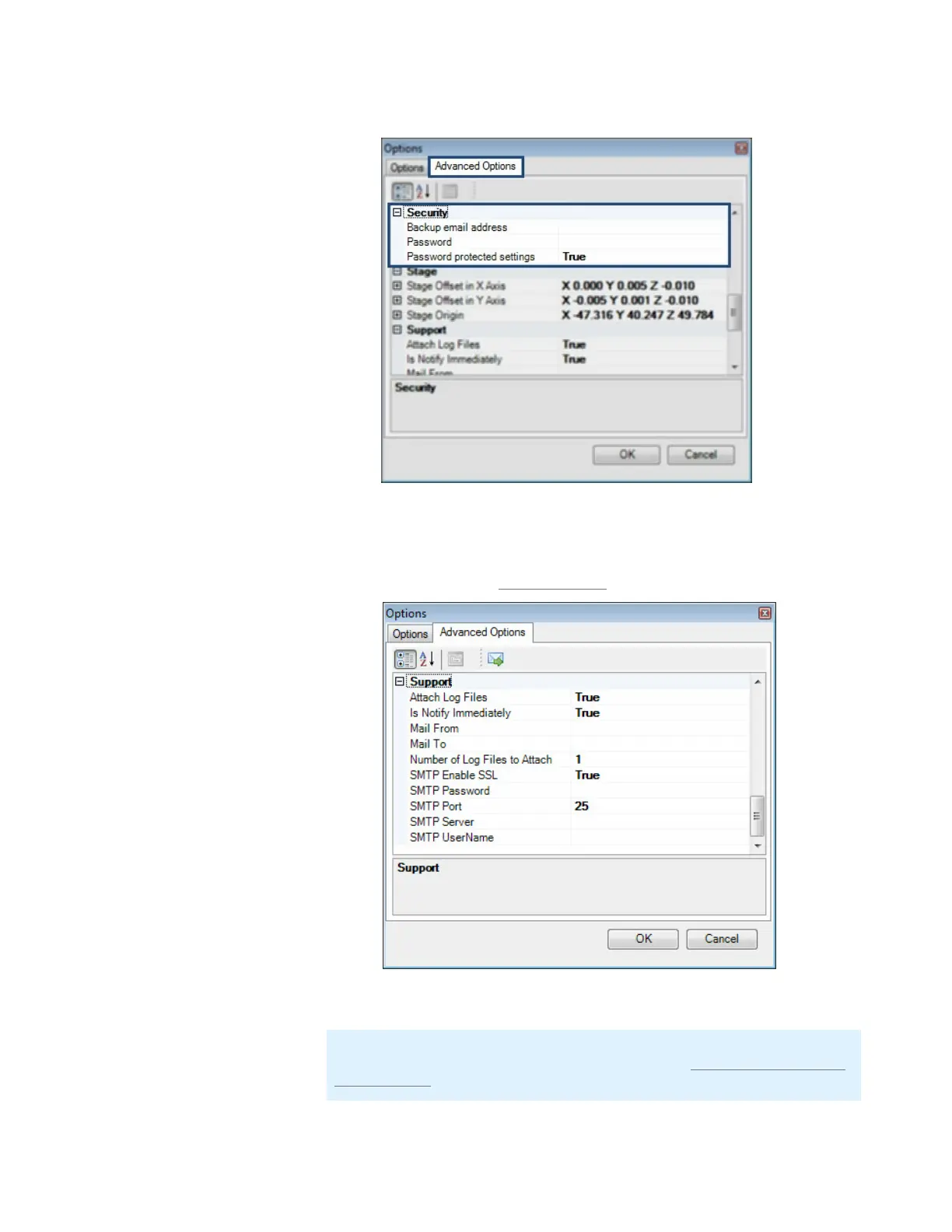
5. Type the desired Backup email address and Password.
6. If you have finished, locate and select the Support section.
7. Configure the SMTP options as appropriate for your IT setup. For more information
about these options, see Support Settings on page 82.
8. If you have finished, click OK.
Note: At this point, you have only set the configuration access settings. If you
want to activate the security option, please proceed to Section 2: Activating the
security option below.
MANTIS User's Guide | Chapter 9: Dispensing With the MANTIS
Security Options
Support Options



 To Next Page