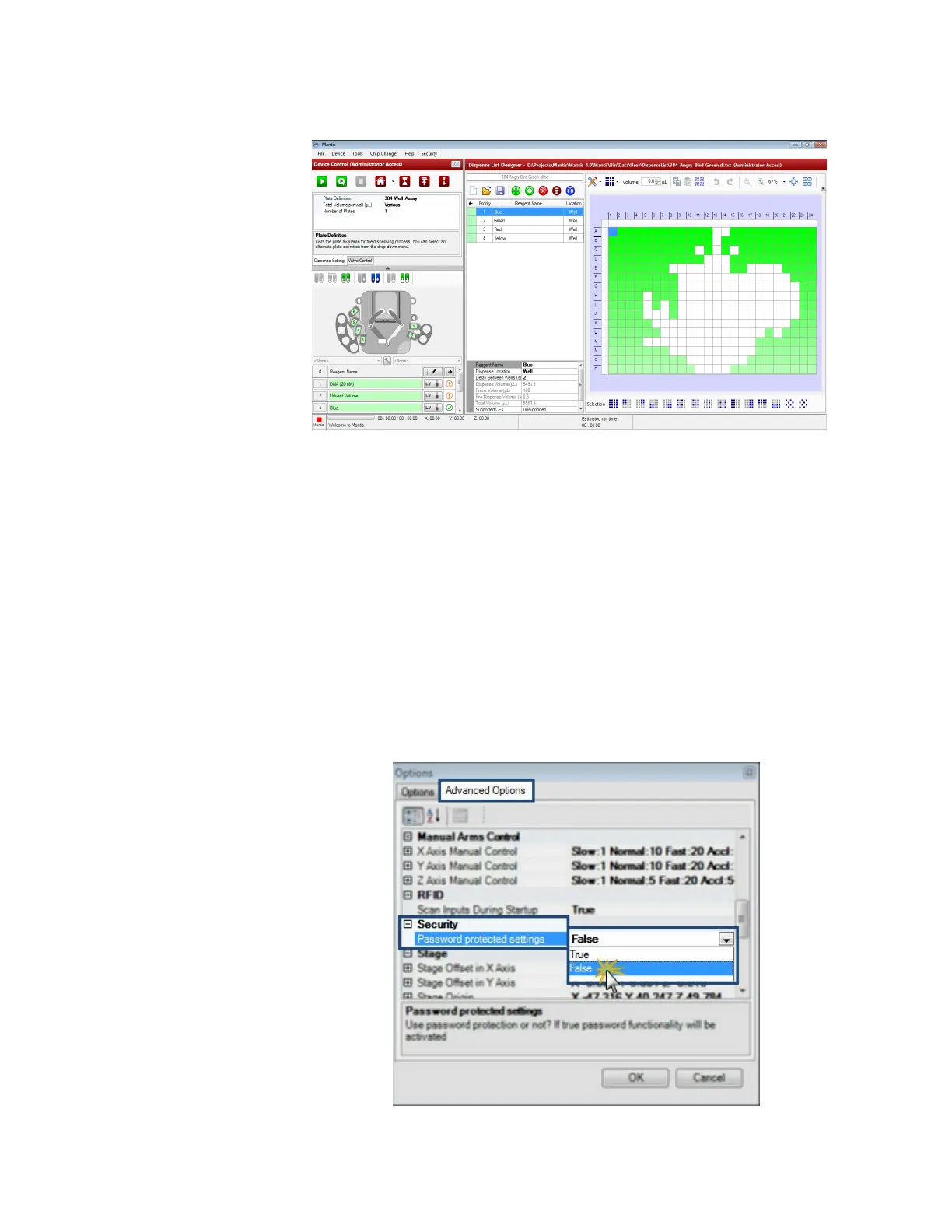
3. At this point, you will return to the administrator mode.
Section 4: Deactivating the security option
This section explains how administrators can deactivate the security option to manage the
access modes. Deactivating the security option will disable the Security menu and
deactivate the administrator and general user modes.
To deactivate the security option:
1. Go to the Tools menu and select Options.
2. Click the Advanced Options tab.
3. Locate and select the Security option.
4. To deactivate the security option, select False on the Password protected
settings.
5. Click OK to save your changes.
MANTIS User's Guide | Chapter 9: Dispensing With the MANTIS
Administrator Mode
Deactivating the Security Option



 To Next Page