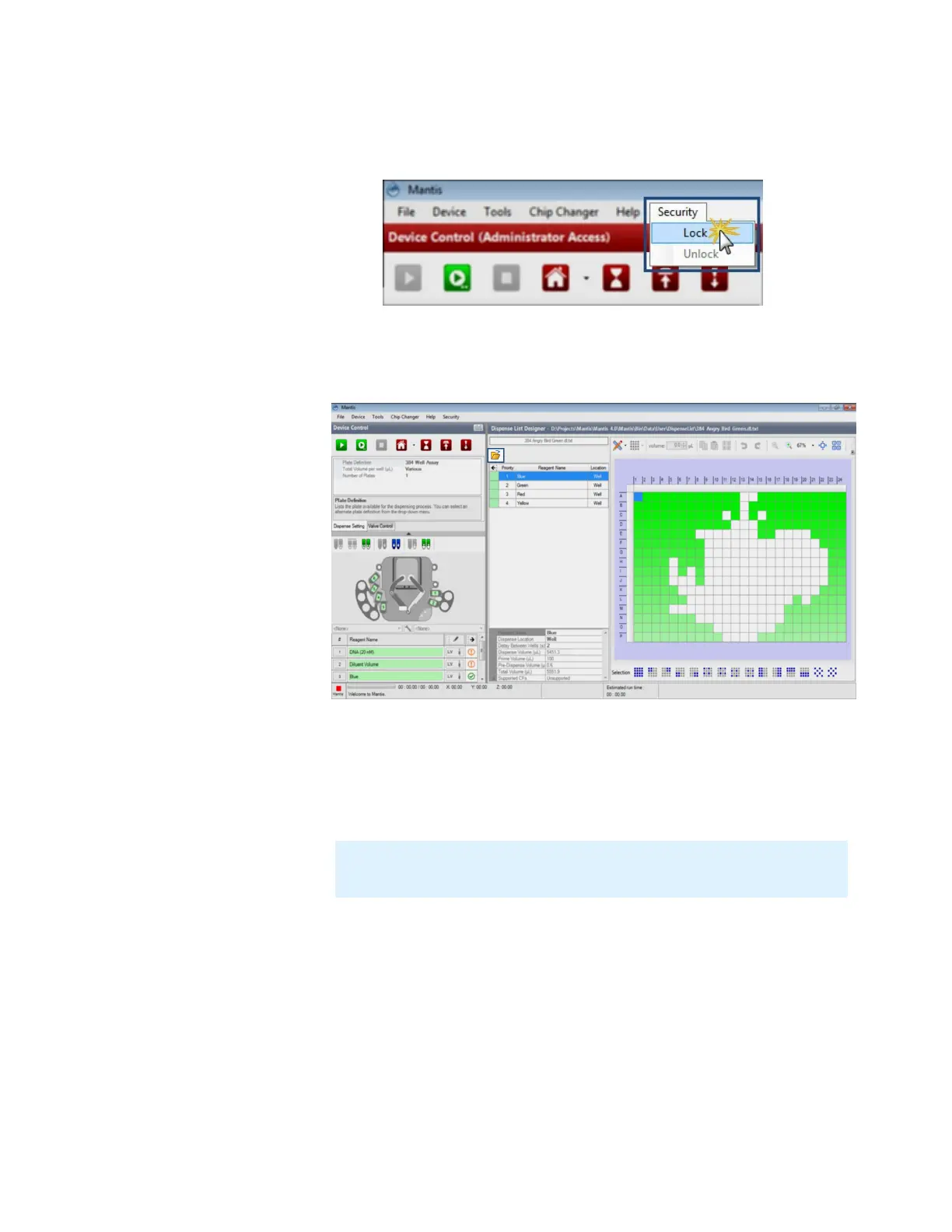
To lock the security setting:
1. Go to the Security menu and then click Lock.
2. If you have locked the security settings, you are now using the general user
mode. In this mode, the user will only have access to open a dispense list, to set
reagents to inputs, and to run a dispense.
To unlock the security setting:
1. Go to the Security menu and then click Unlock.
2. Type the password and click OK.
Note: If you forgot the password, click Forgot Password? MANTIS will reset
your password and send an email to your backup email address.
MANTIS User's Guide | Chapter 9: Dispensing With the MANTIS
Locking the Dispense
General User Mode



 To Next Page