7. TT OPERATION
7-9
5. Use the Cursorpad ( or ) to select [TCPA] and press the ENTER key.
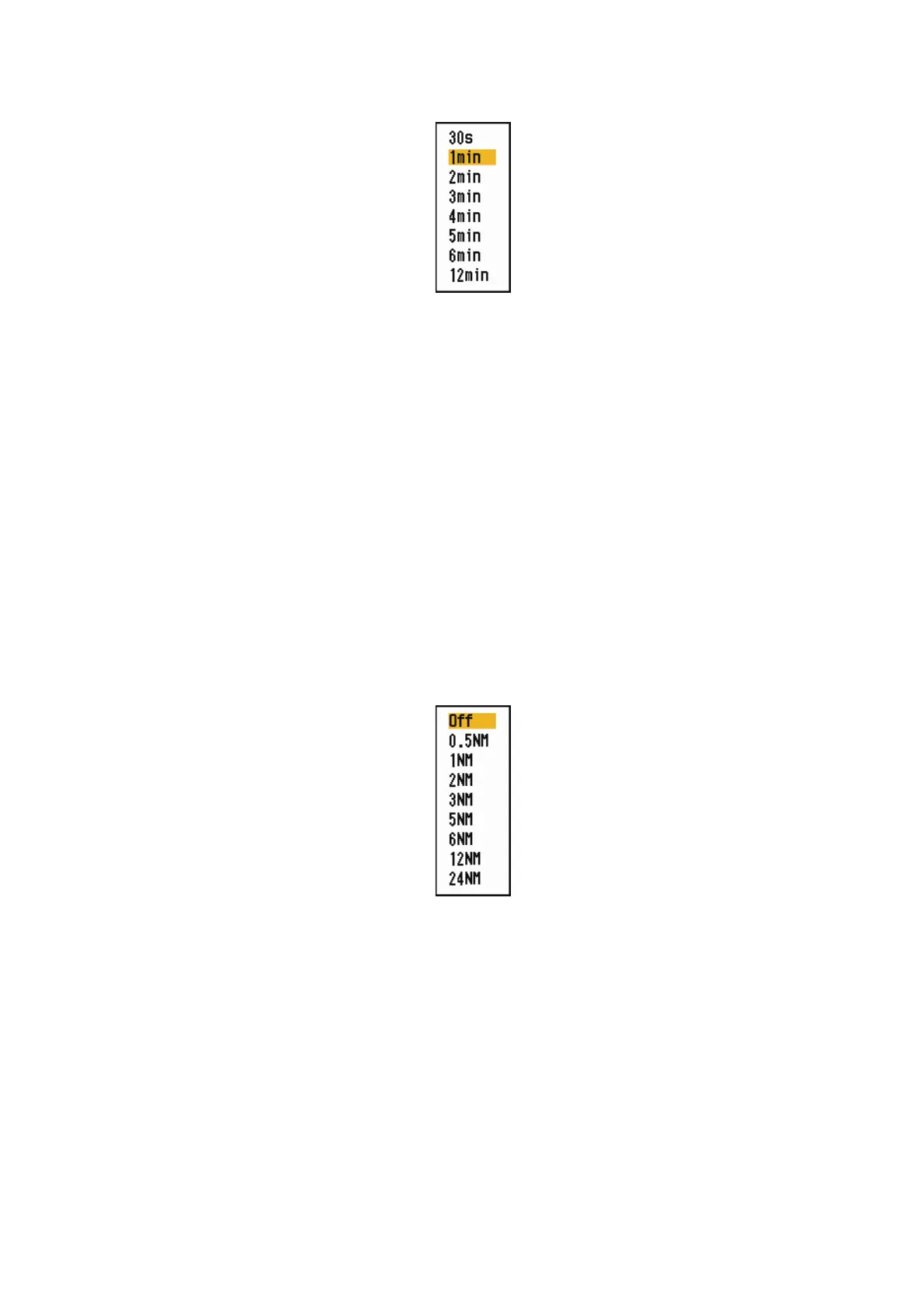
TCPA options
6. Use the Cursorpad ( or ) to select TCPA and press the ENTER key.
7. Press the MENU/ESC key to close the menu.
7.10 Proximity Alarm
The proximity alarm alerts you when a TT is within the range you set. The audio alarm
sounds and the alarm message "PROXIMITY" appears. The target symbol changes
to a dangerous target symbol (triangle, see section 3.9) and flashes with its vector.
Press any key to stop the audio alarm. The flashing continues until the target is not
within the range set, the alarm range is changed to exclude the target, or the proximity
alarm is deactivated.
1. Press the MENU/ESC key to open the menu.
2. Use the Cursorpad ( or ) to select [Target] and press the ENTER key.
3. Use the Cursorpad ( or ) to select [Proximity] and press the ENTER key.
Proximity options
4. Use the Cursorpad ( or ) to select the range and press the ENTER key.
5. Press the MENU/ESC key to close the menu.











 To Next Page