5. OPERATION
5-37
5. Use the Cursorpad to select [OS Length] then press the ENTER key.
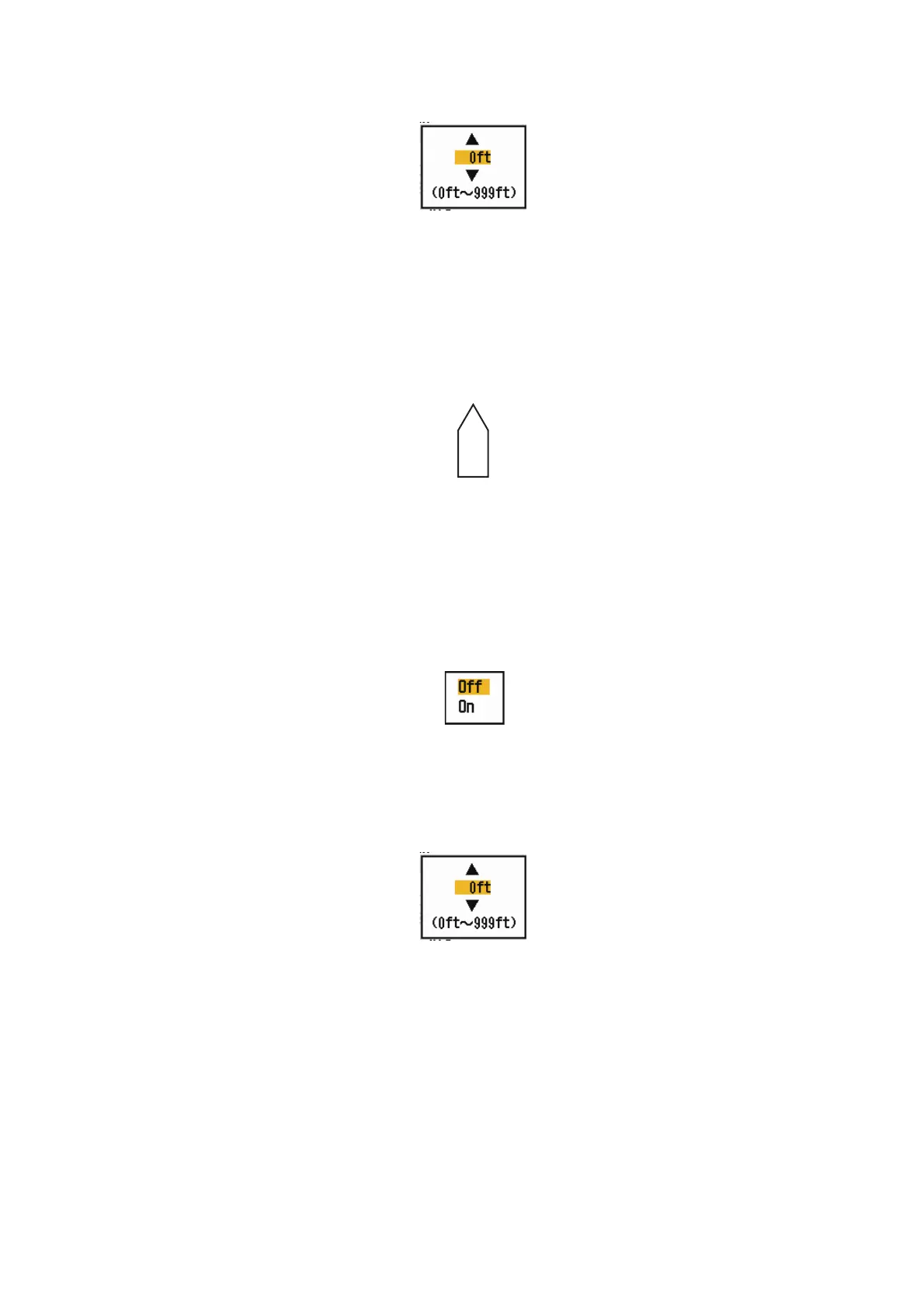
6. Use the Cursorpad to set the length of own ship then press the ENTER key.
7. Use the Cursorpad to select [OS Width] then press the ENTER key.
8. Use the Cursorpad to set the width of own ship then press the ENTER key.
9. Press the MENU/ESC key to close the menu.
The own ship mark appears on the display, scaled according to the length and width
entered here.
5.27.2 How to show the barge marker
1. Press the MENU/ESC key to open the menu.
2. Use the Cursorpad ( or ) to select [OS/Barge Mark] and press the ENTER
key.
3. Use the Cursorpad ( or ) to select [Barge Mark] and press the ENTER key.
4. Use the Cursorpad ( or ) to select [On], then press the ENTER key.
5. Use the Cursorpad to select [Barge Position] then press the ENTER key.
6. Use the Cursorpad to select [Bow] or [Stern], then press the ENTER key.
7. Use the Cursorpad to select [Barge Length] then press the ENTER key.
8. Use the Cursorpad to set the length of the barge, then press the ENTER key.
9. Use the Cursorpad to select [Barge Beam] then press the ENTER key.











 To Next Page