5. OPERATION
5-13
5.12 Cursor
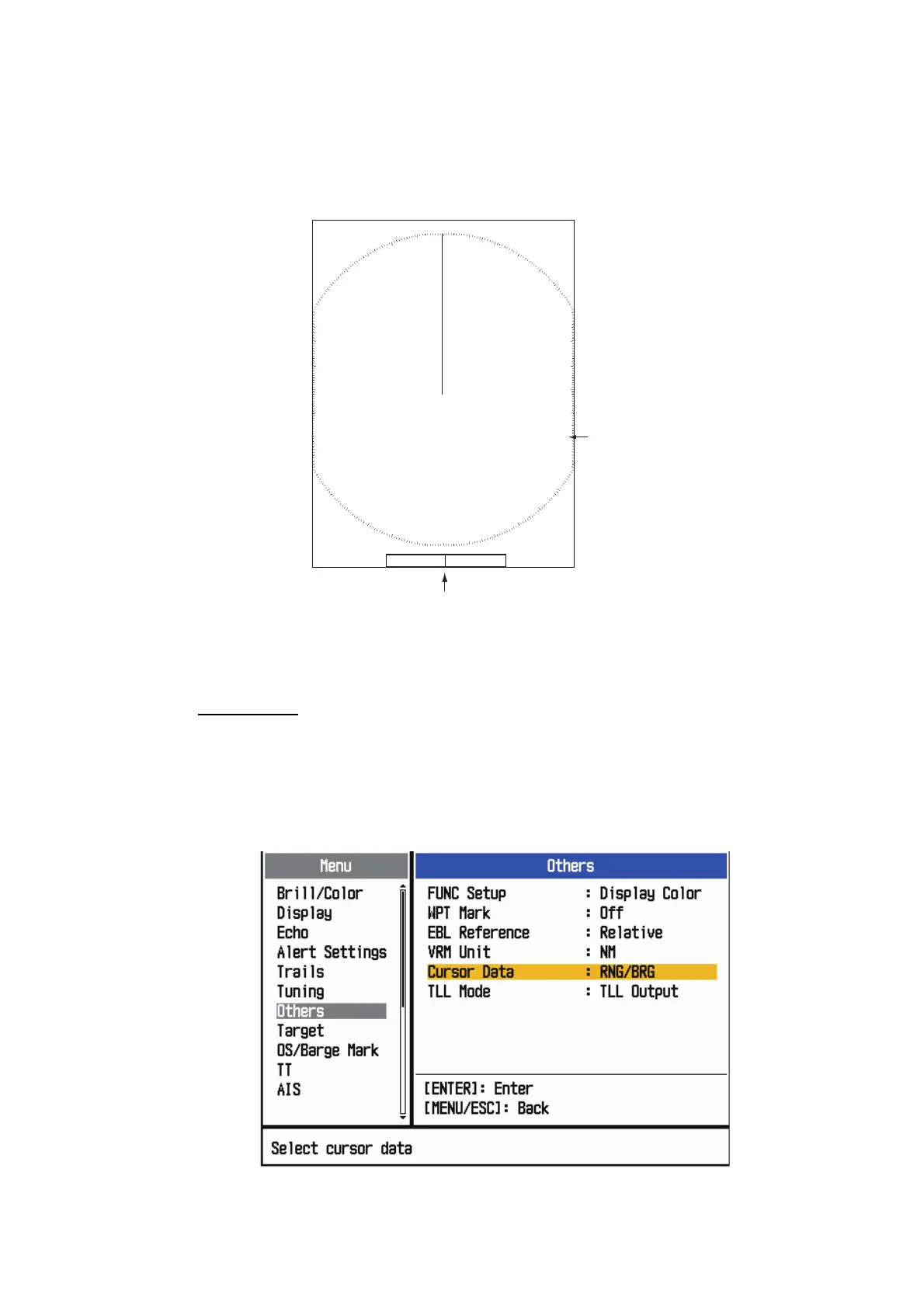
The cursor functions to find the range and bearing (default function) to a target or the
latitude and longitude position of a target. Use the Cursorpad to position the cursor
and read the cursor data at the screen bottom.
Cursor data
Cursor data
You can show the cursor data as range and bearing (from your ship to the cursor) or
latitude and longitude. Position and heading signal are required.
1. Press the MENU/ESC key to open the menu.
2. Use the Cursorpad ( or ) to select [Others] and press the ENTER key.
Others menu
Cursor data
(range and bearing,
or latitutde and longitude)
110.1
° R
0.488
NM
NM
0.5
Cursor
+
+











 To Next Page