5-1
5. OPERATION
5.1 Controls
Display unit
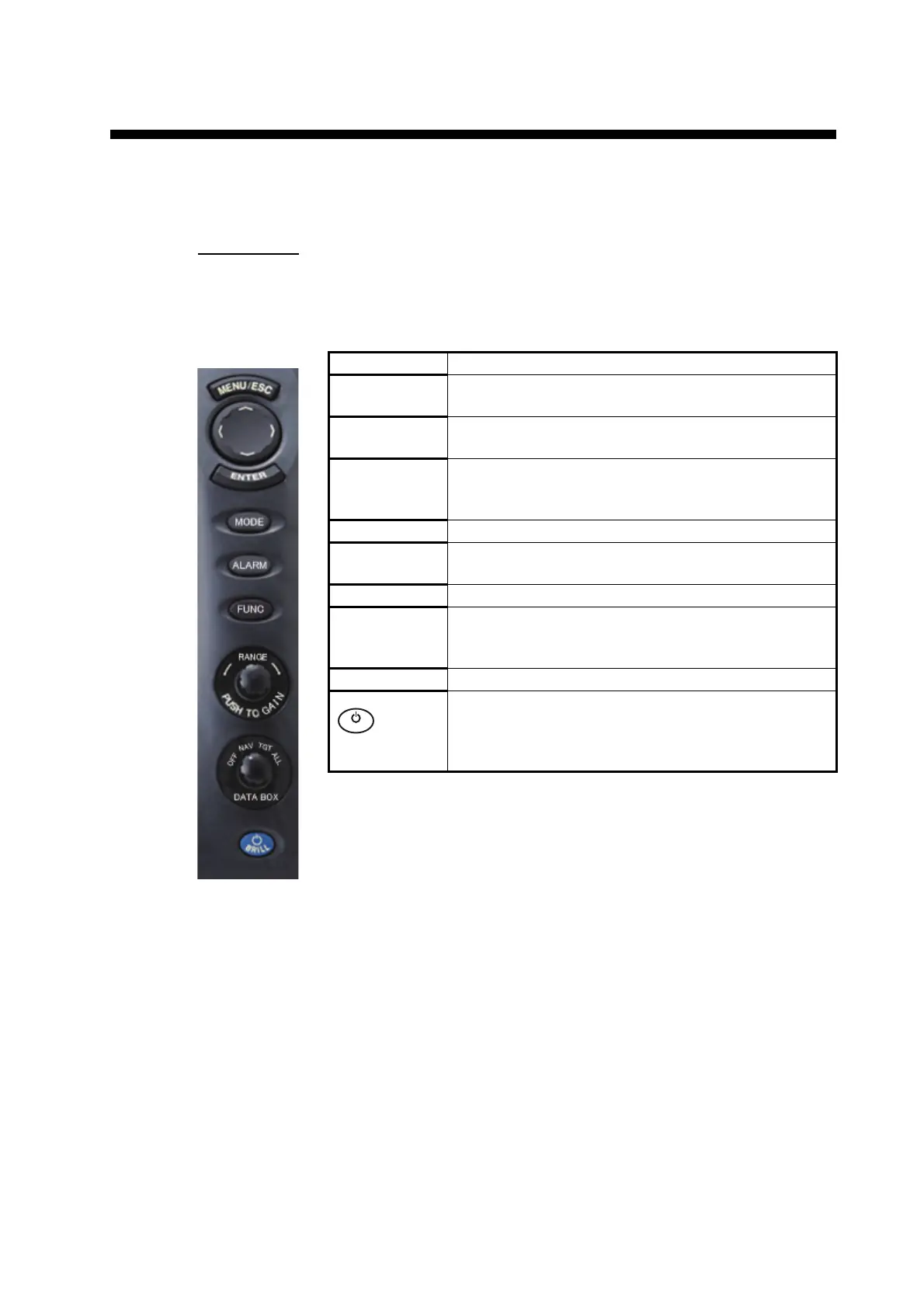
The display unit has six keys, two knob controls and a Cursorpad that control the ra-
dar. When you correctly do an operation, the unit beeps one time. If the operation is
incorrect, the unit beeps three times.
Control Description
MENU/ESC • Open/close the menu.
• Cancel selection (setting),
Cursorpad • Select the menu items and options.
• Move the cursor.
ENTER • Save selected menu option.
• Acquire target to track its movement.
• Select TT or AIS target to display its data.
MODE Show the mode selection window.
ALARM Set the target alarm, which checks for targets in the
operator-set area.
FUNC Execute the function assigned to this key.
RANGE
(PUSH FOR
GAIN)
Select the detection range.
DATA BOX Select the data box to display on the radar screen.
Short push: Turn on the power.
Long push: Turn off the power.
• Adjust the display brilliance.
• Switch the radar between standby and TX.











 To Next Page