5. OPERATION
5-31
5.22.3 Trail gradation
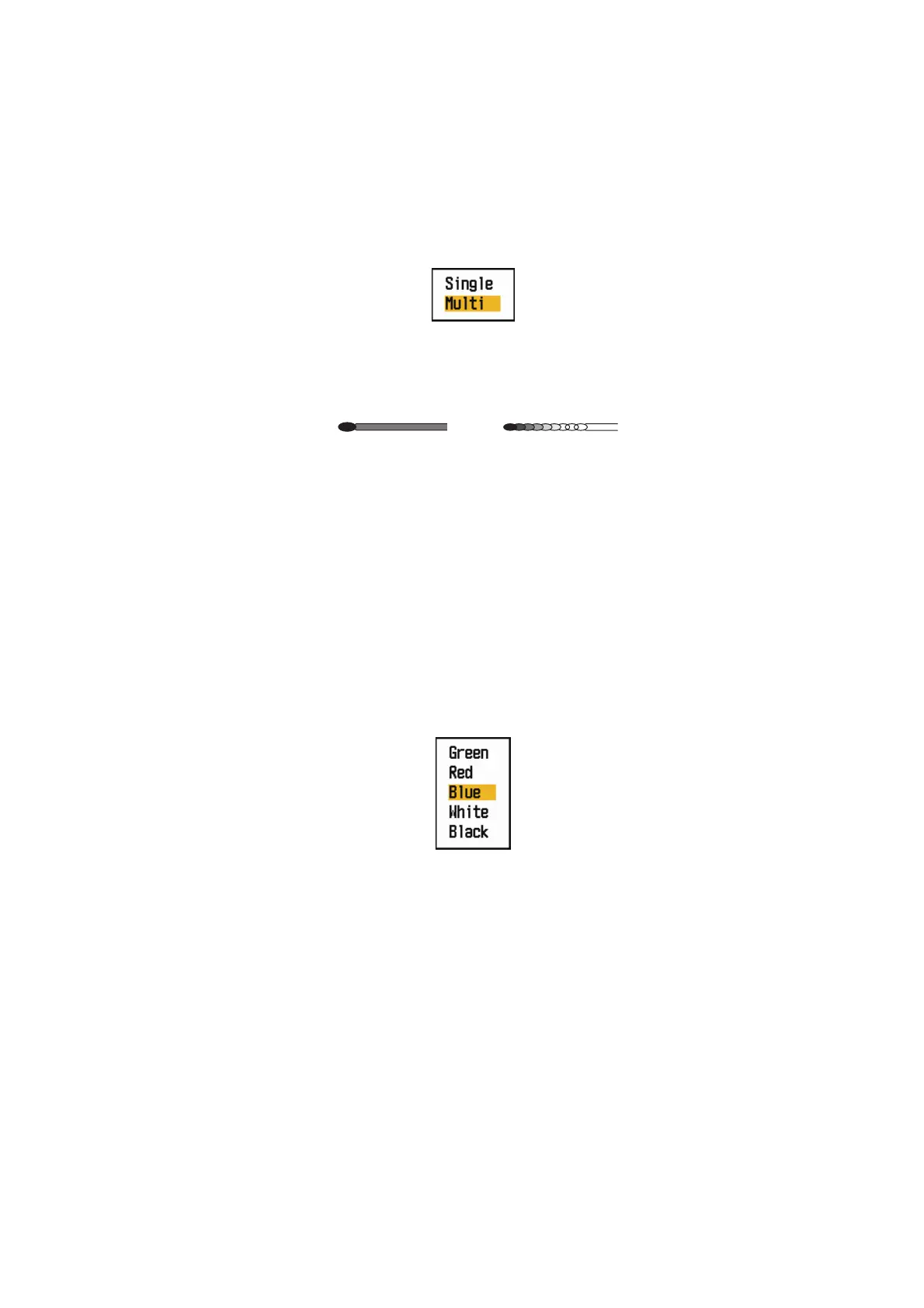
Trails can be shown in single or multiple gradation. Multiple gradation fades the gra-
dation over time.
1. Press the MENU key to open the menu.
2. Use the Cursorpad ( or ) to select [Target Trails] and press the ENTER key.
3. Use the Cursorpad ( or ) to select [Gradation] and press the ENTER key.
Gradation options
4. Use the Cursorpad ( or ) to select [Single] or [Multi] then press the ENTER
key.
Trail gradation
5. Press the MENU key to close the menu.
5.22.4 Trail color
You can select the color for trails as follows:
1. Press the MENU key to open the menu.
2. Use the Cursorpad ( or ) to select [Target Trails] and press the ENTER key.
3. Use the Cursorpad ( or ) to select [Color] and press the ENTER key.
Color options
4. Use the Cursorpad ( or ) to select a color and press the ENTER key.
5. Press the MENU key to close the menu.
Multiple
(Gradual shading)
Single
(Monotone shading)











 To Next Page