9. GPS OPERATION
9-6
9.6 Cold Start
Cold start, which clears the Almanac from the GPS receiver, can be necessary in the
following conditions:
• If you have turned off the power of the GPS receiver for a long time.
• The ship has moved far away from the previous fixing position (e.g., more than 500
km).
• Other reason that prevents the receiver from finding its position within five minutes
after you turn on the power.
To do cold start, do the following:
1. Press the MENU/ESC key to open the menu.
2. Use the Cursorpad ( or ) to select [GPS] and press the ENTER key.
3. Use the Cursorpad ( or ) to select [Cold Start] and press the ENTER key.
Cold Start options
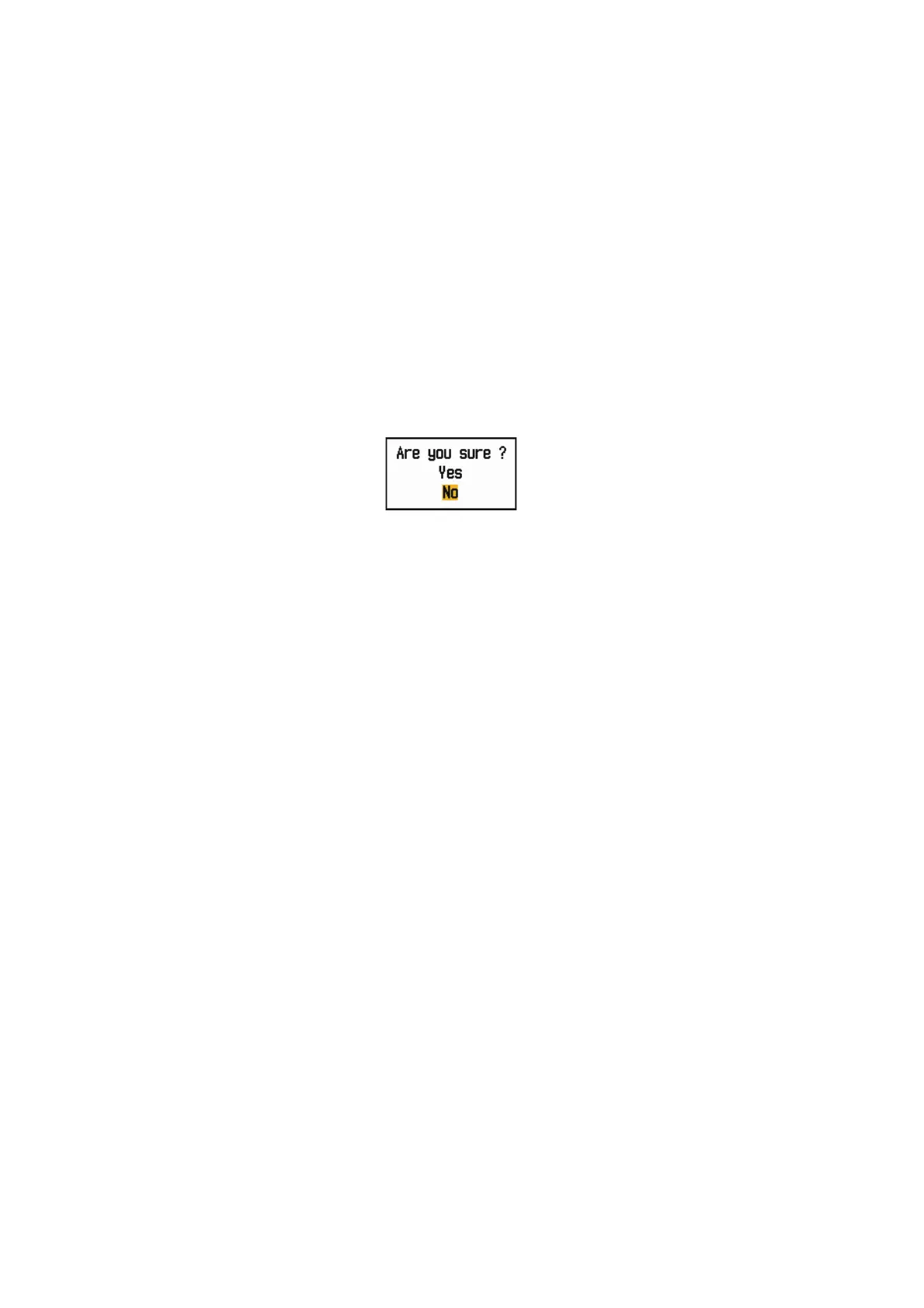
4. Use the Cursorpad () to select [Yes] and press the ENTER key. After processing
cold start, the long beep sounds. (To stop cold start, press the MENU/ESC key
instead of the ENTER key.)
5. Press the MENU/ESC key to close the menu.











 To Next Page