5. OPERATION
5-18
5.16 How to Measure the Bearing to a Target
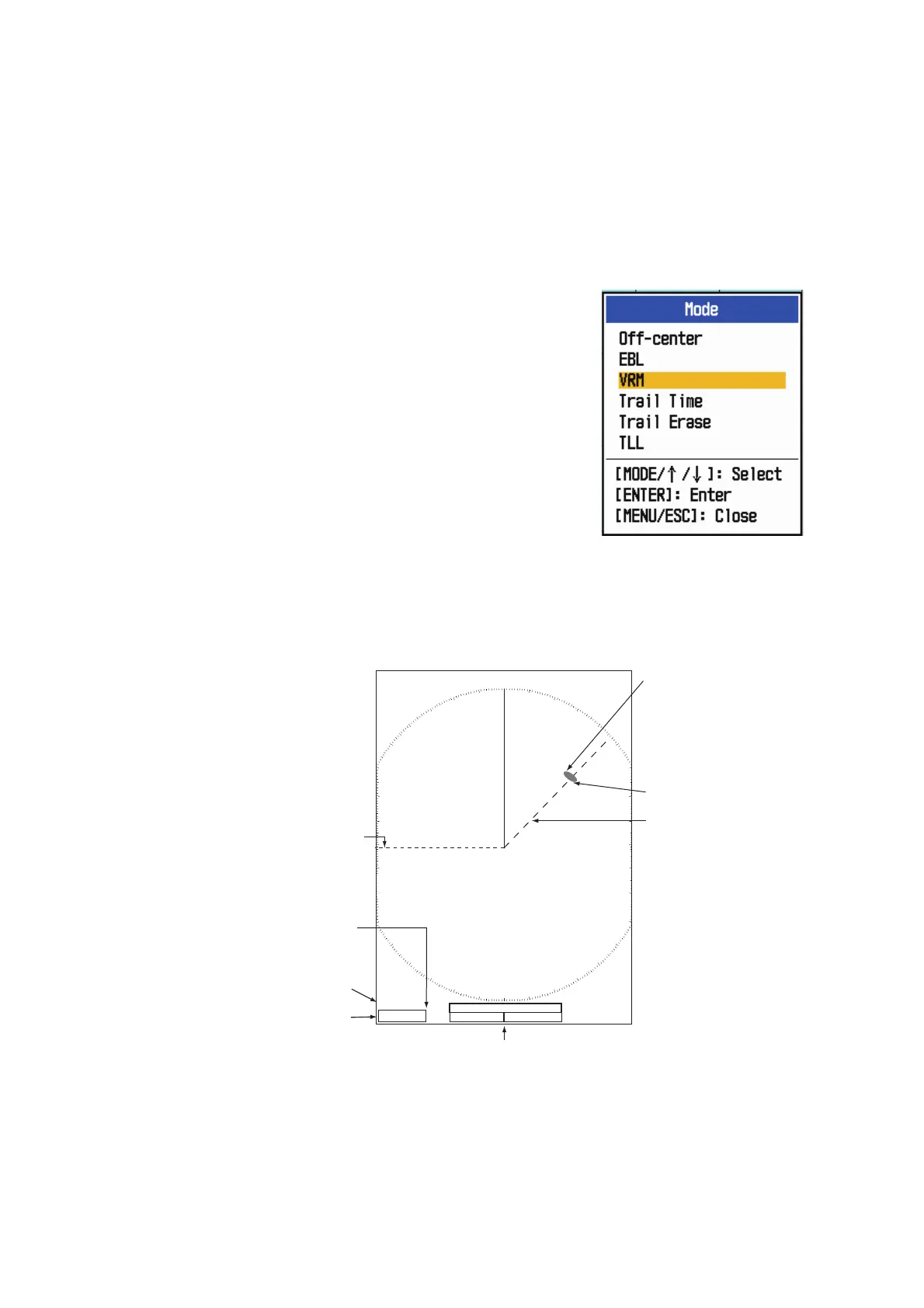
Use the Electronic Bearing Line (EBL) to take a bearing of a target. There are two
EBLs, No. 1 and No. 2. Each EBL is a straight dashed line from the center of the
screen to the edge. The dashes of the No. 1 EBL are shorter than those of the No. 2
EBL.
5.16.1 How to measure the bearing with an EBL
1. Press the MODE key to show the [Mode] window.
2. Use the Cursorpad to select [EBL] then press the
ENTER key.
3. Select [EBL 1] or [EBL 2] as required, then press
the ENTER key. The EBL indication appears at the
bottom left corner, inside a rectangle.
4. Use the Cursorpad to place the EBL through the
center of the target. Read the distance at the bottom
left corner of the screen. The cursor on the EBL pro-
vides an estimate of the range to a target.
5. To anchor the EBL, press the ENTER key. To reac-
tivate the EBL, select it from the [Mode] window.
6. To erase a EBL, press the MODE key to open the [Mode] window, select [EBL],
then select the EBL to erase. Press the MENU/ESC key to erase the EBL and its
indication. (If a EBL’s indication is already in a rectangle, simply press the MENU/
ESC key to erase the EBL and its indication.)
+
EBL
270.0
°
R
45.0
°
R
45.0
°
R
5.044
NM
+
EBL 1
EBL 2
Cursor range and bearing
Target
Cursor (+)
The currently active EBL
is in a rectangle.
EBL 1 bearing
EBL 2 bearing
VECT
TRUE
05:00











 To Next Page