5. OPERATION
5-26
5.20 Zoom
The zoom function expands the length and width of a selected target as much as twice
its normal size, in the zoom window. You select the target to zoom with the zoom cur-
sor. The selected target is zoomed in the zoom window.
TT and AIS symbols can be displayed in the zoom window, but are not zoomed. You
can process TT and AIS targets that are in the zoom window, in the same method as
on the normal radar display.
There are three types of zoom.
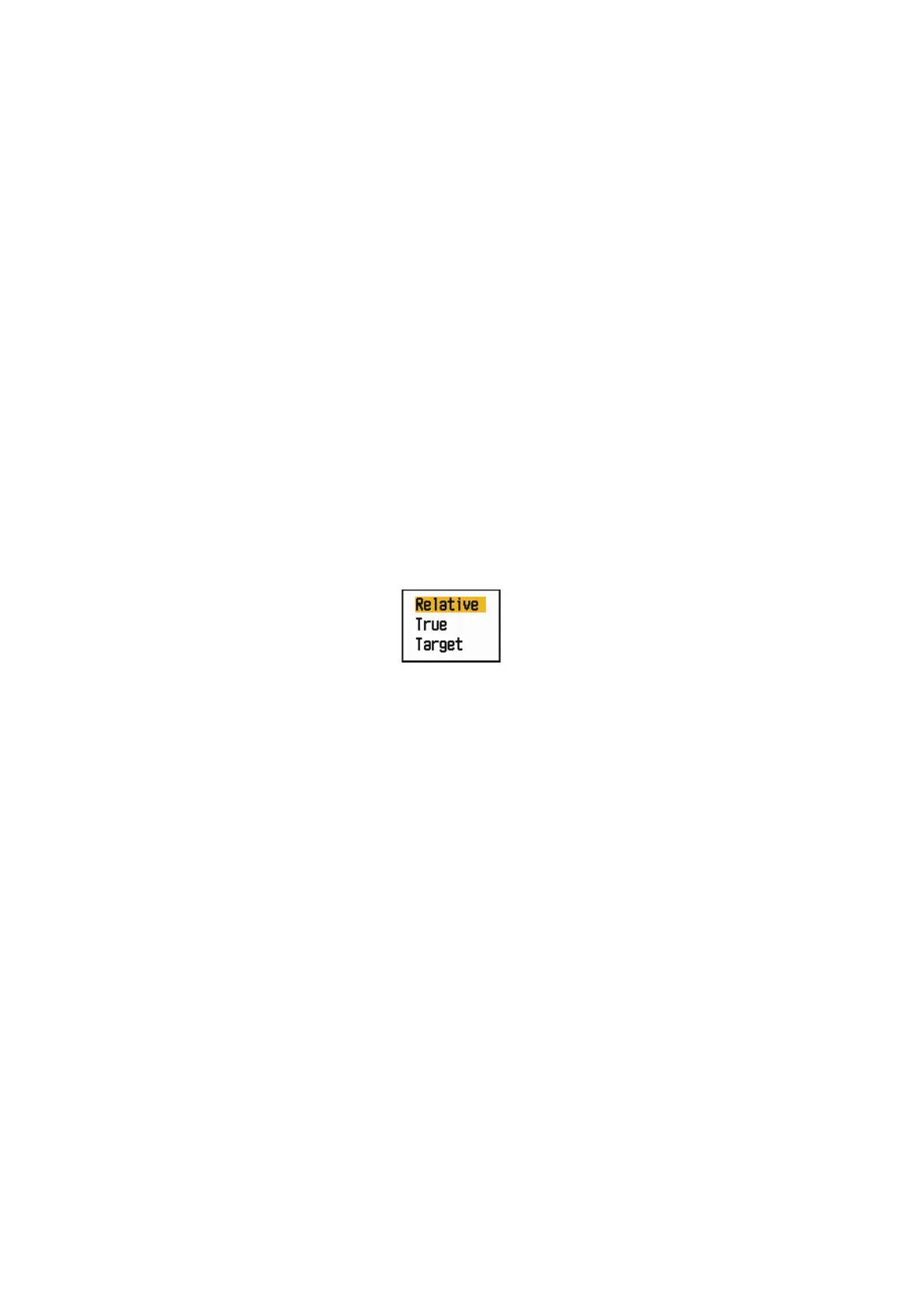
[Relative]: The zoom cursor is fixed to the range and bearing from your ship.[True]:
The zoom cursor is fixed to set geographical position.[Target]: The zoom cursor is
fixed to the zoomed AIS or TT target.
5.20.1 Zoom mode
You can select the zoom mode from [Relative], [True] or [Target].
1. Press the MENU/ESC key to open the menu.
2. Use the Cursorpad ( or ) to select [Display] and press the ENTER key.
3. Use the Cursorpad ( or ) to select [Zoom Reference] and press the ENTER
key.
Zoom Mode options
4. Use the Cursorpad ( or ) to select [Relative], [True] or [Target] then press the
ENTER key.
Note: True zoom mode requires a heading signal and position data.
5. Press the MENU/ESC key to close the menu.











 To Next Page