9-1
9. GPS OPERATION
If the FURUNO GPS Navigator GP-320B is connected to this radar, you can set GP-
320B from this radar.
9.1 Navigator Mode
1. Press the MENU/ESC key to open the menu.
2. Use the Cursorpad ( or ) to select [GPS] and press the ENTER key.
3. Use the Cursorpad ( or ) to select [Mode] and press the ENTER key.
Mode options
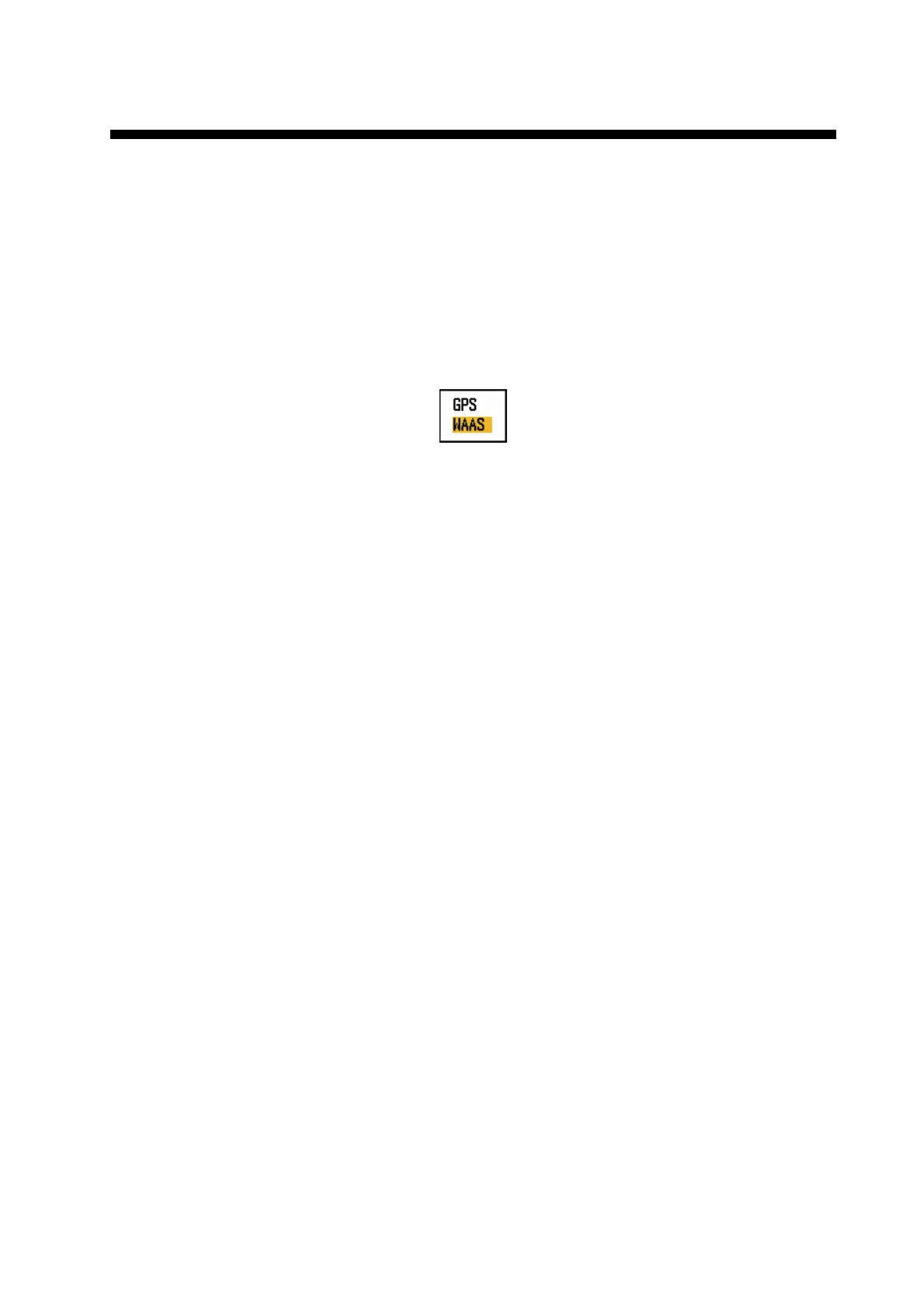
4. Use the Cursorpad ( or ) to select [GPS] or [WAAS] then press the ENTER
key.
5. Press the MENU/ESC key to close the menu.











 To Next Page