9. GPS OPERATION
9-2
9.2 Datum
Select the type of datum which matches the paper charts you use for navigation. Se-
lect [WGS-84] if the radar is connected to an AIS Transponder.
1. Press he MENU/ESC key to open the menu.
2. Use the Cursorpad ( or ) to select [GPS] and press the ENTER key.
3. Use the Cursorpad ( or ) to select [Datum] and press the ENTER key.
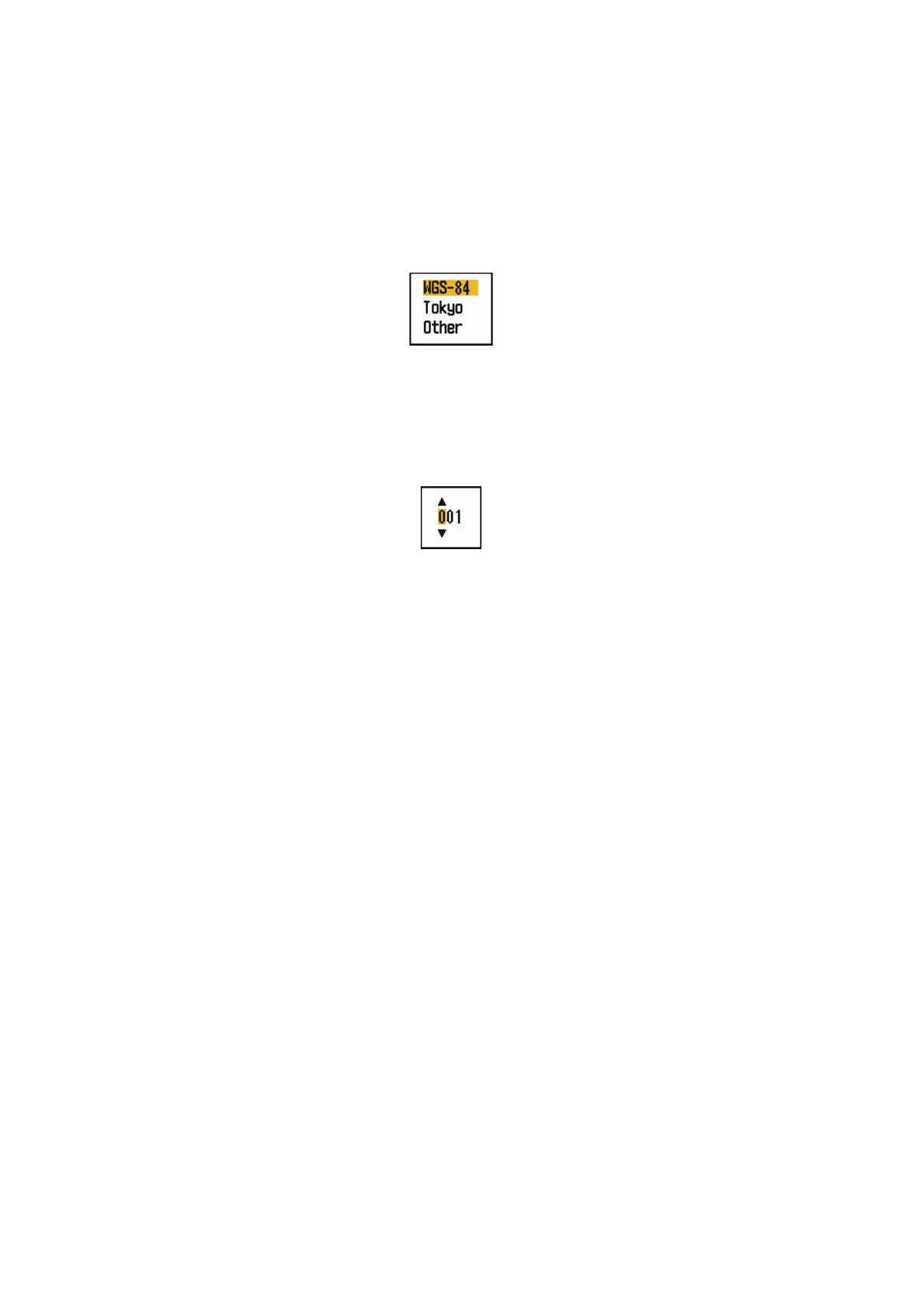
Datum options
4. Use the Cursorpad ( or ) to select the type of datum and press the ENTER
key. If you select [WGS-84] or [Tokyo], go to step 7. If you select [Other], go to the
next step.
5. Use the Cursorpad ( or ) to select [Datum No] and press the ENTER key.
Datum No setting window
6. Use the Cursorpad ( or ) to select the datum number and press the ENTER
key. (The setting range is 001 - 192 and 201 - 254. Refer to the appendix 2 “GEO-
DETIC CHART LIST”.)
7. Press he MENU/ESC key to close the menu.











 To Next Page