5. OPERATION
5-47
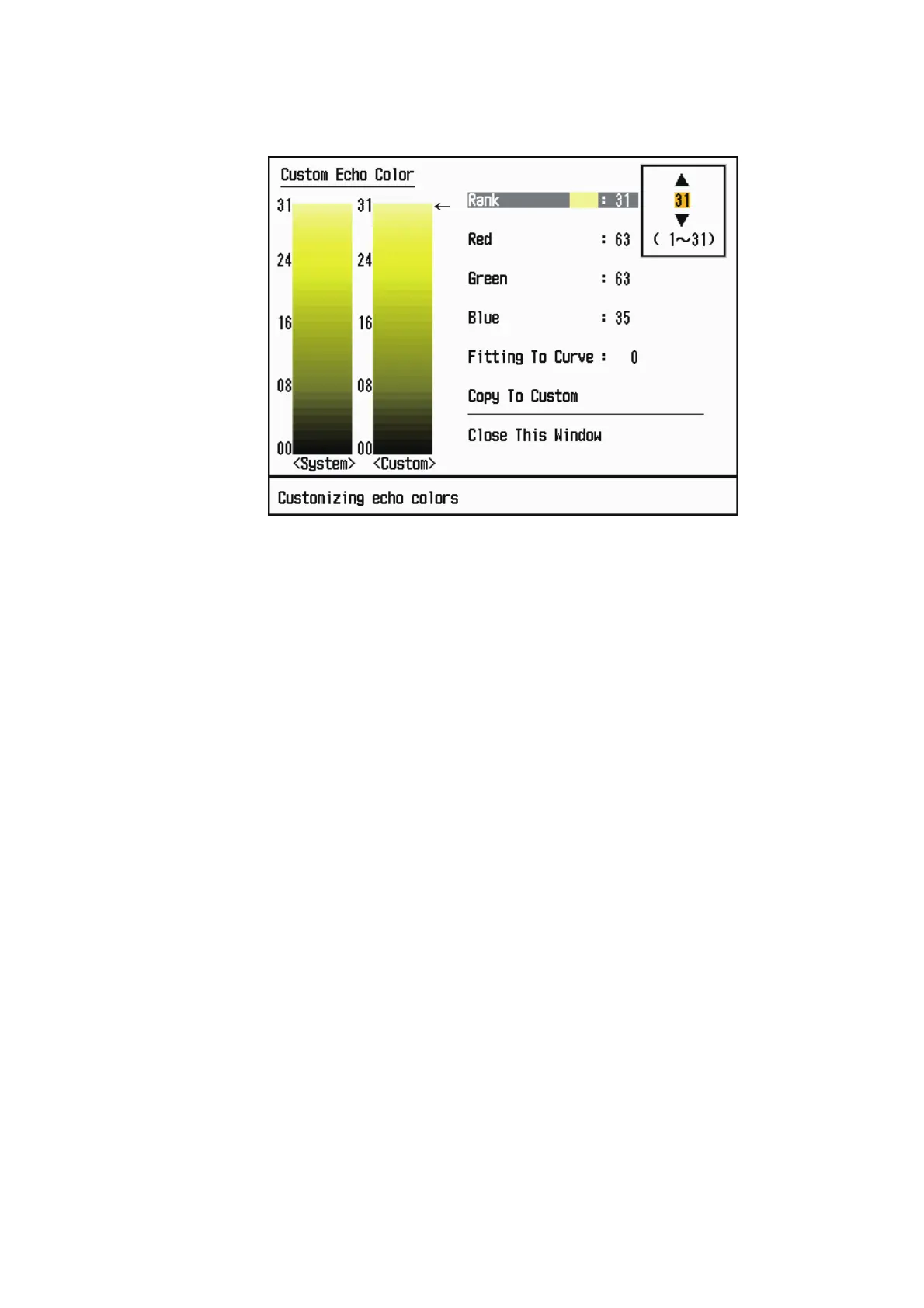
[Custom Echo Color]: You can customize the echo color with the following two meth-
ods. This function is not available in the [IEC] or [Russian-River] mode.
Custom Echo Color setting window
Method 1: 1) Select the echo rank to change on the [Rank] (setting range: 1 - 31).
2) Set the RGB values for selected echo rank on the [Red], [Green] and [Blue] (setting
range: 0 - 63).
Method 2: 1) Select 31 on the [Rank].
2) Set the RGB values for 31 echo rank on the [Red], [Green] and [Blue] (setting range:
0 - 63).
3) Interpolate the RGB values between the maximum rank and minimum rank on the
[Fitting To Curve] with the following curves (setting range: -20 to 20).
Setting range > 0: Logarithmic curve, useful to emphasize the weak echoes.
Setting range = 0: Straight line
Setting range < 0: Exponential curve, useful to emphasize the strong echoes.
[Copy To Custom]: Copy the color palette from [System] to [Custom].











 To Next Page