1. INITIAL SETTINGS AND ADJUSTMENTS
1-51
1.10.3 How to load the configuration data
This function is only available through a LAN-connected PC. You can load the
configuration data from USB memory. Set the medium and then do as follows:
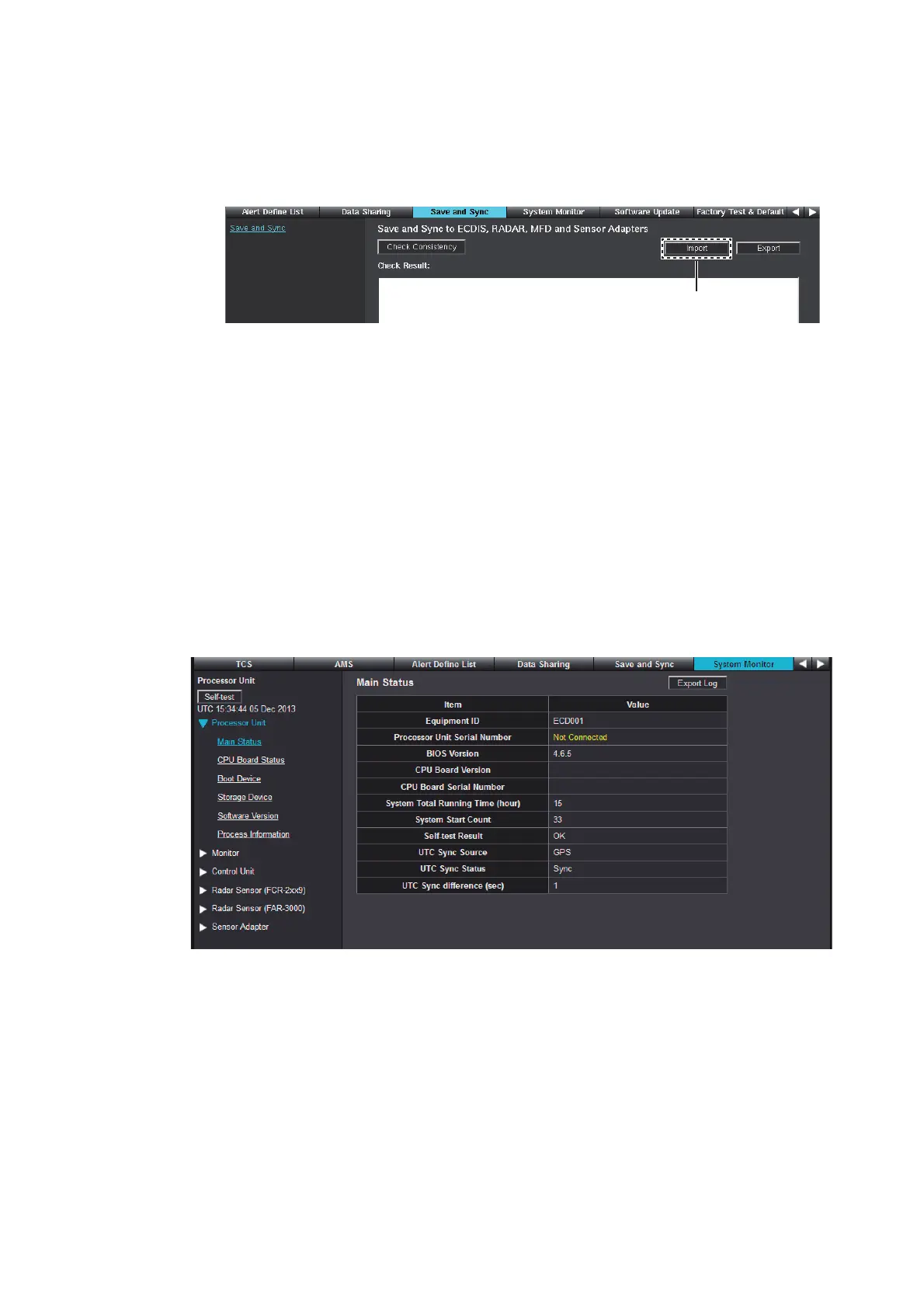
1. Click [Import] at the upper right of the [Save and Sync] menu.
2. Select the configuration data file (“SettingFiles.tar”).
3. Select the configuration data type that you want to load, and then click [OK].
• [Sensor Setting]: Configuration data on the [Own Ship Setting], [Installation Pa-
rameters] and [CCRS] menu.
• [TCS Setting]: Configuration data on the [TCS] menu. Not used on FMD-3100.
• [AMS Setting]: Configuration data on the [AMS] menu.
• [Alert Setting]: Configuration data on the [Alert Define List] menu.
4. After loading the data, perform the consistency check and save the configuration
data on the [Save and Sync] menu.
1.11 [System Monitor] Menu
This menu displays system information of units as shown below.
• Panel Computer Unit (PCU-3010)
• Trackball Control Unit
• Sensor Adapter
Click [System Log] to save the log data to the connected PC.
Click [Import].
System MonitorSystem Monitor
Data SharingData SharingAlert Define ListAlert Define List
TCS AMSAMS
Save and SyncSave and Sync



 To Next Page
 Loading...









