107
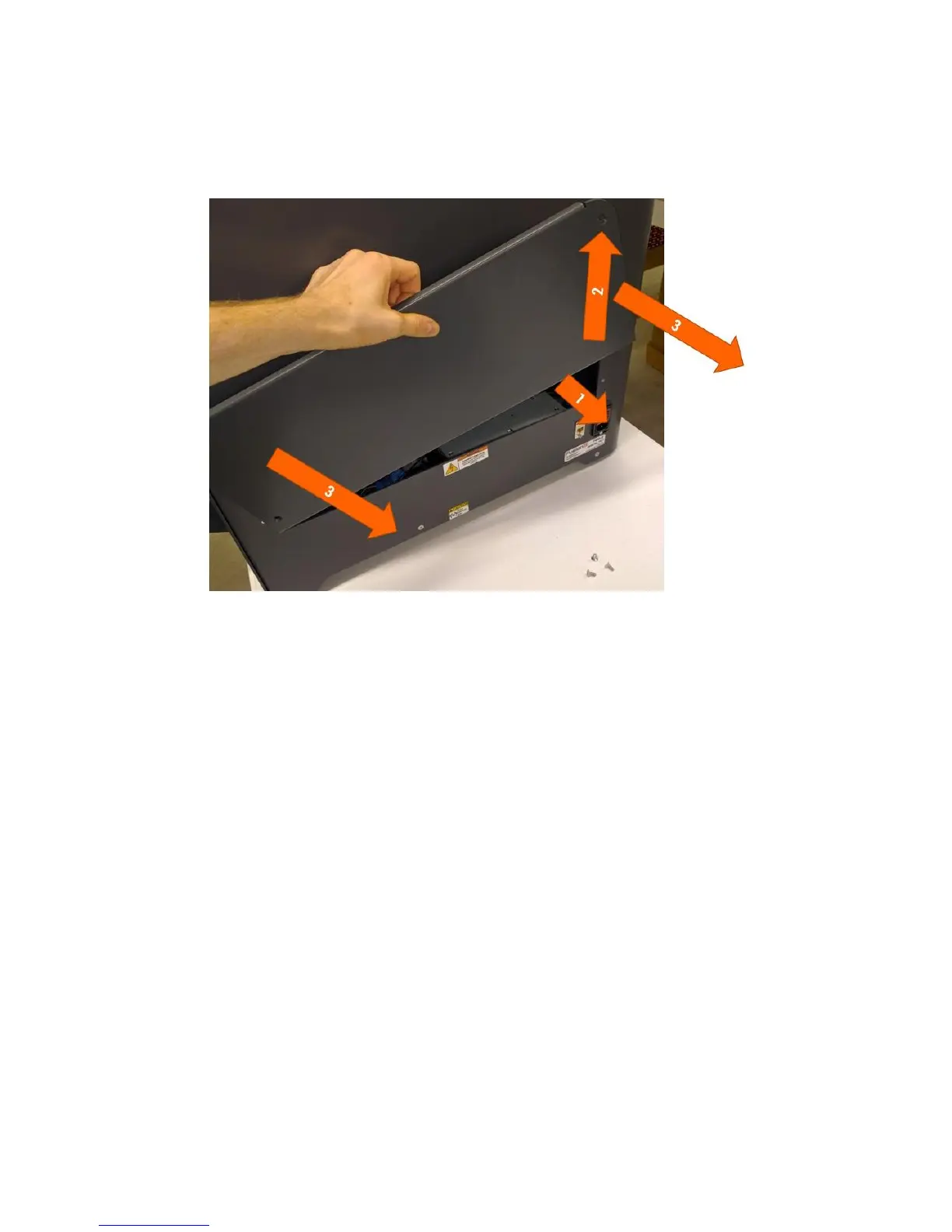
Remove the door by lifting the back edge up and out, and then rotating the door to remove it from the
printer. Follow the numbered steps below (this looks complicated but it’s easy once you do it the first
time).
Now you have access to the electronics bay.
12.14.2 Installing the Door
Start with the door positioned as shown.



 To Next Page