64
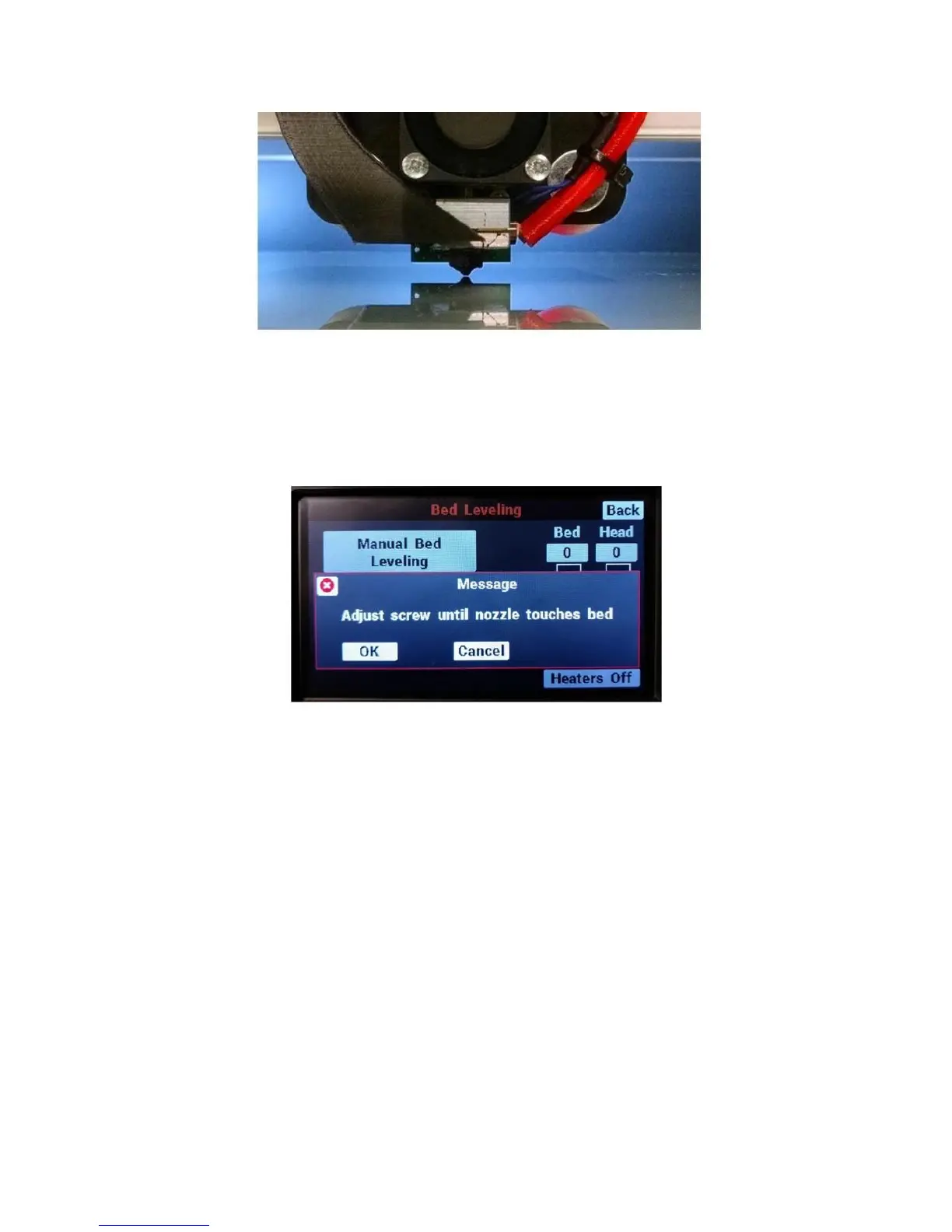
Once you are satisfied with the gap, press “ok” on the LCD. The print head will move to the front-left
corner.
Use the thumbscrew under the bed to adjust the height of the corner until the gap between the bed and
the nozzle is the same as what you saw at the center.
Once you are satisfied, press “ok” on the LCD. Repeat this process for the other 3 corners.
Once you’re complete, you have 3 options:
1. If your bed was severely out of level (turned any corner screw by more than half a turn), we
recommend you run through this process again to fine-tune the bed leveling.
2. If you’d like to check your work, run the auto bed level sequence (Maintain printer > Bed Leveling >
Auto bed level). Once it’s done go to the console and check the reported height of each corner.
3. If no/minor changes were needed and you’re confident in your work, you can move on with what
you’re doing.
10.5 Loading Filament
Your F410’s filament handling system is designed to accommodate a wide range of filament spool sizes
from 1lb with a 0.5” center hole, all the way up to 4kg rolls.
The max spool dimensions are 12 inches in diameter and 6.0 inches in width or thickness.



 To Next Page