28
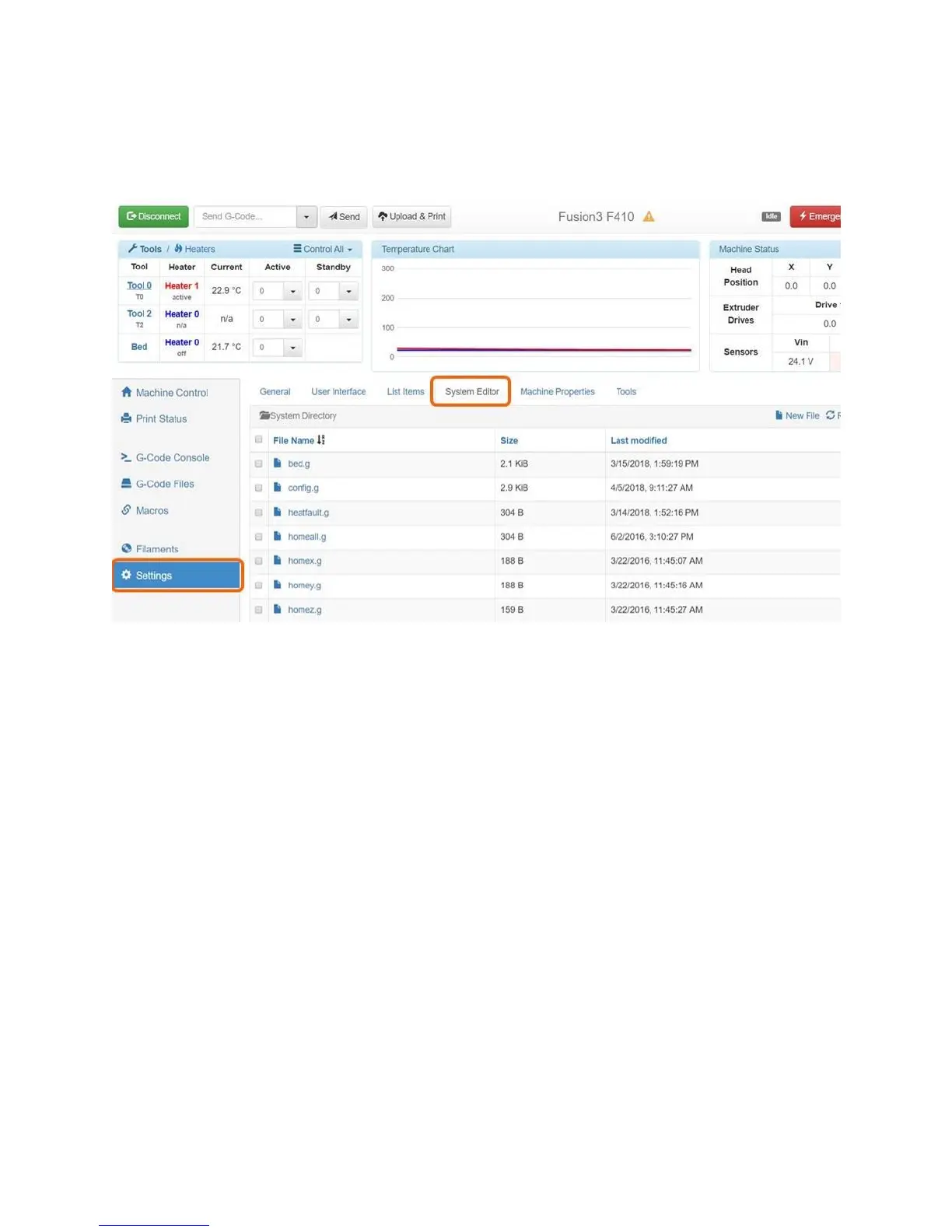
The System Editor tab is very useful for making changes to your printer’s settings without requiring you
to remove the internal SD card. You can simply make the change right in your web browser, save the
file, and you’re done.
6.2.6 Other Tabs
The other tabs such as the Macros and filaments tabs are not used in normal use. You can ignore them.
6.3 Changing the Web Interface Configuration
The following parameters can be adjusted by the end user if needed. To adjust these you will need to
open and edit the /sys/config.g file on your SD card. See section 8 for more information on the SD card
file system.
Website name
Login password
Assign printer a static IP address and adjust other network parameters
6.3.1 Website Name
If you have multiple F410s on your network, you will need to assign each one a unique name to prevent
conflicts. Or, you can simply access them by their IP addresses.
To change the website name, locate the line in config.g that begins with “M550 PFusion3 F410”.
The characters after the “P” are the name of your printer and will also be used as the web address for
the web interface.



 To Next Page