92
The simplest way to adjust your probe offset is simply add or subtract 0.05mm at a time and attempt
your print again. Continue to make changes until you are happy with the height of the first layer.
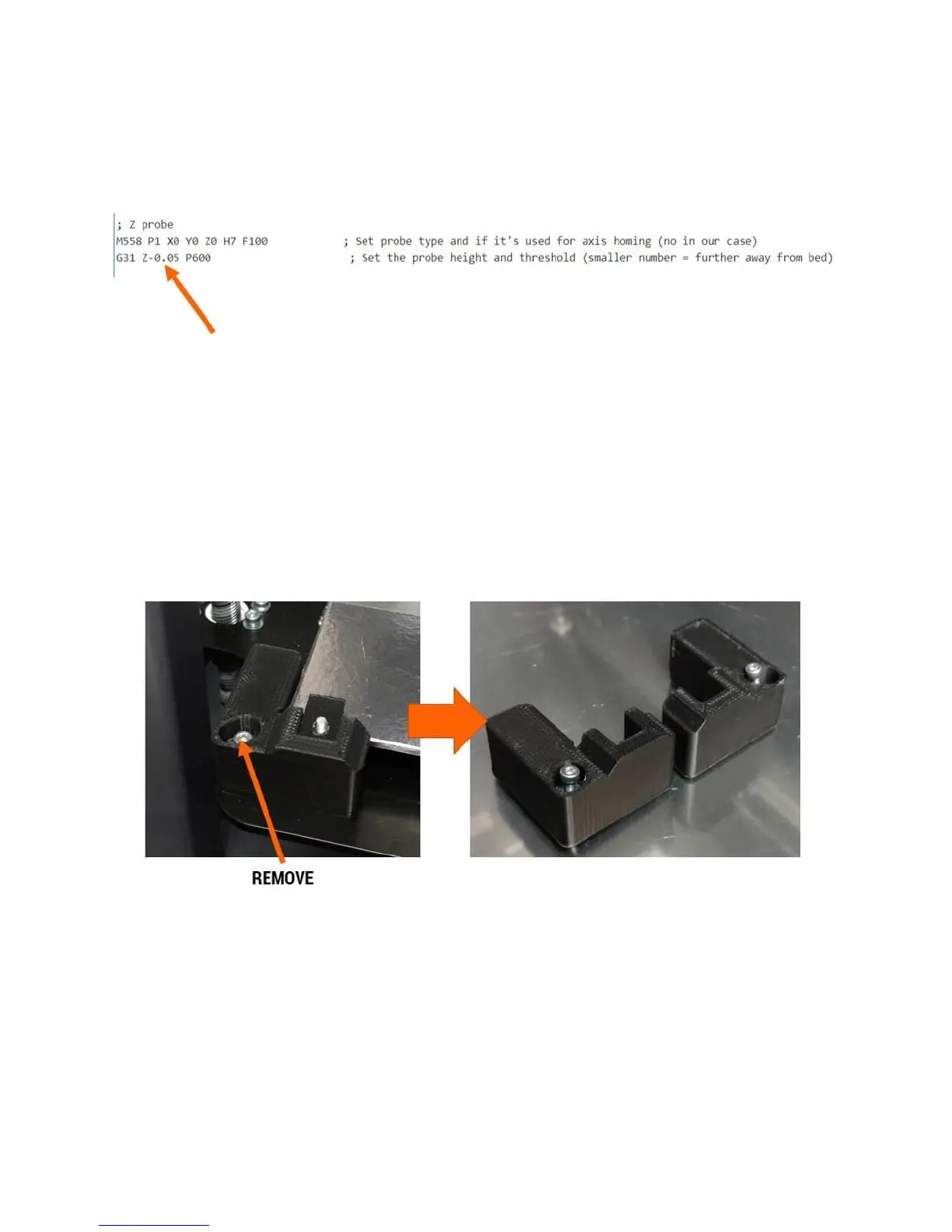
The line in config.g that you need to change is:
For the F410, the probe offset is normally 0.00 or close to it. You can see in our example it’s set to -0.05.
Note the comment: Smaller number = further away from bed. This means:
If your first layer is too close, subtract 0.05 from the current value (negative numbers are
allowed)
If your first layer is too far away, add 0.05 to the current value
12.9 Removing & Installing the Print Bed
Remove the front 2 “L” clips from the corners of the bed.
Slide the bed clips off the surface of the bed so they drop down.



 To Next Page