106
Install the clamp block and tighten the 2 M3 screws.
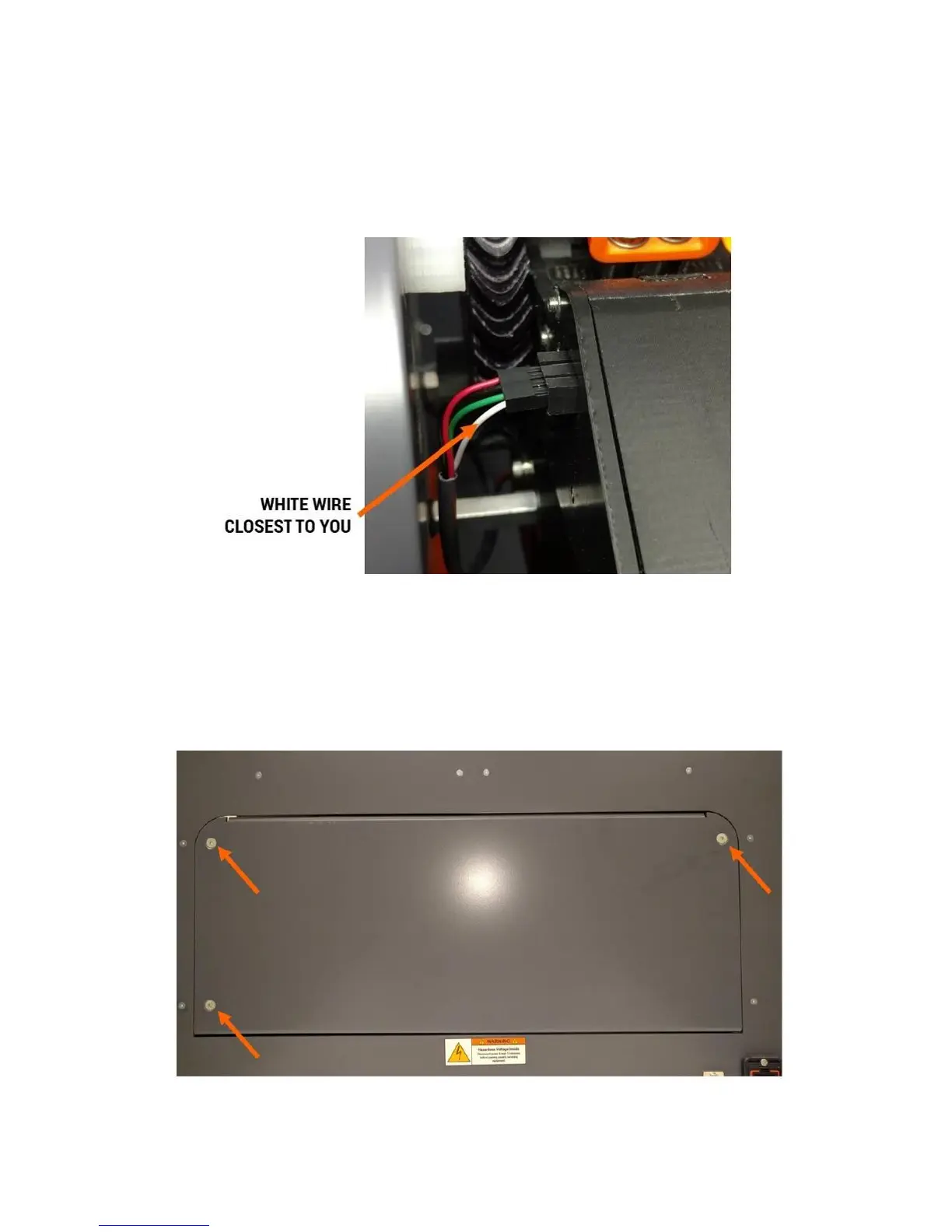
Install the electrical connectors. The fan and motor connectors are polarized and will only connect one
way (the correct way). Make sure you install the filament monitor wire with the WHITE wire CLOSEST to
you.
12.14 Accessing the Electronics Bay
WARNING: The electronics bay contains some high voltage components. Do not open the bay until you
have unplugged your printer and waited 10 minutes for the power supply to fully discharge.
12.14.1 Removing the Door
Use the 3mm hex key to remove the 3 screws shown below.



 To Next Page