32
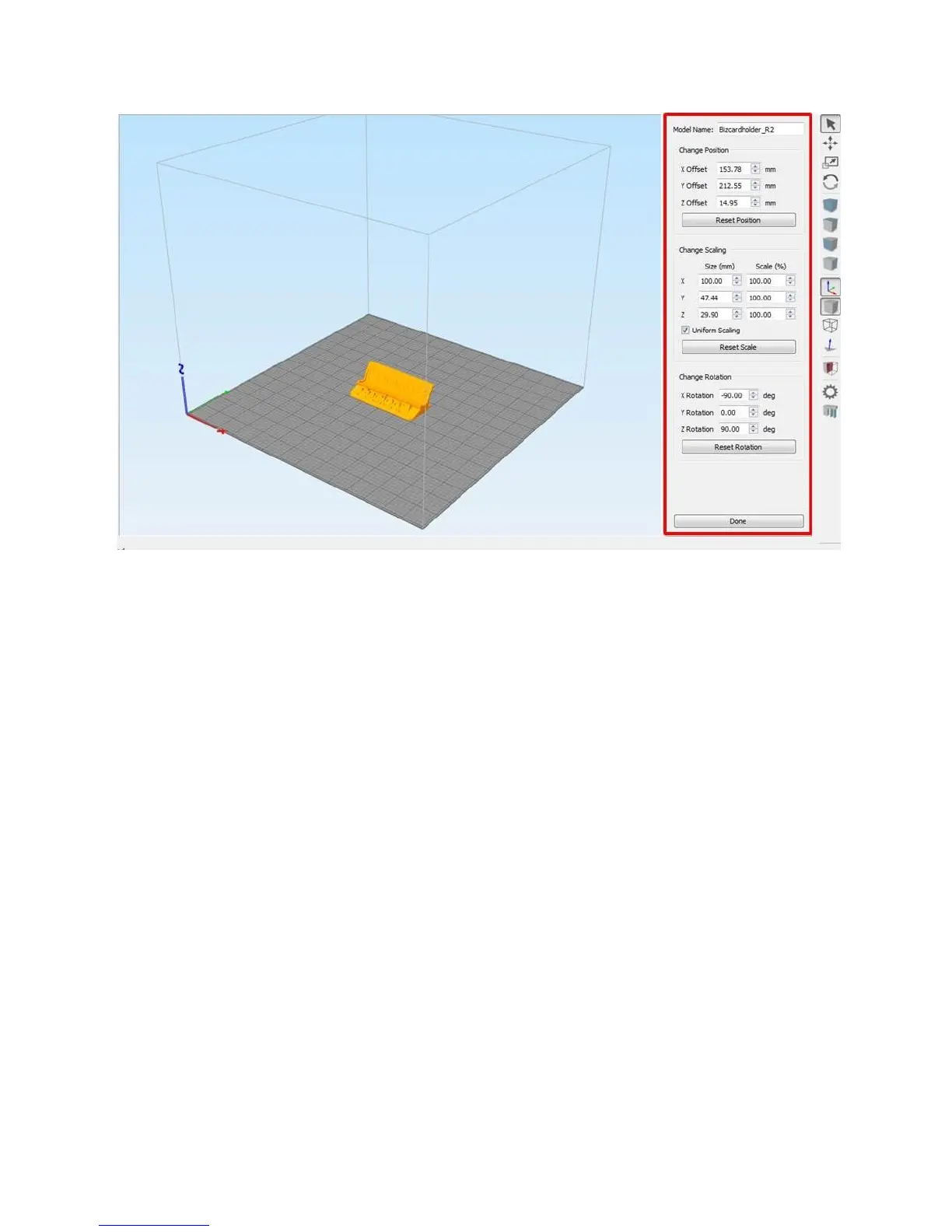
The rotation options are especially useful to position your part in the best orientation for printing.
7.3 Processes & Profiles
Processes are how you tell Simplify how you want the part built. Things like material, layer height, infill
amount, speed, etc are all defined in the process.
For your F410, we’ve built a separate profile for each material and for each nozzle size (0.4, 0.6, and
0.8mm). The base settings in each process are set up to work for most prints. So when you’re getting
started, you should just need to select the right material profile and click “Prepare to Print”.
Fusion3’s naming convention for all Simplify profiles is PrinterModel_NozzleDiameter_Material. So for
example, F410_0.4_PLA or F410_0.6_PLA or F410_0.8 _PLA.
7.3.1 Editing a Process
Double click on a process in the Process List to open the Process Settings Dialog box:



 To Next Page