24
If you can’t get the page to load, please see section 6.3. below.
6.2 Web Interface Description
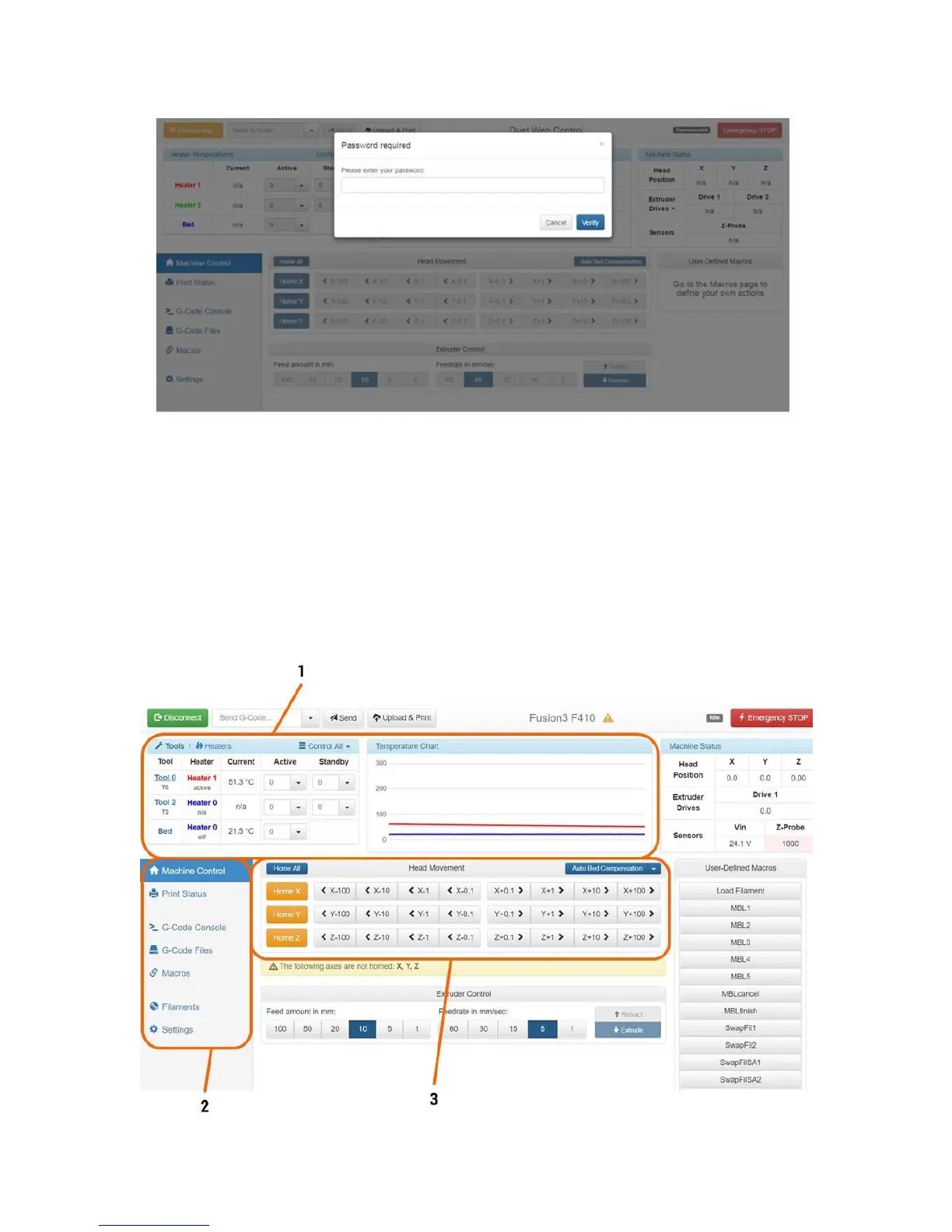
The web interface is not as simple as the LCD, but it gives you access to roughly the same functionality
and controls, they just look a little different. The web interface is divided into tabs, shown vertically on
the left side of the screen. Each tab focuses on a various aspect of operating your F410.
6.2.1 Machine Control Tab
This is the default tab you will see when you log into the web interface.



 To Next Page