79
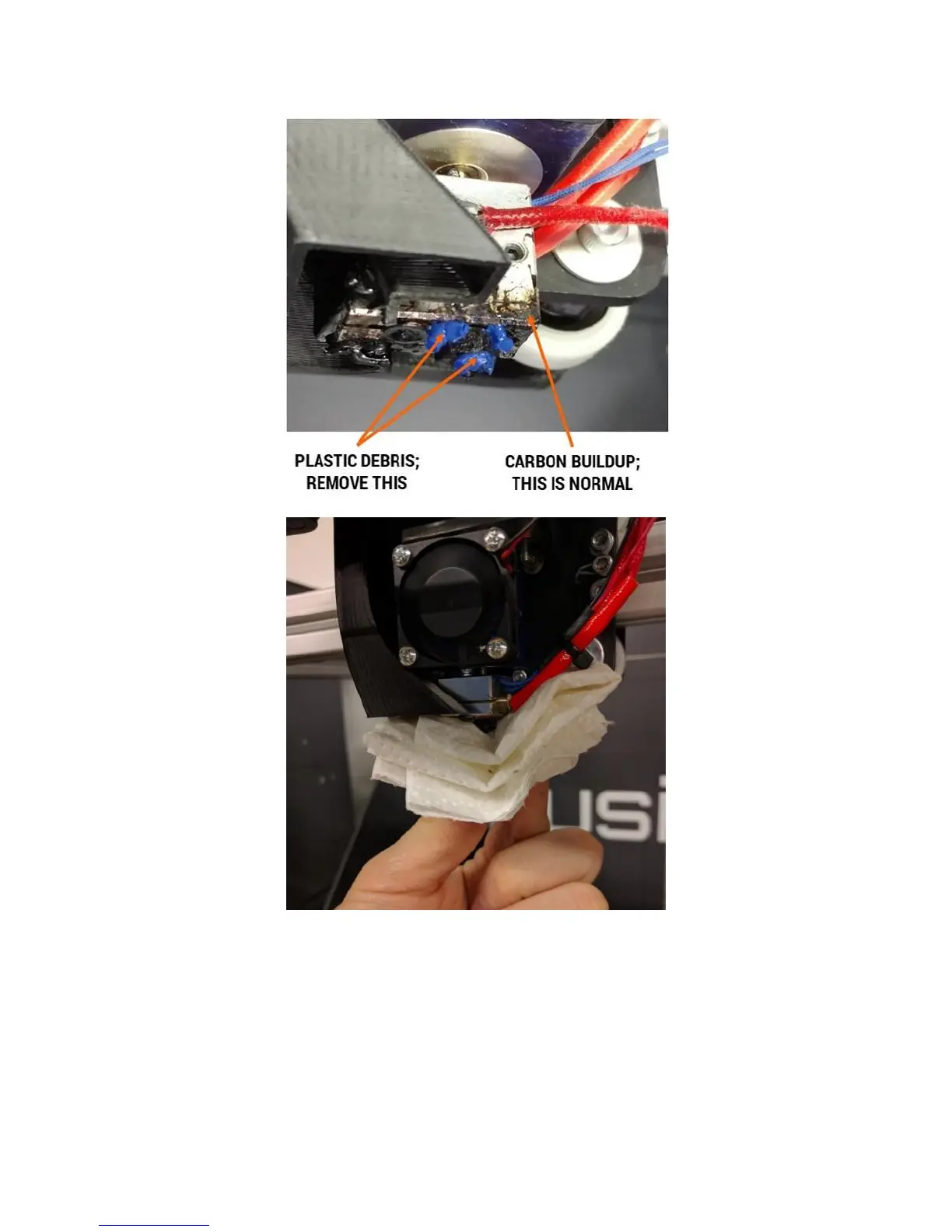
If you see dark, burnt-looking plastic that has appeared on top of the heater block, this is a sign the print
head may be leaking. Please see section 12.4 to correct this.
Note: It’s normal for the surface of the print head to become dark and coated with carbon after a while.
This buildup does not pose an issue and can be left alone.
12.3 Check Heat Break
Make sure the hot section of the print head is still firmly threaded into the cold section.



 To Next Page