59
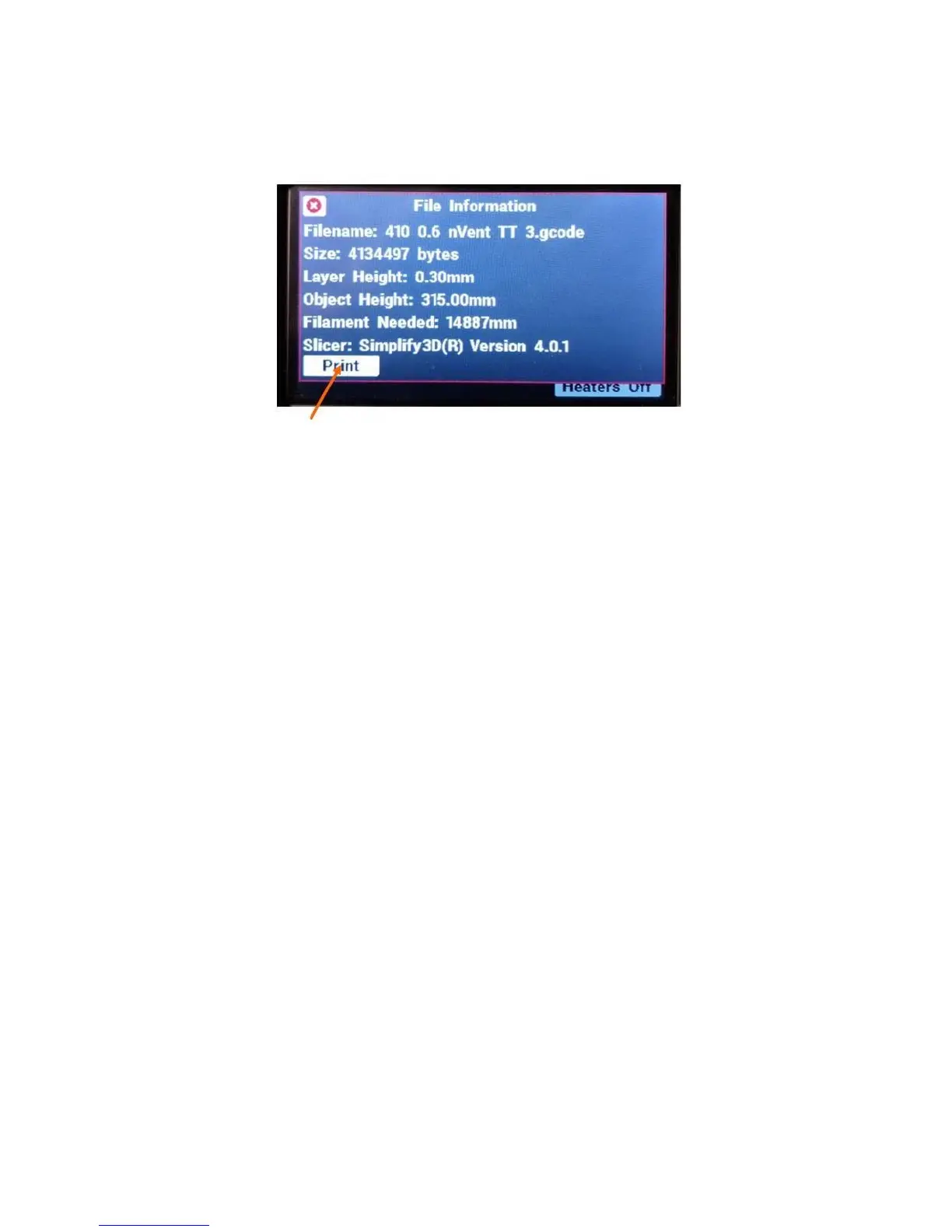
Select your file, and then click “Print” in the box that pops up. It’s a good idea to double check the file
name in this box before you hit print – it’s easy to select the wrong file by accident.
The sequence at the beginning of a print is as follows:
1. The bed begins to heat to the correct temperature for the material. The head heats to 250
o
C for
the cleaning process.
2. Once the head is up to temperature, the extruder does a “ram purge” to empty the melt chamber
in the print head of material.
3. The bed is raised, the blower turns on, and the head touches on the front left corner in order to
determine where the bed is for the cleaning step.
4. The print head moves in a little and scrubs itself clean to ensure good electrical contact with the
corners. The head cools for 30 seconds.
5. The 4 corners are probed to check the bed level.
6. The head returns to the front-left corner while the bed and head finish heating to their printing
temperatures.
7. Once both are up to temperature, the head performs a “prime” by squirting some filament out,
then the bed moves up and the head moves to the right to wipe itself off.
8. Then the print starts.
10.3 Removing a Finished Print
When your print job finishes, the bed will lower to the bottom and the head will move to the back-left
corner to make it easy to remove the finished part(s).
Depending on what material you are using, the method you will use to remove the finished print job will
vary some. Below are some examples.
10.3.1 PLA
PLA parts will not self-release from the bed since it is a low-temperature material.
For small parts, you can usually use your part scraper to “pop” them off the bed by getting the scraper
under 1 corner and gently working it progressively further under.



 To Next Page