37
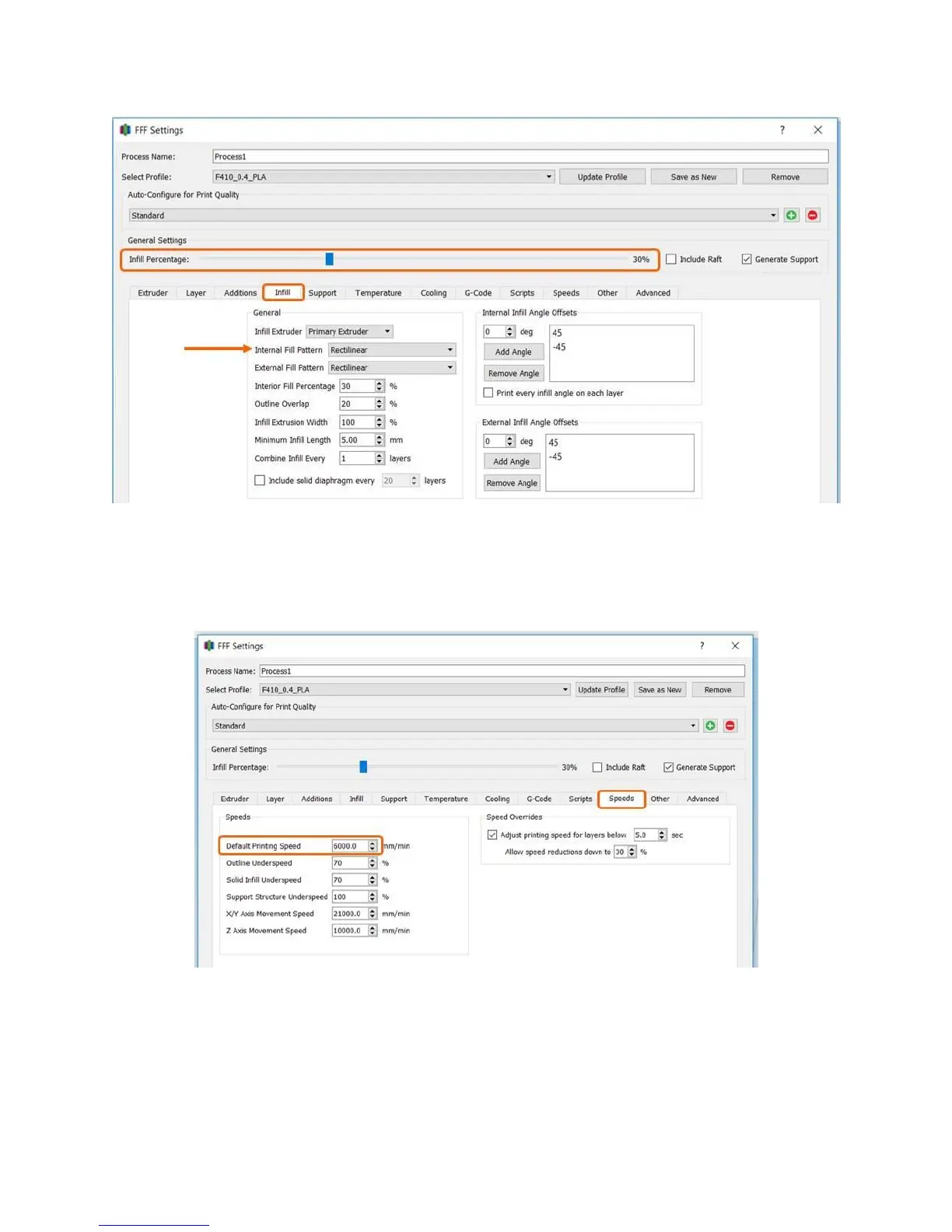
Speed
Print speed is adjusted on the “Other” tab. You should only adjust the “Default printing speed”; please
leave other values as-is. Remember that printing faster will result in somewhat lower output quality, and
depending on your part may not result in much time savings. 6000 mm/min is 100mm/s.
7.4 Managing S3D Profiles
Having the correct profiles imported into Simplify is key to getting good results; we see many issues
caused by people using the default profile, the wrong printer profile, or the wrong material profile for the
material they’re printing with. This section will cover how to manage the profiles in Simplify.



 To Next Page