38
7.4.1 Importing Profiles
1. Go to File > Import FFF Profile.
2. Navigate to the folder where the .fff files are located.
3. Select one or multiple profiles (you can import multiple at the same time).
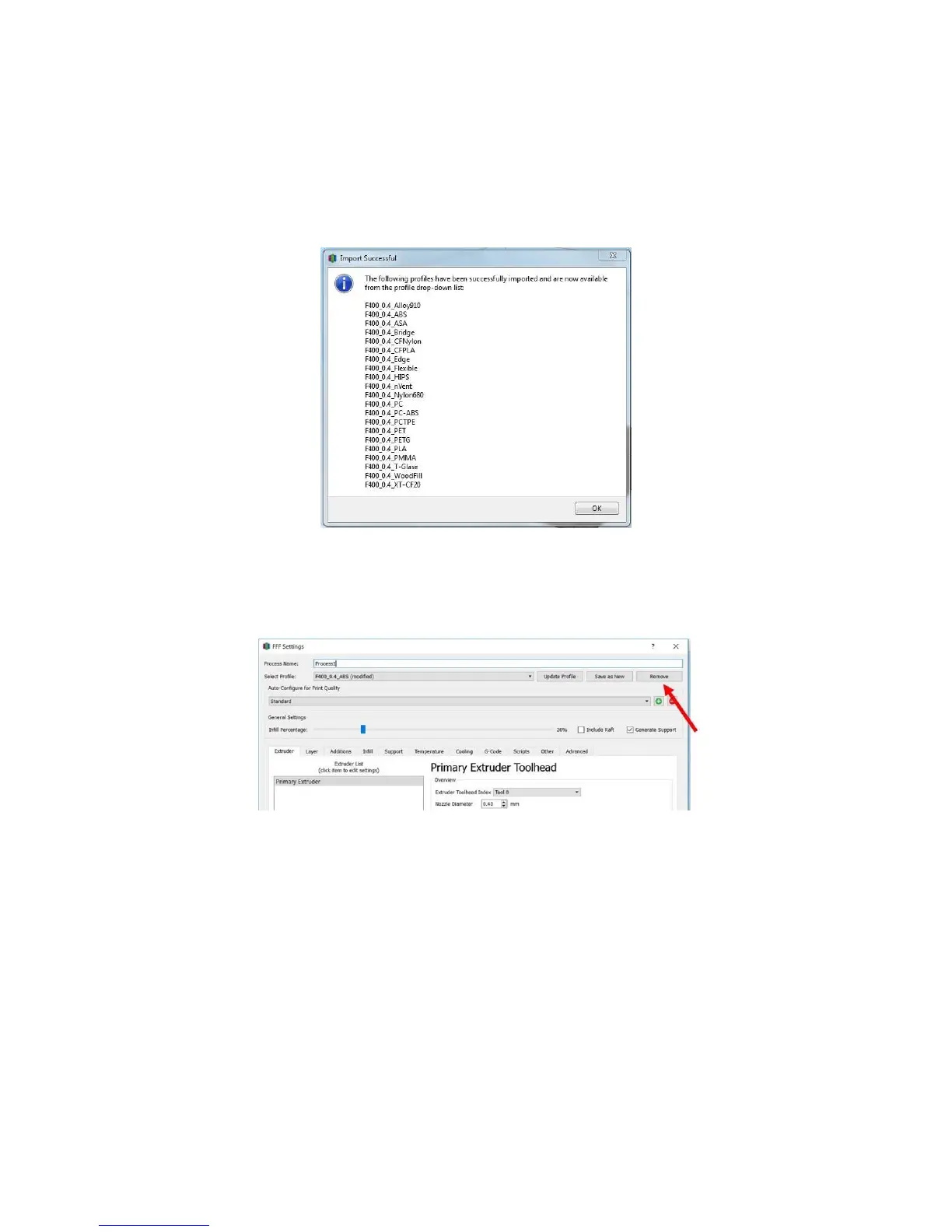
4. Once the profiles are imported, you will get a confirmation message.
7.4.2 Deleting Profiles
1. Add a Process.
2. In the Process Settings dialog box, select the “remove” button in the upper right.
3. In the dialog box that pops up, select one or multiple profiles, the click “ok”. They will be
removed from the list.



 To Next Page