60
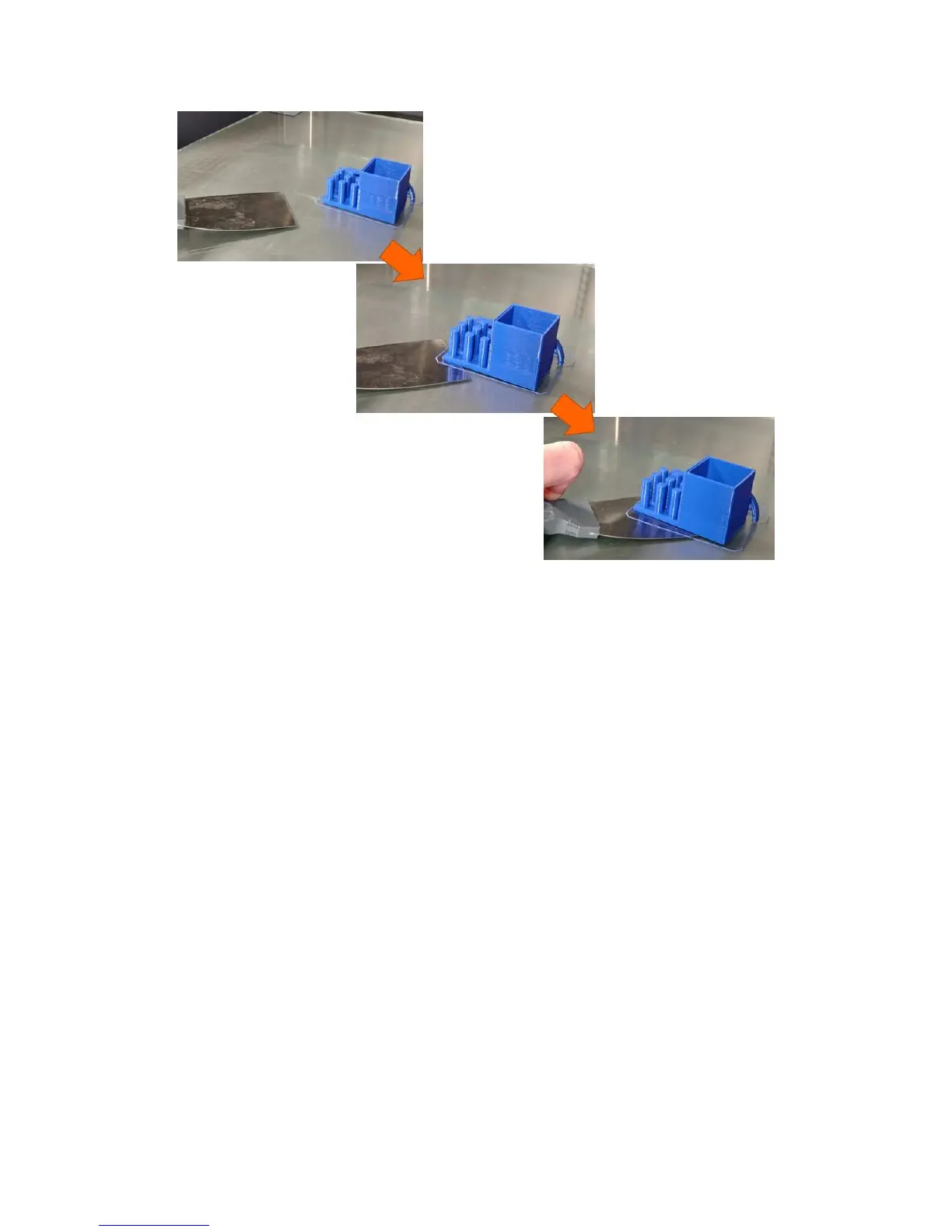
For large PLA parts, you may need to manually heat the bed to 70C in order to soften the bottom layer of
the part. Right as the bed reaches 70C, start to work the part scraper under the part and separate it
from the bed little by little.
10.3.2 ABS
ABS parts will almost always self-release from the bed as the bed cools below approximately 50C.
Sometimes you will hear a popping or cracking noise as they release from the bed. We recommend you
allow ABS parts to self-release vs trying to take them off the bed manually.
10.3.3 Nylons
Nylon parts will not self-release, however since nylon is flexible, it is easy to work these parts off little by
little, much like the technique for large PLA parts (heating the bed is not needed).
10.4 Leveling the Print Bed
10.4.1 System Description
Your F410 has 2 bed leveling systems: a manual leveling system and an automatic system that detects
the level of the bed and compensates for it during a print. While getting the bed exactly level is not
critical to printing on your F410, you will get best results if the bed is level.
Note: when we say “level the bed”, we are not saying the bed must be flat with respect to gravity. We
mean the bed must be level relative to the tip of the print head. That is, for a given z axis height, the gap
between the tip of the print head and the bed must be the same at all points.



 To Next Page