73
10.10 Moving Axes by Hand
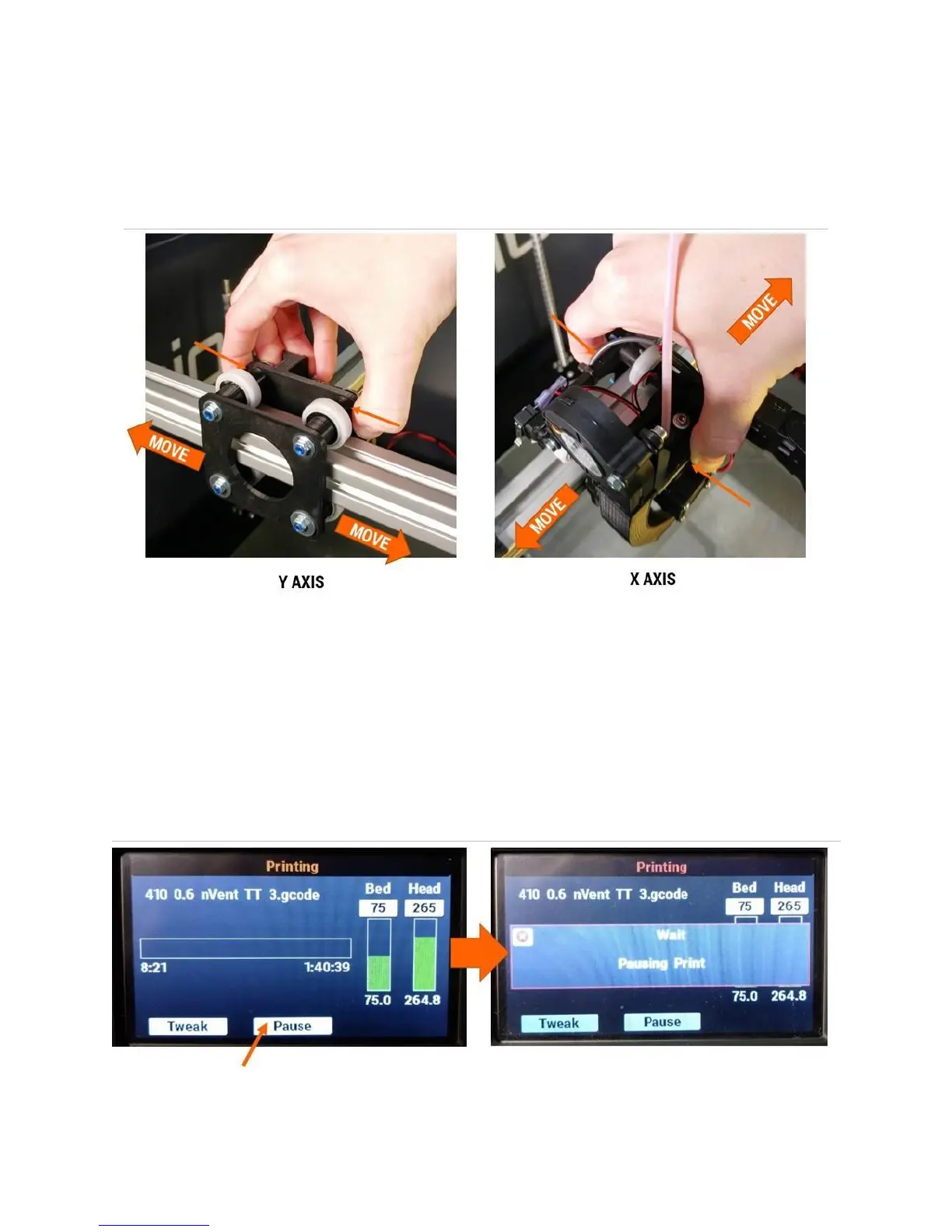
Occasionally you will need to manually move part of the printer by hand. This is safe to do if the printer
is powered on. DO NOT move axes by hand if the printer is powered off. Doing so can cause damage to
the electronics.
10.11 Pausing, Resuming, & Canceling a Print Job
Your F410 allows you to pause, resume, and cancel prints. When certain errors are generated, the print
job will also be paused automatically to give you the opportunity to correct the error and resume the
print.
10.11.1 Pausing a Print Job in Progress
From the print progress screen, select the Pause button. The LCD will display a “wait” message while
the printer flushes its movement queue. This can take 5-15 seconds; the print job will not pause
instantly after you press the Pause button.



 To Next Page