58
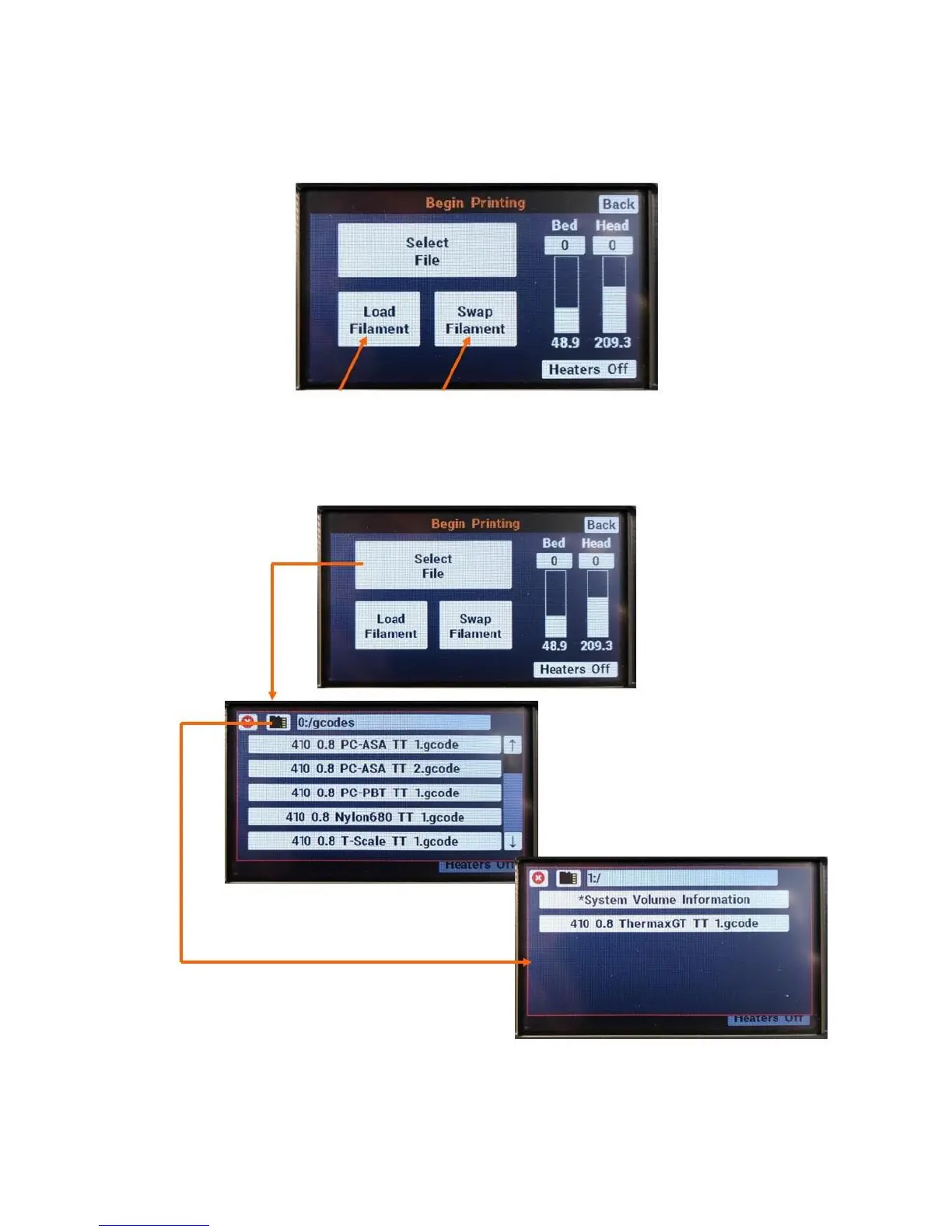
If you need to load or swap filament, do so at this time. Remember that the filament type you load into
the printer must match what you have sliced your file for.
When you’re ready to print, (filament loaded, bed prepped), press “select file”. Navigate to where you
saved your gcode file. Remember you can cycle between cards 0 and 1 with the SD card icon in the top
left corner.
If you have added a file and it’s not showing up, you may need to cycle between cards 0 and 1 for it to
refresh the file list.



 To Next Page