91
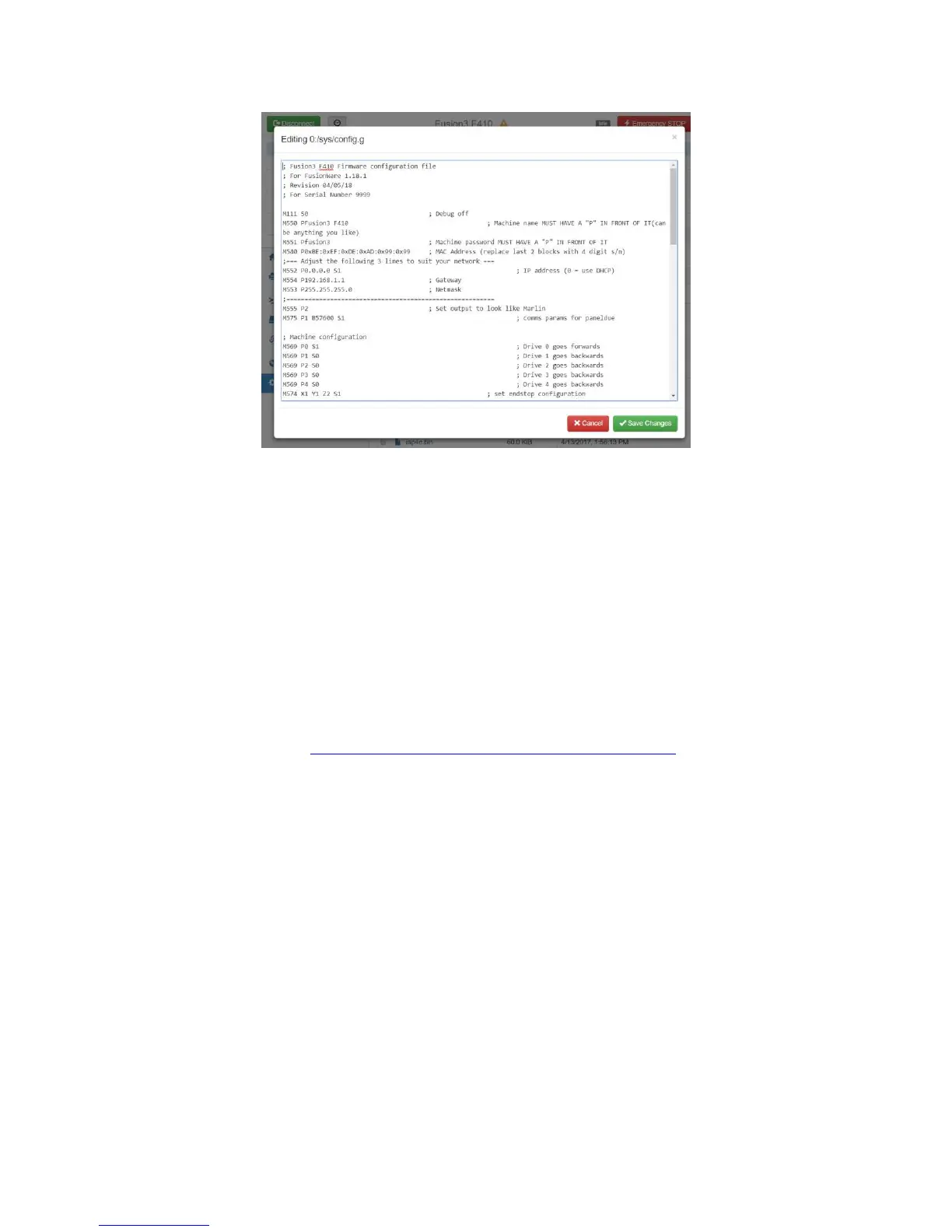
5. When you are done, click “save”. Select “Yes” when it asks you if you want to reboot for changes
to take effect. The web interface will log you off while the printer reboots; this is normal.
12.8.3 Editing Config.g Directly
Note: This approach is not recommended since it requires opening your printer’s electronics bay,
removing the internal SD card, and some text editors may corrupt the file.
1. With your printer powered off, open the electronics bay and remove the internal microSD card.
This is located under the Ethernet port on the front edge of the control board.
2. Insert the microSD card into a full size adapter and insert it into your computer. Navigate to the
/sys/ folder and open config.g.
3. ONLY use the following programs to open this file:
Notepad++ (
https://notepad-plus-plus.org/download/v7.5.6.html)
Wordpad (included in MS windows)
DO NOT use the Notepad program included in Windows or MS Word. These programs
may corrupt the file.
4. Make your changes/edits, then save the file and put the microSD card back in your printer.
Reinstall the electronics bay door.
12.8.4 Changing the Z Probe Offset
The most common parameter you may need to adjust is the probe offset. This value tells your printer
how far away from the bed the tip of the nozzle is when the probe triggers. You might need to adjust
this value if:
You notice your prints, in multiple materials, are consistently too close or too far away from the
bed on their first layer (see section 13.1).
You remove and reinstall the print head
You install a different print head than the one that shipped on your printer



 To Next Page