63
Note: If your bed is very out of level and you are running through this wizard multiple times in a row, DO
NOT tighten all the corner clips on your 2
nd
, 3
rd
, etc runs.
Once the print head is up to temperature, it will clean itself off using the same sequence it uses during
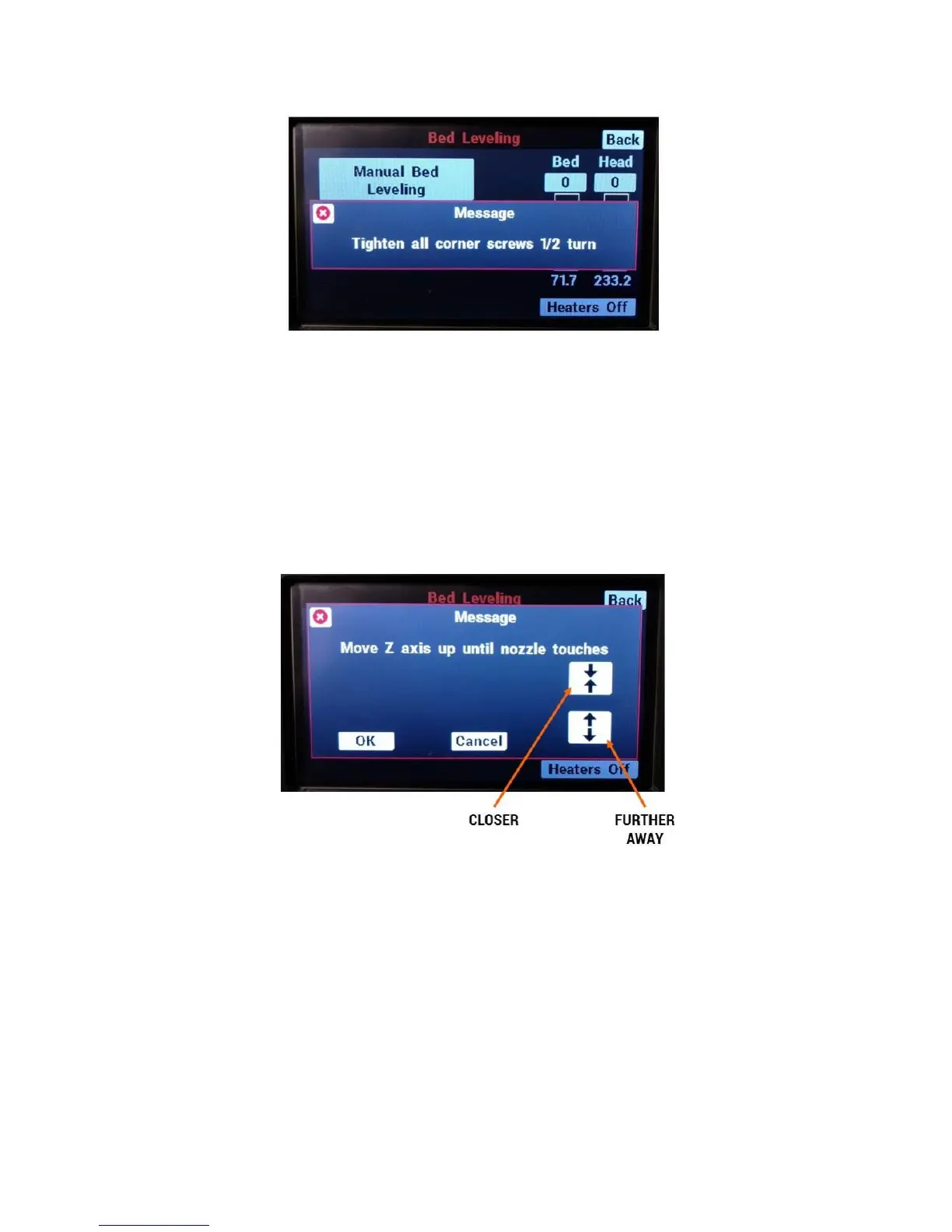
auto bed leveling. The head will then move to the center of the bed and the LCD will instruct you to
move the bed up until there is a very tiny, nearly invisible gap between the tip of the nozzle and the bed.
The two buttons on the LCD are “push and hold”; the longer you hold them the faster the bed will move.
This allows you to easily make small and large adjustments to the height of the bed.
Here at Fusion3 we like to back-light the rear face of the printer to help us see the gap more clearly. See
the image below for an example of this back-lighting and what the gap should look like.



 To Next Page