62
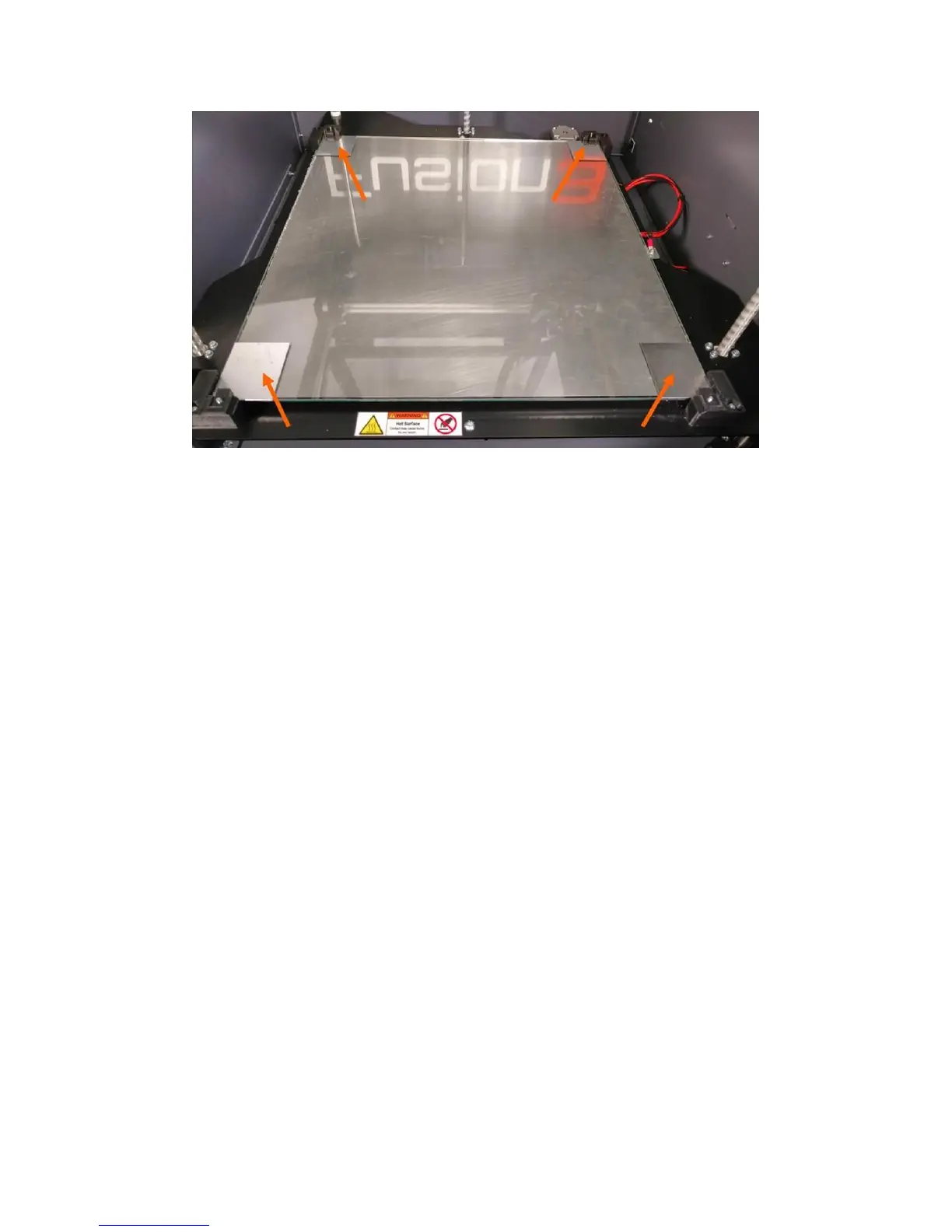
The corners of the bed are supported on springs; this is what allows you to adjust the height of each
corner. The center of the bed is supported on a fixed standoff. It’s important that the height of the bed
is such that the center of the bed is resting firmly on the standoff.
At the beginning of every print, the printer will check the bed level as part of the start sequence. You do
not need to manually trigger the bed leveling procedure.
If you want, or need to trigger the auto bed leveling sequence outside of a print job, you can do so via
the LCD: Maintain Printer > Bed Leveling > Auto Bed Leveling
10.4.2 Manual Leveling
New to the F410, the manual bed leveling process now has a “wizard” assistant that guides you step-by-
step through the leveling process.
Before you begin, make sure the bed is clean of all gluestick and print residue or debris.
You can start this wizard by navigating to: Maintain Printer > Bed Leveling > Manual Bed Level.
The printer will home itself and begin heating the print head for the cleaning step. The bed will rise
about halfway and the LCD will instruct you to tighten each bed corner screw ½ turn.



 To Next Page